Operating Instructions
Page 49
Doc. 15301-RevB (2023-11-24)
Home screen
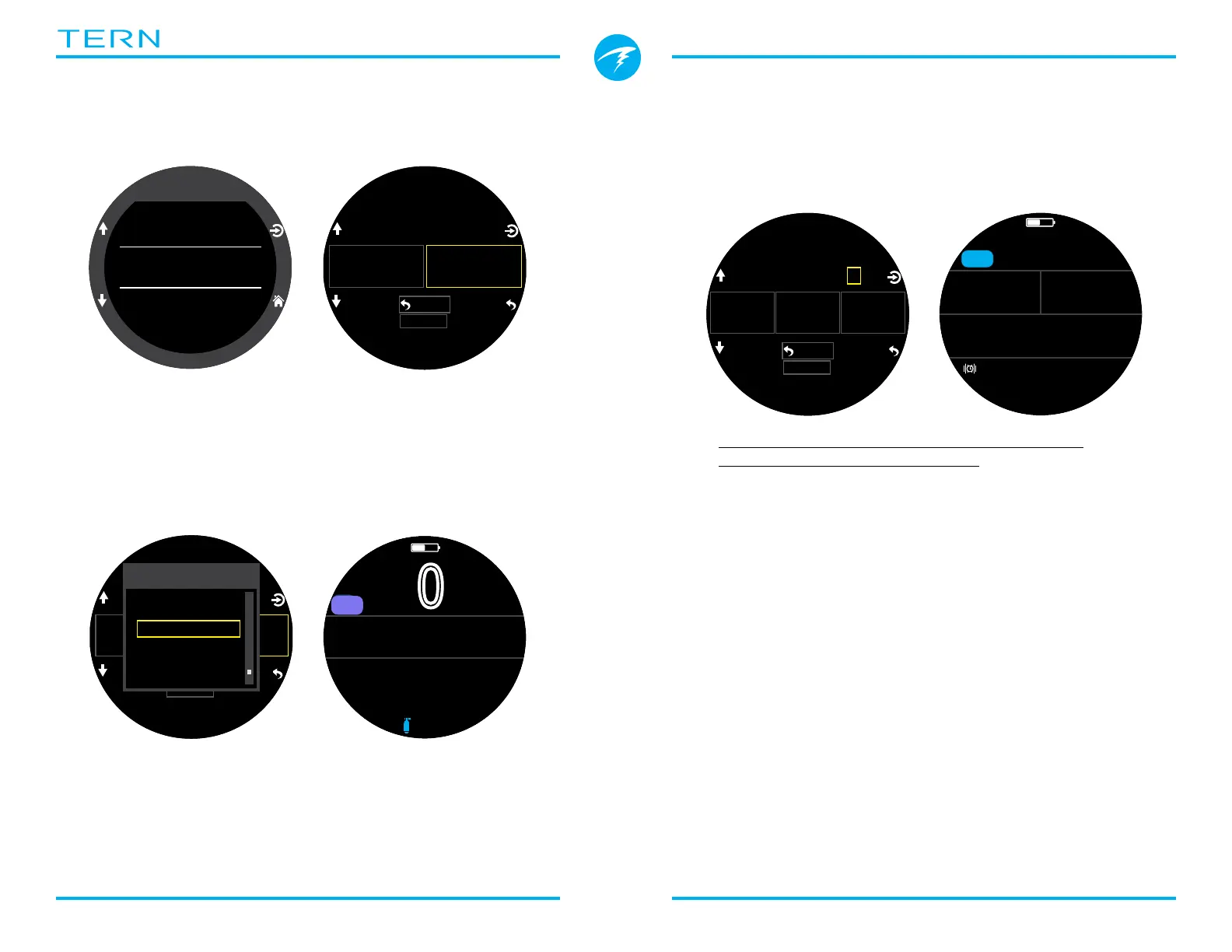
This option is used to customize the Info row on the
Home screen�
The Standard layout allows customization of the
entire first page of the Info row�
Pick the number of elements you would like in the info
row, then proceed to select which information you
would like displayed in each position�
The Big layout allows for customization of the right
info row slot only because the left slot is taken by
NDL which cannot be permanently obscured�
SELECT the right slot to bring up the list of options�
Use the arrows to scroll through the available options�
Press SELECT again to choose an option�
Dive
Layout
Big
Home Screen
FUNC Button
Select Gas
Home Screen
Reset
TTS
NDL
-- --
Back
Home Screen
Reset
TTS
NDL
-- --
Choose Display
t@Max Depth
mBar SURF
Battery %
Temperature
Environment
mBar Now
.0
0
ft
%
mh
342
SURFACE
NDL
--
TEMP
21
�C
OC
AIR
Home Screen
Reset
# Values: 3
�+5
GF99
22
%
Back
0 136
%
SurfGF
m
0
.
0
�+5
0
GF99
22
%
136
%
SurfGF
m
38.7
MAX
NDL
--
OC
3Nx
SURFACE
mh
3412
OC
3Nx
A complete list of Home Screen Customization
options can be found on page 20�
Top-Right Disp
The right Deco row slot of the standard layout can
also be customized like the Info row Home Screen�
All of the same customization options are available for
this location�



 To Next Page