Operating Instructions
Page 29
Doc. 15301-RevB (2023-11-24)
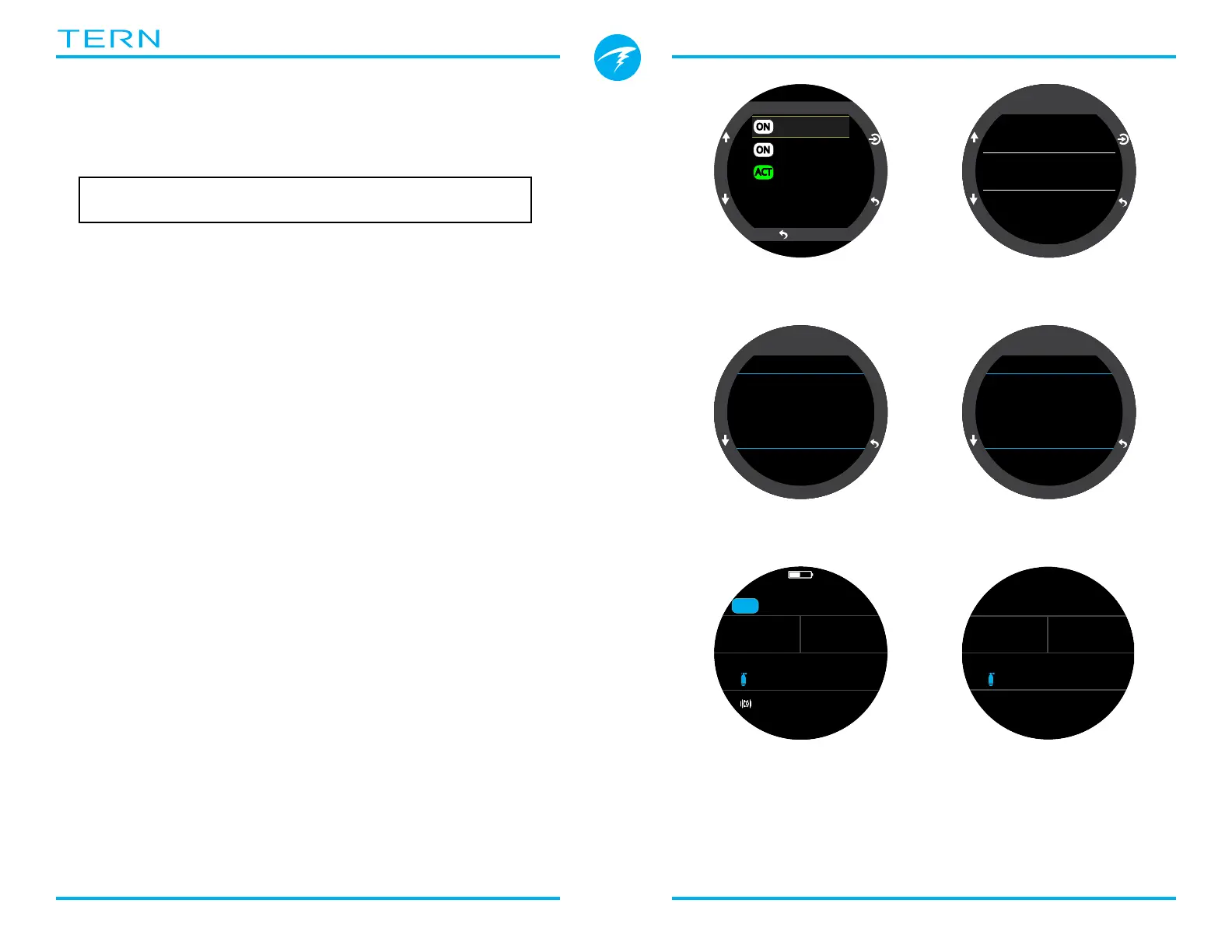
6.2. 3 GasNx mode Example
This is an example of displays that might be seen on a
multi-gas decompression dive in 3GasNX Mode�
Max Depth: 40 meters Bottom Gas: 21% O
2
Bottom Time: 20 minutes Deco Gas: 50% O
2
, 99% O
2
1� Gas Setup - Best practices include checking your
gas list before each dive� This screen is available in the
Nitrox Gases section of the System Setup menu� All
gases that are turned on will be used to calculate the
decompression schedule� Turn off gases you are not
carrying� Note that the MOD displayed on this screen
will only impact the bottom gas (21% O2)� Deco gases
are governed by Deco PPO2�
2� Verify Decompression Settings - It is also prudent
to ensure all other settings are correct before
starting every dive� In addition to checking gases, we
recommend verifying values in the Deco Setup menu�
3� Plan Dive - Use the decompression planner found in
Dive Setup to check the total runtime, decompression
scheduled and gas requirements for the dive with
current settings�
The on-board deco planner is limited in functionality,
so for complex dives we recommend using desktop or
smartphone dive planning software�
4� Pre-Dive - Prior to beginning the dive we can see
the active gas is currently set to 21% Nitrox and our
battery is about half charged�
5� Descent - As we descend our dive time begins
counting and our NDL changes from zero to 99�
(Continued on next page)
1�OC Gas Setup
ON
Edit Gases
50%
99%
21%
ACT
ON
Back
00
0:
Deco
Deco Model
ZHL16C+GF
GF Conserv.
High 45/80
Last Stop
3 m
2�Verify Deco
Settings
m
0
.
0
NDL
--
O2
21
%
PPO2
.21
TTS
3Nx
SURFACE
mh
3412
--
4� Pre-Dive
DECO
OC
bot 20
40 21%
asc 22
21 21%
asc 23
12 50%
1 24
21 50%
Stp Tme
GasRun
3�Plan Dive -
Deco Scheduled
Stp Tme
GasRun
DECO
OC
Gas Usage (L)
99% 118
50% 92
21% 1432
m
4
.
6
O2
21
%
NDL
99 1
PPO2
.31
0
56
:
TTS
5� Descent
3�Plan Dive -
Gas Requirement



 To Next Page