Operating Instructions
Page 33
Doc. 15301-RevB (2023-11-24)
7.2. Freediving Info Screens
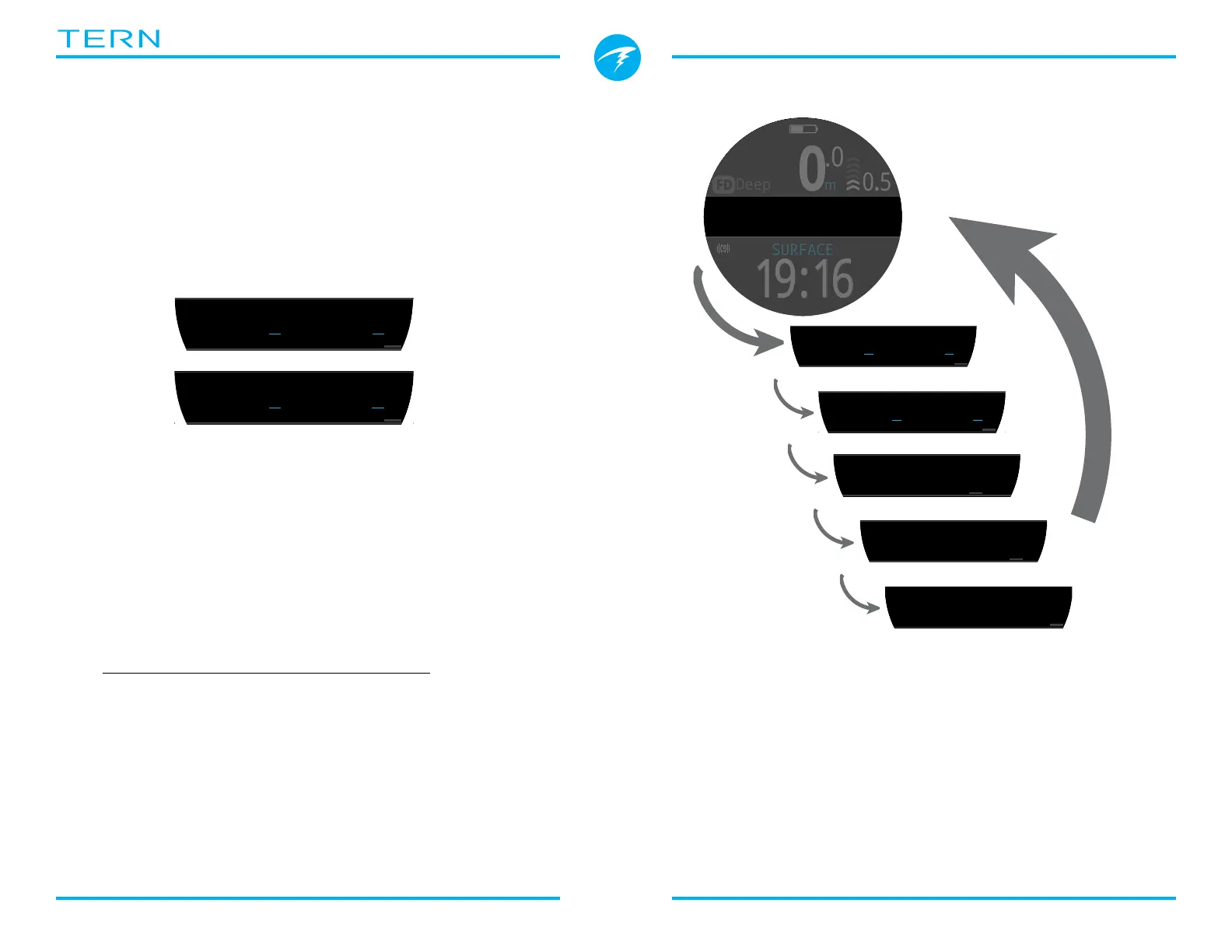
Freedive Mode has a unique info screen sequence
which can be seen on the right�
Max and average descent and ascent screens are only
available in freediving mode (in either fps or mps)�
These values can also be added to the home screen in
Freedive Mode�
.0
0
m
MAX 16.2m
0:00
LD 1:01
STOPWATCH
SURFACE
Deep
19:16
FD
0.5
%
�C
mBar SURF
1013
mBar NOW
4943
m
min
SURFACE
JUN-02
m
s
m
s
m
s
m
s
m
s
m
s
ft
s
ft
s
7.3. Freediving Sets
A freedive set is a collection of settings customized
for a specific type of freediving�
The Tern supports 3 independently customizable
sets� For each set, the user can customize the alerts
activated during a dive as well as a handful of settings
that will often change between activities� Fresh water
in a pool vs salt water in the ocean for example�
See how to Edit Freedive Sets on page 45�
Freedive Mode info screen sequence:
Press the INFO button
(bottom right), to step
through Info Screens
Return to Main Screen by:
•Pressing MENU button
•Stepping past last screen
•Waiting 10 Seconds



 To Next Page