Operating Instructions
Page 45
Doc. 15301-RevB (2023-11-24)
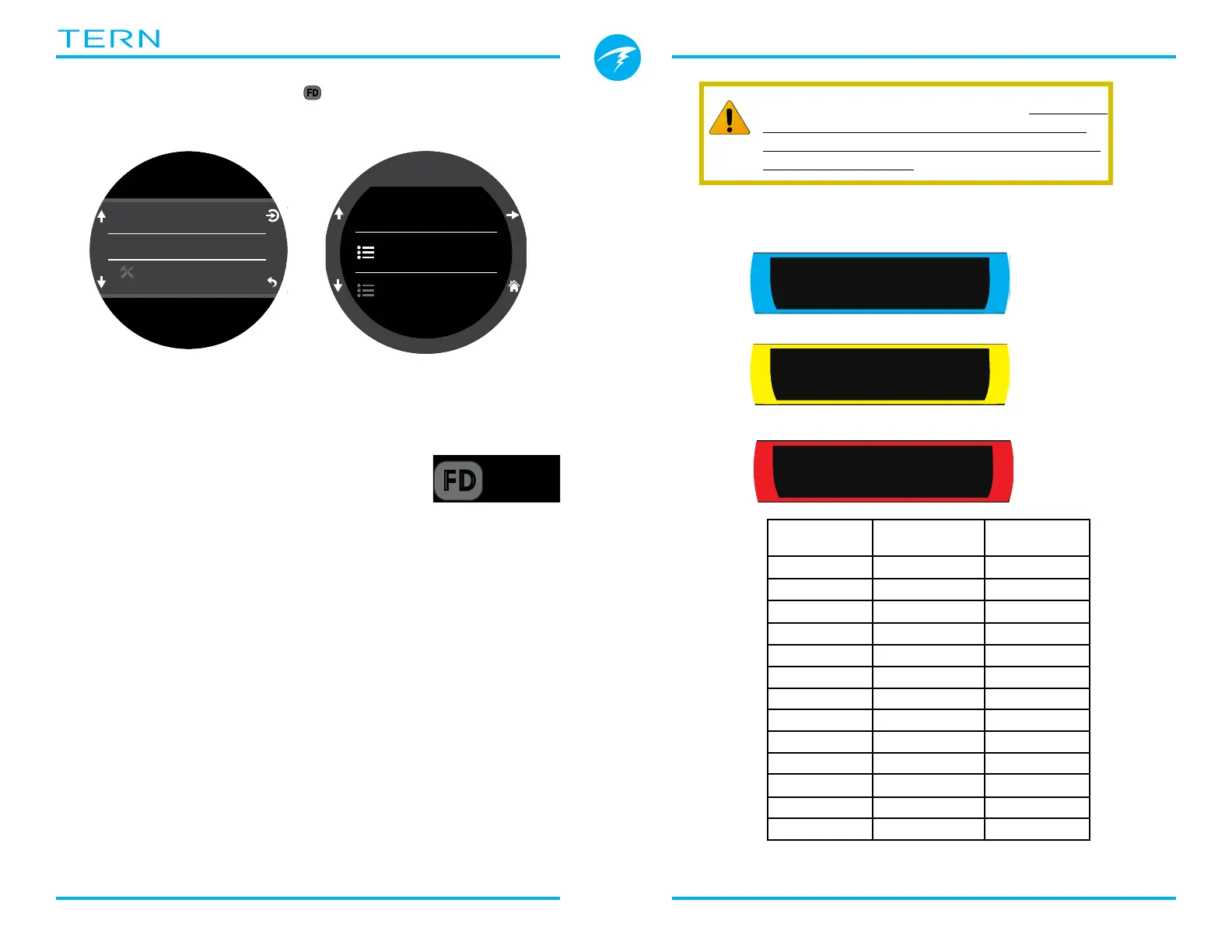
Freediving alert types:
Info - Appears in blue�
Warning - Appears in yellow�
Danger - Appears in Red
Edit Freedive (FD) Set
Use this menu item to edit the current freedive set�
OC
BO
CC
FD
m
30
.
4
O2/He
10/50
DECO
2
m
min
42
33
:
98
1.3
TTS
Change FD Set
Edit FD Set
Dive Tools
Set 1
Alerts
Name
Settings
Deep
A freedive set is a collection of settings customized
for a specific type of freediving�
Name
Allows the user to rename the freediving
set� A FD Set Name can be up to four
characters in length and appears next to
the Freediving mode indicator when at
the surface�
Default freediving sets are:
• Deep
• Pool
• Repetitive (Rep�)
Freediving Alerts
The freediving alert settings for the current Freedive
Set can be defined here�
Freediving alerts are triggered by depth or time�
All Freediving alerts appear on the screen for 4
seconds or until they are cleared� Additionally
each alert can have a custom vibration notification
assigned to them�
.0
0
ft
MAX
ft
103.6 4:57
STOPWATCH
SURFACE
Deep
19:16
FD
Regularly test your alerts with the Test Alert
tool described on page 36 to ensure they
are working and you can feel them through
your exposure suit�
Freediving
Alert
Trigger
Condition
Alert Type
Notify 1 Depth Info
Notify 2 Depth Info
Warn Depth Depth Caution
Max Depth� Depth Danger
Asc� Notify Depth Info
Notify Time Time Info
Warn Time Time Caution
Max Time Time Danger
Surf Time 1 Time Info
Surf Time 2 Time Info
Depth Repeat Depth Info
Time Repeat Time Info
Surf Repeat Time Info
ft
103.6 4:57
STOPWATCH
SURFACE
Deep
19:16
FD
C
L
E
A
R
Info
Warn Time
ft
103.6 4:57
STOPWATCH
SURFACE
Deep
19:16
FD
C
L
E
A
R
Info
Notify Time
ft
103.6 4:57
STOPWATCH
SURFACE
Deep
19:16
FD
C
L
E
A
R
INFO
Notify Time



 To Next Page