Operating Instructions
Page 46
Doc. 15301-RevB (2023-11-24)
Set Settings
Water Type
Salt or fresh water� This setting affects depth readings
because salt water is more dense�
Start Depth
The depth threshold for beginning a dive�
End Depth
The depth threshold for ending a dive�
Start Delay
The amount of time after crossing the start depth
threshold before a dive is begun� Once a dive does
begin, the length of the delay is added to the dive
time to maintain accuracy�
End Delay
The amount of time after crossing the end depth
threshold before a dive ends� Once a dive ends, the
length of the delay is subtracted from the dive time to
maintain accuracy�
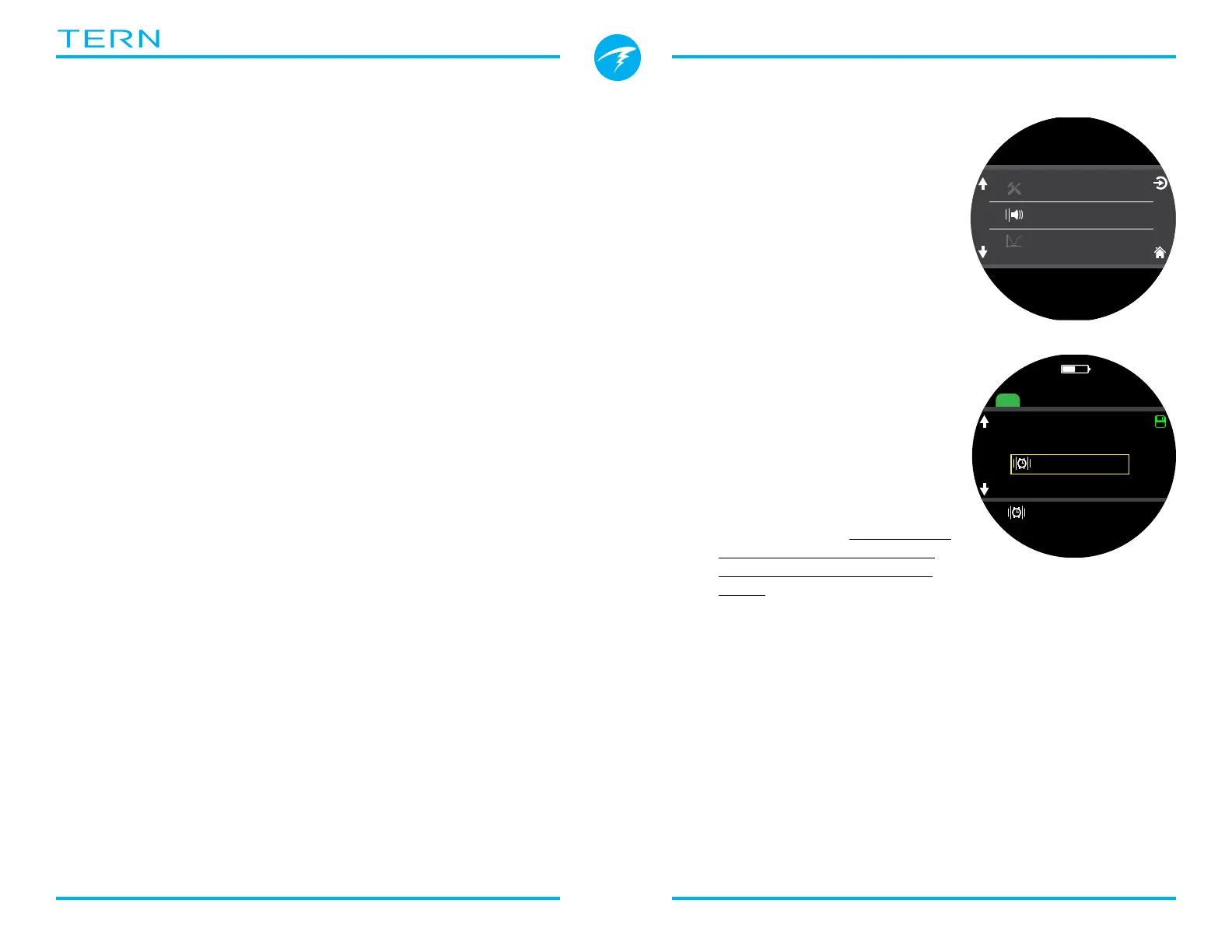
Alerts
Available in all modes both at
the surface and while diving�
Use this menu to set how the
Tern will notify the user of an
alert�
There are 2 modes:
• Silent Mode (no alerts)
• Vibrate
The current alert notification
setting icon is shown next to
“Alerts” in the main menu�
This setting is an override that
applies to alerts in every dive
mode�
The way dive events and
warnings are communicated
can be set up independently for
each dive mode� See the Dive
Settings “Alerts” section on
page 51 to customize these
alerts�
Note: timers, and alarms have
their own notification settings
for each individual timer/alarm
and are not impacted by this
setting�
m
30
.
4
O2/He
10/50
DECO
2
m
min
42
33
:
98
1.3
TTS
P
S
I
DECO
20 2 14
T1
1850
O2/He
21/00
ft min
TTS
ft
mh
342
SURFACE
OC
Nx
SURFACE
NDL TTS
----
FD
Alerts
.
0
✘
Silent Mode
Vibrate



 To Next Page