Operating Instructions
Page 47
Doc. 15301-RevB (2023-11-24)
Bluetooth
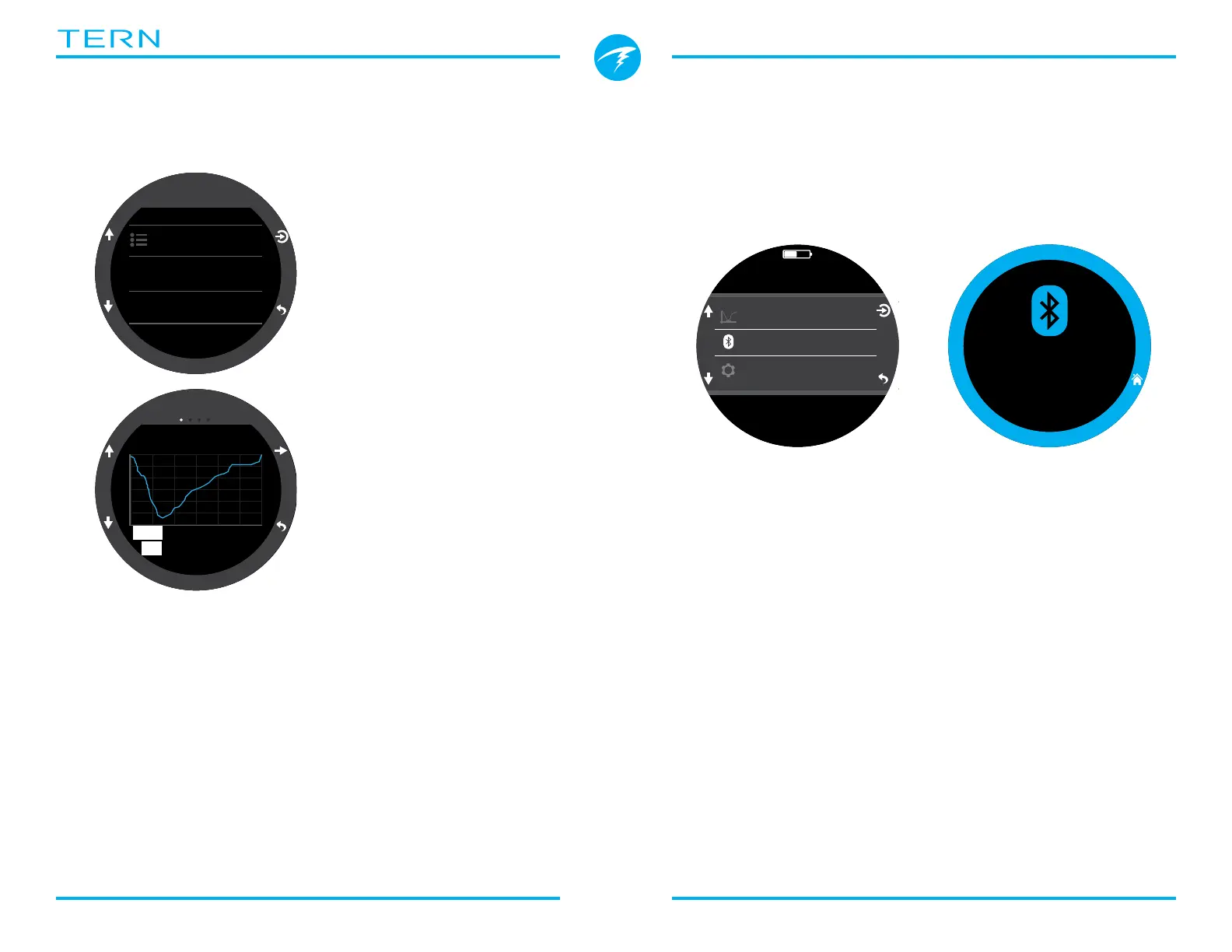
Bluetooth is used for both firmware uploading and
dive log downloading�
Use this option to initialize Bluetooth on your dive
computer�
Log
The on-board log can store about 400 hours of dive
logs at the default 10 second log rate of the computer
in OC Rec mode�
Scroll up and down on the
first page of the log to see
a list of all of your dives�
Select a dive (Top right
button) to pan through
dive detail screens�
Scroll up and down inside
the dive detail screens to
change the dive�
Log contents:
• Dive Number
• Dive Date and Time
• Max Depth
• Average Depth
• Dive Time
• Temperature Graph
• Dive Mode
• Surface interval
• Surface pressure
• Deco Settings
• Start & end CNS
Log Options
The Log options menu allows you to set the next log
number to match your lifetime dive count�
From here you can also delete and restore deleted
logs�
Wait Connect
2 : 50
43m 56min
LOG
#35 MAY-25
Log Options
#34 MAY-22
28m 25min
#35
14m
DEPTH
MAY-25
14:58
MAX28m
AV
25min
m
0
.
0
O2/He
10/50
DECO
2
m
min
98
1.3
TTS
SURFACE
mh
1314
Off
The “Off” item puts the computer to sleep� While
sleeping, the screen is blank, but the tissue contents
are maintained for repetitive diving�
The “Off” menu item will not appear during a dive in
any mode� It will also not appear after a dive until the
dive End Dive Delay Time has expired or the dive has
been ended manually to allow for a continuation dive�
End Dive
The “End Dive” menu item allows you to manually end
the dive before the End Dive Delay has expire� This
is useful if you have set a particularly long End Dive
Delay and want to access the surface only features of
the Tern quickly following a dive�



 To Next Page