Operating Instructions
Page 39
Doc. 15301-RevB (2023-11-24)
9. Watch Mode
In Watch Mode, the Tern’s screen will always remain on
for ease of use�
The Tern can be configured to automatically turn off to
preserve battery either if it detects no motion, or if it
detects no button presses�
For more information about timeout options, see
Timeouts on page 56�
9.2. Watch Tools
All of the basic watch
features can be found in the
Watch Tools menu�
The watch tools can be
accessed from the main
menu in Watch Mode�
This section covers the
details of the watch tools�
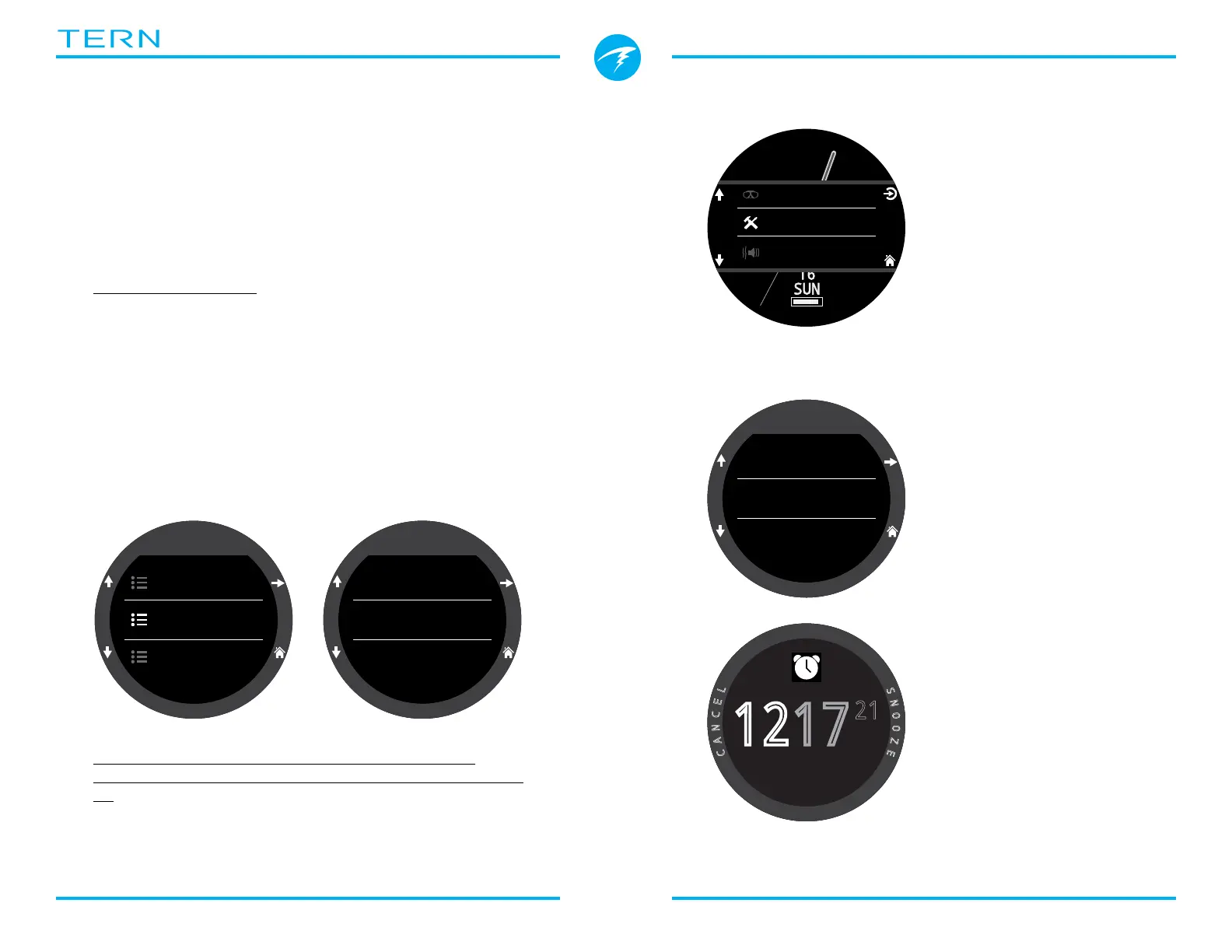
Alarms
Two independent alarms can be set�
Each alarm can be
scheduled to go off:
• Once
• Everyday
• Weekdays
• Weekends
Each alarm has 4
notification options:
• Vibrating
• Visual Only
Alarms do not share
notification settings with
dive mode alerts
When an alarm is triggered,
press either left button to
cancel the alarm or either
right button to snooze the
alarm�
Snooze duration can be set in the Alarms Menu�
Settings
Watch
Display
General
Watch
12-hour
Time Format
11:59 PM
Time
2021-JUN-21
Date
Dive
Watch Tools
Alerts
Alarm 1
C
A
N
C
E
L
S
N
O
O
Z
E
1217
21
PM
Alarm 1
On
Alarm 1
12:17 PM
Time
Everyday
Days
9.1. Date And Time
On the Tern, the date, time and other watch settings
can be set in the Settings > Watch menu�
Details about Watch settings can be found in the
Watch section of the Settings Menu Reference on page
57�
Editing time resets stopwatch and timers� Alarms are
not affected�



 To Next Page