Operating Instructions
Page 40
Doc. 15301-RevB (2023-11-24)
Timer
The Tern’s timer can be edited to count down up to 10
hours�
Press EDIT (bottom left button) to modify the
countdown length, or the notification type�
The countdown time and notification setting for the
timer are shown in gray at the bottom of the timer
screen�
Press the “+1” to add 1 minute to the countdown�
Press any button to Dismiss the DONE Notification�
The timer will run in the background and the DONE
notification will sound even if the watch is “turned
off”�
Timer
S
T
O
P
+
1
R
E
S
E
T
8:55
0:10:00+01
h mm ss
Timer
Beep+Vib
0:10:00
✘
Timer
S
T
A
R
T
E
D
I
T
R
E
S
E
T
10:00
0:10:00
Timer Before Start Edit Timer
Timer Running
Timer
D
I
S
M
I
S
S
D
I
S
M
I
S
S
0:10:00
DONE
Timer DONE
Stopwatch
The Stopwatch is universal throughout the Tern� A
stopwatch started in Watch Mode will continue in any
diving mode until it is stopped�
The stopwatch appears on the home screen by default
in gauge and Freedive Mode, but any dive mode can
be customized to include it�
The stopwatch has a 10 millisecond resolution and will
run for up to 24 hours in the background, even if the
Tern is “turned off”�
When non-zero, the stopwatch can be reset� If running
when reset, it continues running, counting up again
from 0� If stopped when reset, then it is set to 0 and
remains stopped�
STOPWATCH
S
T
O
P
R
E
S
E
T
7:33
STOPWATCH
S
T
A
R
T
R
E
S
E
T
7:33
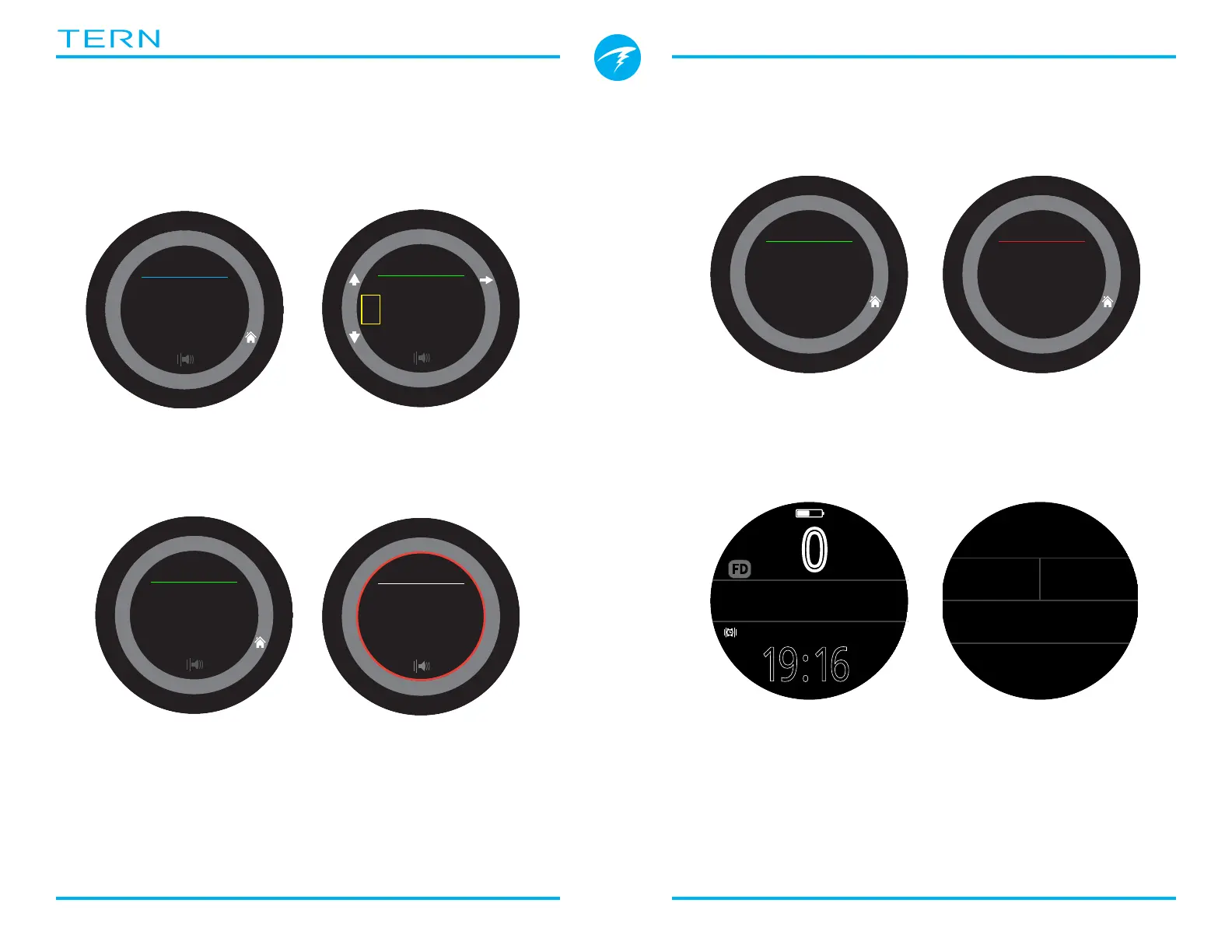
While running, the word
“Stopwatch” appears in Green�
When stopped, the word
“Stopwatch” appears in Red�
.0
0
m
MAX
m
32.6 4:57
STOPWATCH
SURFACE
Deep
19:16
FD
Stopwatch appears by default
in freediving and gauge mode�
Stopwatch can be added to
home screen in any mode�
m
32
.
9
2:46
STOPWATCH
6 6
m min
DECO
23
19
:
TTS
21
MAX
m
38.2



 To Next Page