Operating Instructions
Page 48
Doc. 15301-RevB (2023-11-24)
11. Settings Reference
The Settings menu can be
accessed from the Tern’s main
menu when at the surface�
Dive Mode
There are 5 available dive
modes:
• AIR
• Nitrox
• 3 GasNX
• Gauge
• Freedive
When changing to or from Gauge or Freedive Mode,
the decompression tissues are cleared� This is because
when in these modes the Tern does not know what
gas you are breathing, and therefore cannot track
inert gas loading� Plan repetitive dives accordingly�
For more information on which mode to choose, see
Dive Mode Differentiation on page 9�
Layout
The Layout menu item in the dive settings menu is
used to select between the 2 available layouts: Big &
Standard�
m
0
.
0
O2/He
10/50
DECO
2
m
min
98
1.3
TTS
SURFACE
mh
1314
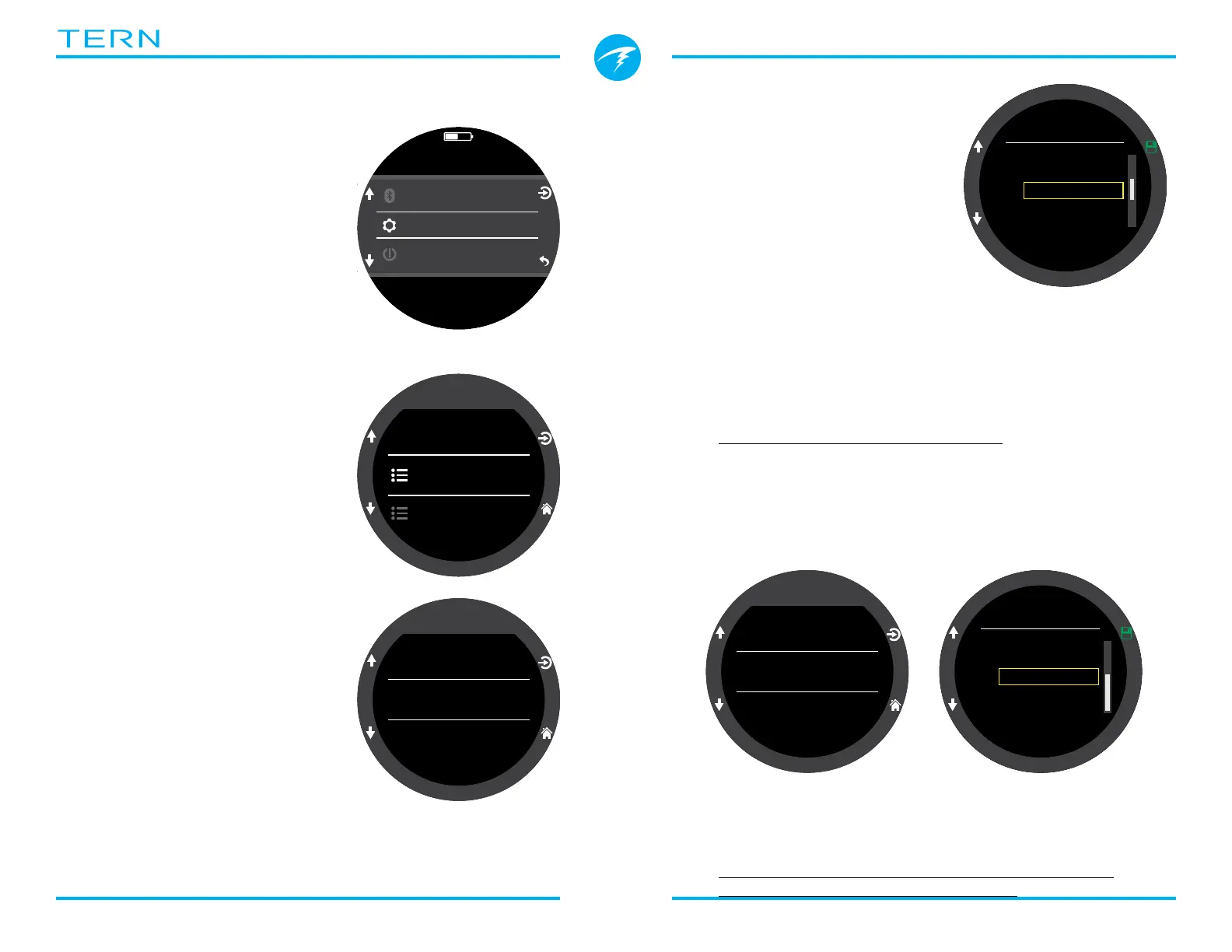
11.1. Dive Settings Menu
The first menu item within
the settings menu is the Dive
Settings Menu� This menu item
also conveniently shows the
current dive mode in gray�
All of the settings in the Dive
Settings Menu are isolated to the
Dive Mode in which they were
set�
So, if you customize your layout,
home screen, and function button
for AIR mode, then switch to 3
GasNX, when you switch back,
your original Air mode settings
will be preserved�
Settings
Dive|Air
Deco|40/85
Dive
Dive Mode
Home Screen
Air
Layout
Big
4
4
4
Dive Mode
3 GasNx
Nitrox
Gauge
Freedive
Air
✘
Dive
Dive Mode
Home Screen
Air
Layout
Big
4
4
4
Layout
Big
Standard
✘
Like all of the other settings in the dive settings menu,
this option is isolated to the dive mode in which it was
set�
See the Main Screen Layout section on page 10 for
details about the different dive modes�



 To Next Page