Operating Instructions
Page 13
Doc. 15301-RevB (2023-11-24)
The Info row in the Standard layout can be
customized with one two or three pieces of custom
information�
The Info Row
The Info row is the center row in the Big layout
and the third row in the Standard layout� Info row
information is customizable� See Home Screen
Customization on page 20 for details�
In the Big layout, the Info row shows decompression
information as described in The Deco Row section on
page 12� Maximum depth is the default value in
the right position� Only the right position value can be
customized in the Big layout�
%
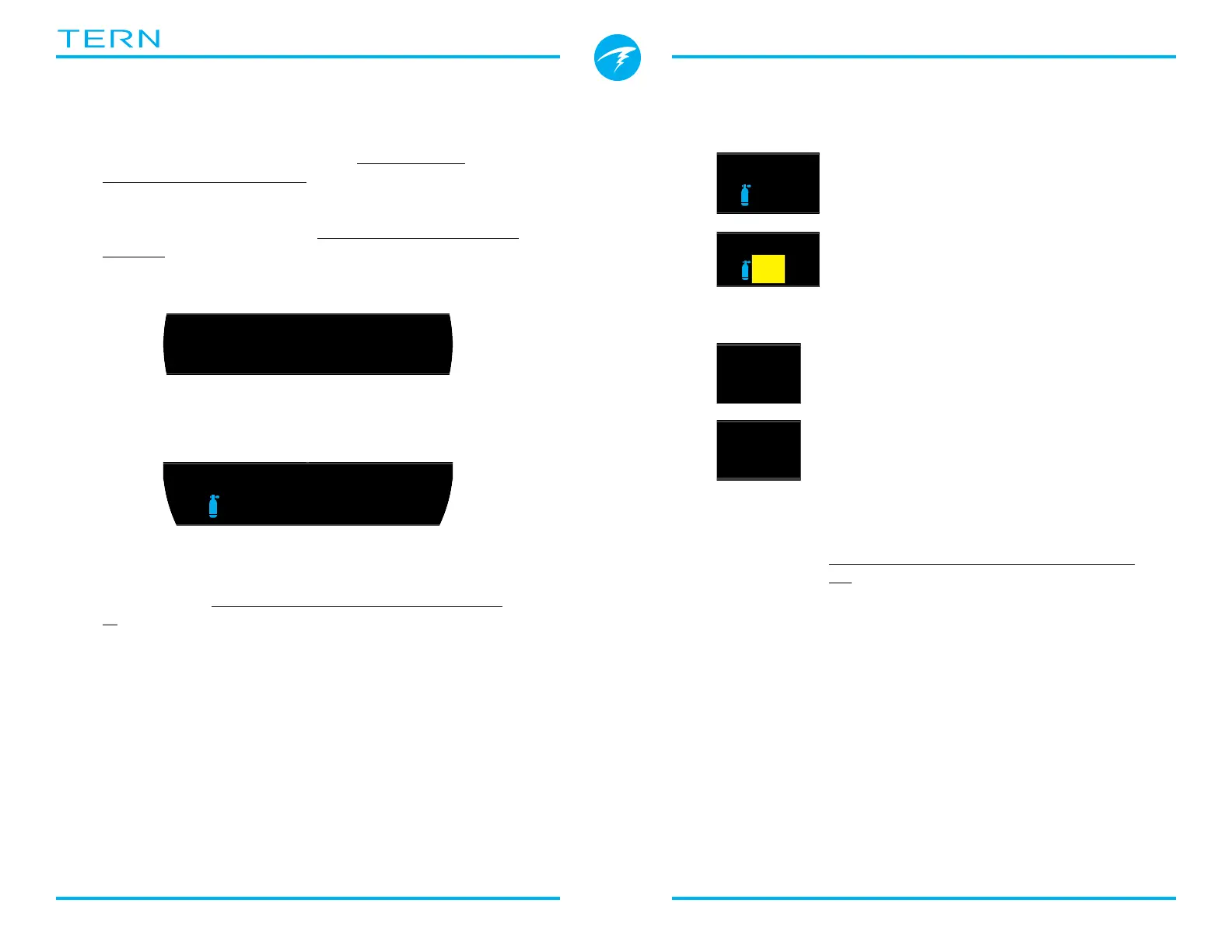
Default Info row in Standard layout
Active Gas
By default, the left position in the Standard layout
shows the currently selected breathing gas�
The percentage of oxygen in the
breathing gas is displayed�
The active gas will display in yellow if a
better gas is available� (3 GasNx mode
only)
Partial Pressure of Oxygen (PPO2)
The default in the right position is
partial pressure of oxygen� This is the
fraction of oxygen in the breathing gas
multiplied by the ambient pressure in
atmospheres� Note that it is normal for
PPO2 to be below 0�21 when above sea
level at the surface�
PPO2 displays in Flashing Red when
outside customizable PPO2 limits�
Read more about PPO2 Limits on page
52�
%
%
ft
125
.
6
MODCNS
%
11
m
min
PPO2
1.0257
TTS
OC
SURFACE
mh
3412
NDL
MODCNS
%
11
m
min
PPO2
1.71271
SURFACE
42
:
18
.0
60
ft
21
%
NDL MAX
m
31.6
15
22
OC Rec
!
Default Info row in Big layout
Pressing the info (bottom right) button will scroll
through info screens and show additional information
during a dive� See the Info Screens section on page
15 for details�



 To Next Page