Operating Instructions
Page 43
Doc. 15301-RevB (2023-11-24)
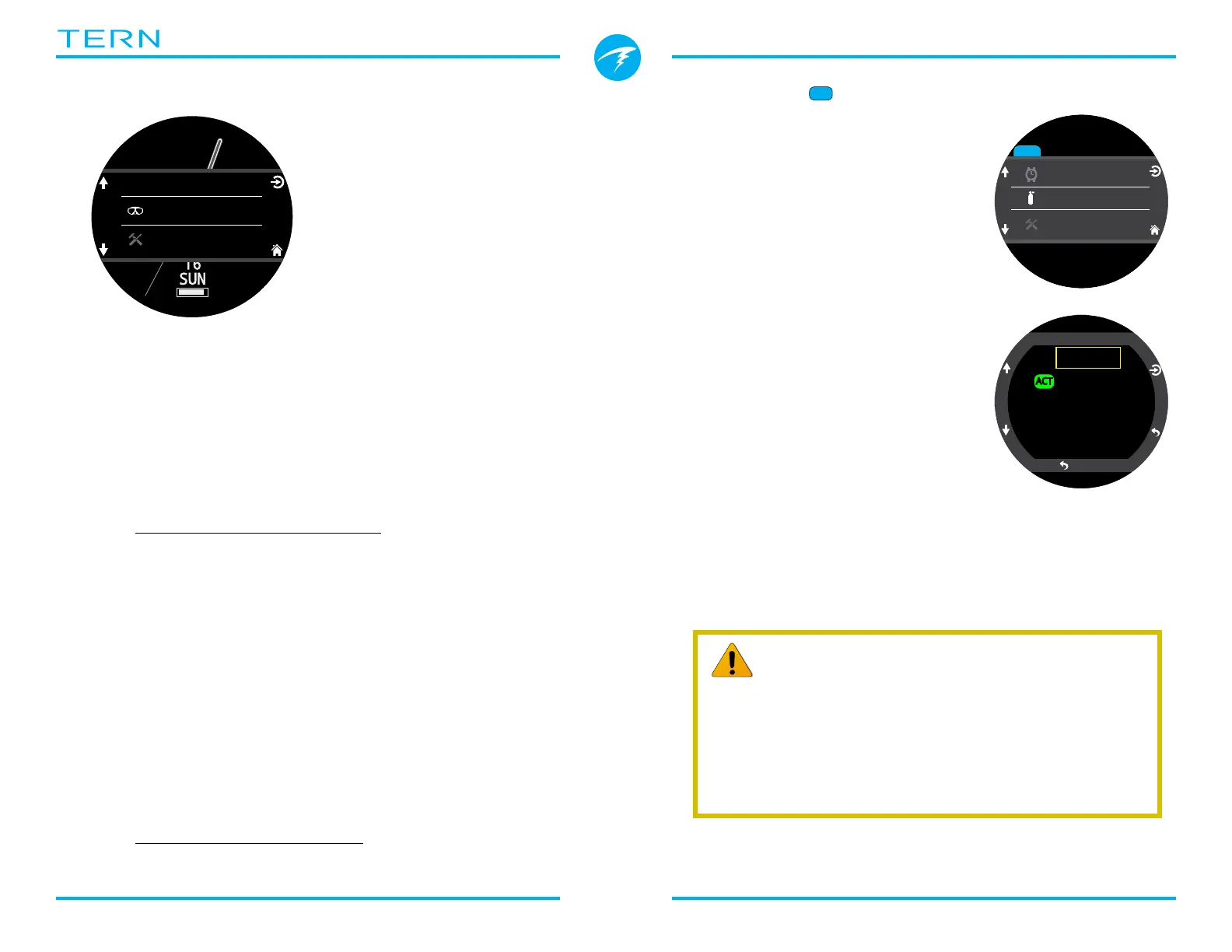
Dive / Watch
Toggles between the
selected Dive Mode and
Watch Mode�
Only available at the
surface�
Watch Tools
Only available in Watch Mode�
All of the basic watch features including:
• Alarms
• Timer
• Stopwatch
• Flashlight
• Watch Face Selection
See Watch Tools details on page 39�
Dive Tools
Available in all dive modes both at the surface and
during a dive�
Dive tools include:
• Stopwatch
• Tag Log
• Dive Plan
• NDL Plan
• Reset Average Depth
• Test Alerts
Not all tools are available in every mode� For example
the dive planners are not available in Freedive Mode�
See Dive Tools details on page 37�
Dive
Watch Tools
Select Gas
This menu item allows you to pick
a gas from the gases you have
created in 3GasNx mode�
Gases are always sorted from most
to least oxygen content�
Scroll up and down to select the
desired diluent/gas, then press
the SELECT button to select that
diluent/gas�
An ‘ACT’ symbol will appear next to
the currently active gas�
A gas that is off will be shown in
Magenta, but can still be selected� It
will be turned on automatically if it
is selected�
Gases that are programmed but turned off are not
used in decompression calculations during a dive or in
the dive planner�
Select Gas
21/00
50/00
14/55
ACT
Back
44
42:
m
30
.
4
O2/He
10/50
DECO
2
m
min
42
33
:
98
1.3
TTS
3Nx
Watch
Gases will not turn off automatically
Selecting a new gas will turn that gas on if it is o, but gases
will never turn o automatically.
It is important to turn o all gases you are not carrying and
plan to use on the dive in the Edit Gas menu to ensure you
receive accurate decompression information.



 To Next Page