Shure Incorporated
11/101
(flashing) +
Power
LED green
(flashing)
RF/
Wireless
Audio
Off No connection or set to RF mute
Green
Wireless channel secured and RF/wireless audio connected for 1 or more de
vices
Amber Wireless channel selection in progress
Green/ red (flashing) Detecting wireless interference
Green (flashing) +
Power LED green (flash
ing) + Network Audio
LED green (flashing)
Simultaneous LEDs: Device identify from the software is in progress
Alternating LEDs: Firmware update is in progress
Access Point Menu
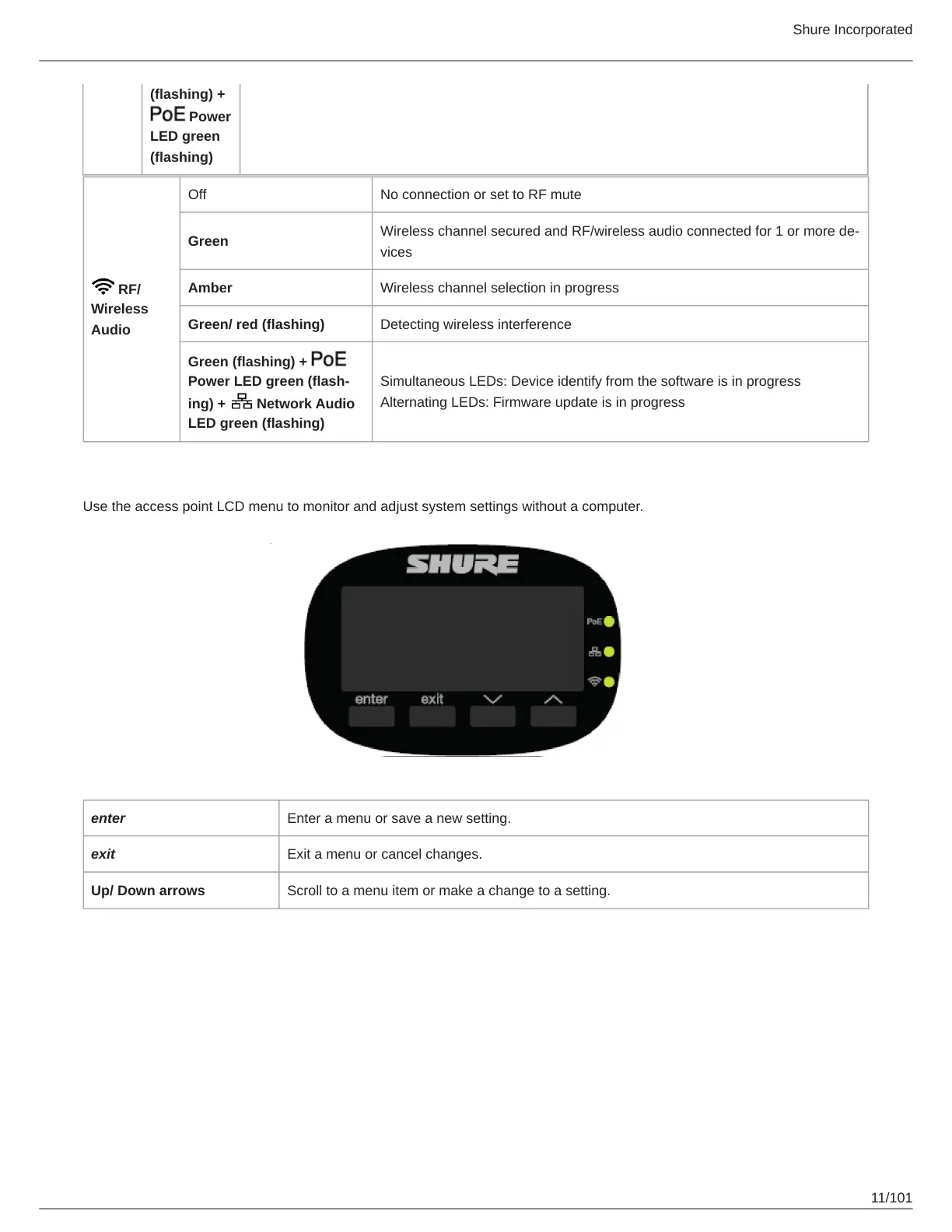
Use the access point LCD menu to monitor and adjust system settings without a computer.
enter Enter a menu or save a new setting.
exit Exit a menu or cancel changes.
Up/ Down arrows Scroll to a menu item or make a change to a setting.



 To Next Page