Shure Incorporated
63/101
1.
◦
◦
2.
◦
◦
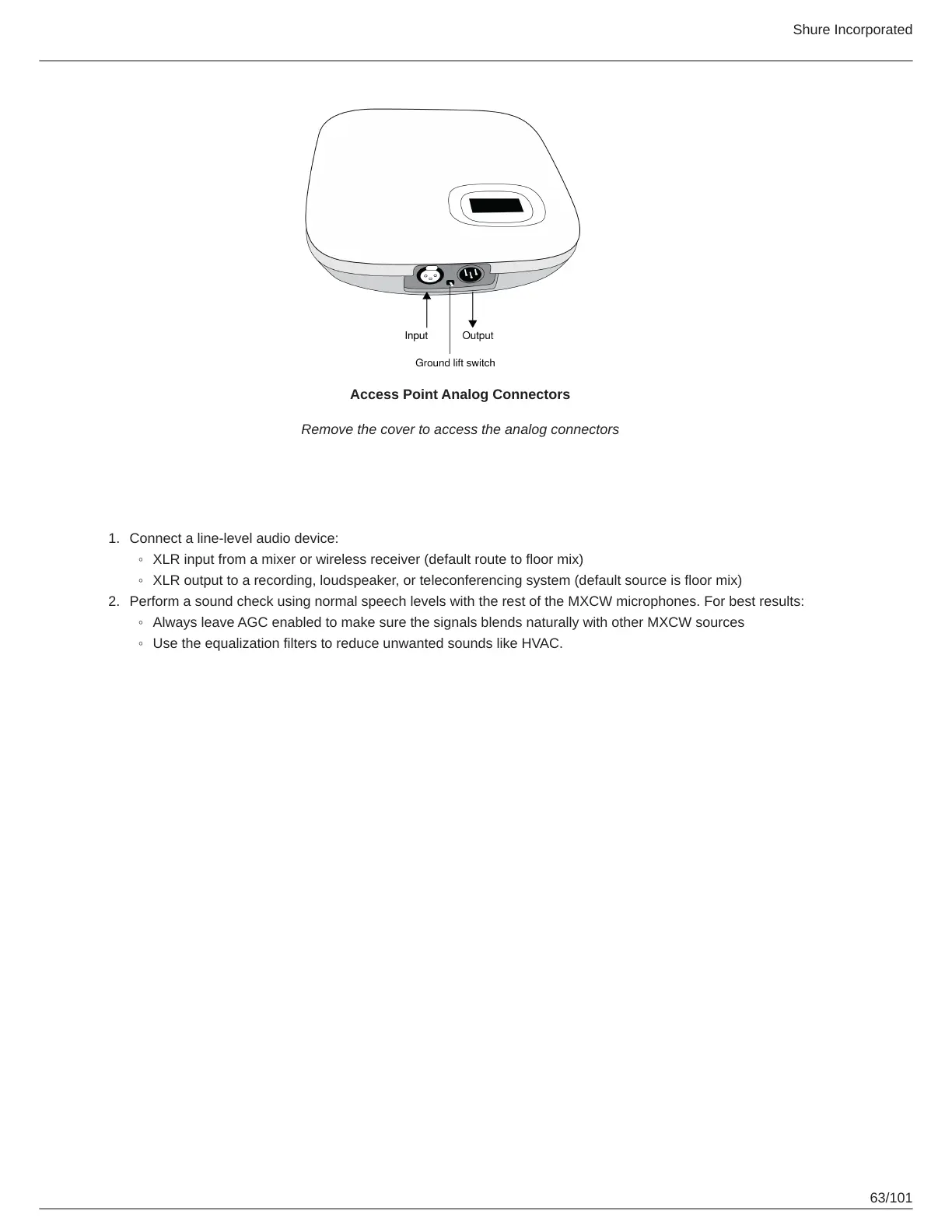
Access Point Analog Connectors
Remove the cover to access the analog connectors
Connecting Analog Devices
Connect a line-level audio device:
XLR input from a mixer or wireless receiver (default route to floor mix)
XLR output to a recording, loudspeaker, or teleconferencing system (default source is floor mix)
Perform a sound check using normal speech levels with the rest of the MXCW microphones. For best results:
Always leave AGC enabled to make sure the signals blends naturally with other MXCW sources
Use the equalization filters to reduce unwanted sounds like HVAC.



 To Next Page