Shure Incorporated
79/101
1.
2.
3.
Au
tom
atic
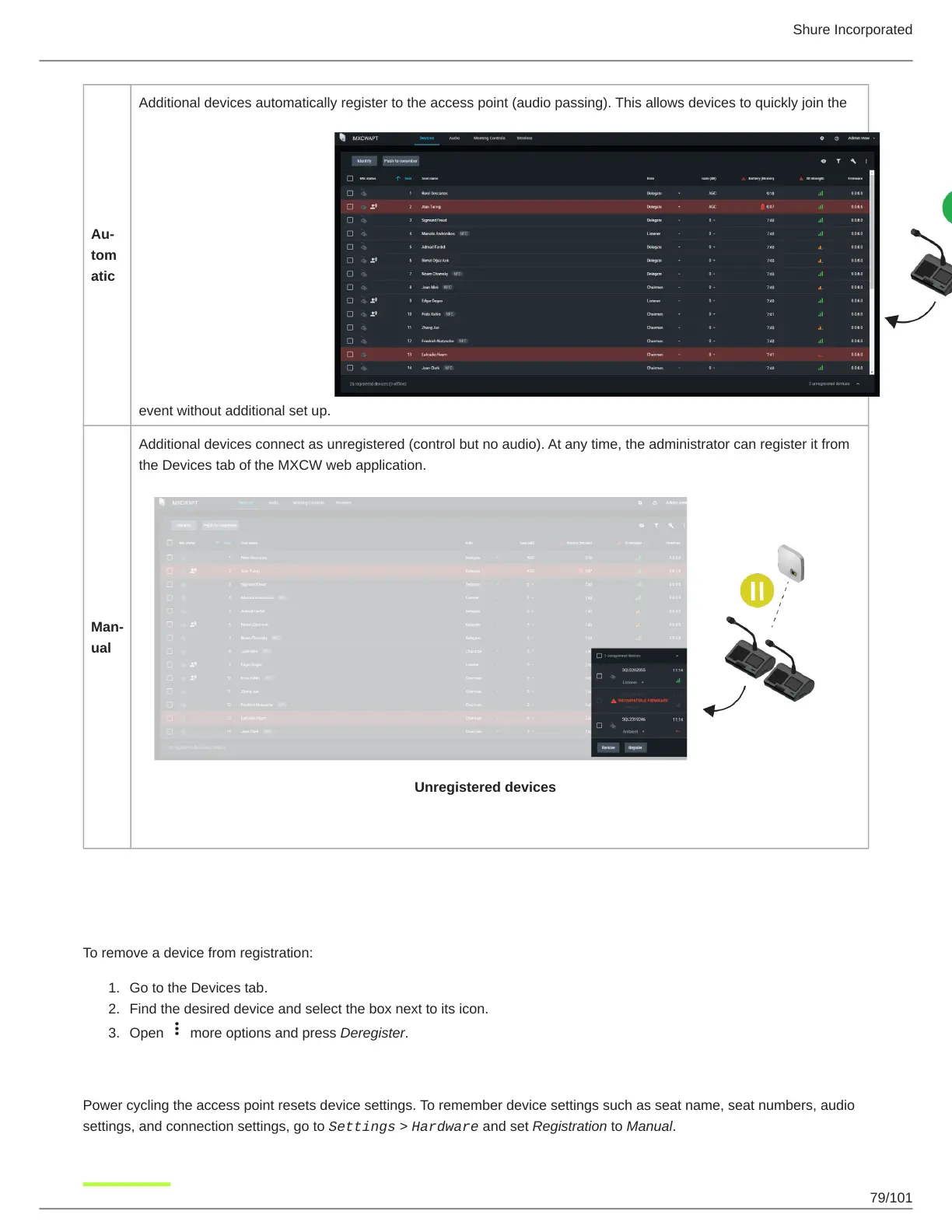
Additional devices automatically register to the access point (audio passing). This allows devices to quickly join the
event without additional set up.
Man
ual
Additional devices connect as unregistered (control but no audio). At any time, the administrator can register it from
the Devices tab of the MXCW web application.
Unregistered devices
Deregister a Device
To remove a device from registration:
Go to the Devices tab.
Find the desired device and select the box next to its icon.
Open more options and press Deregister.
Saving Device Settings
Power cycling the access point resets device settings. To remember device settings such as seat name, seat numbers, audio
settings, and connection settings, go to Settings > Hardware and set Registration to Manual.



 To Next Page