Shure Incorporated
38/101
•
•
1.
2.
Keep fan inlet and air vents clear from obstruction and provide adequate space for airflow within the rack.
When possible, provide 1 RU of empty space between each device.
System Set Up
Maximum System Size
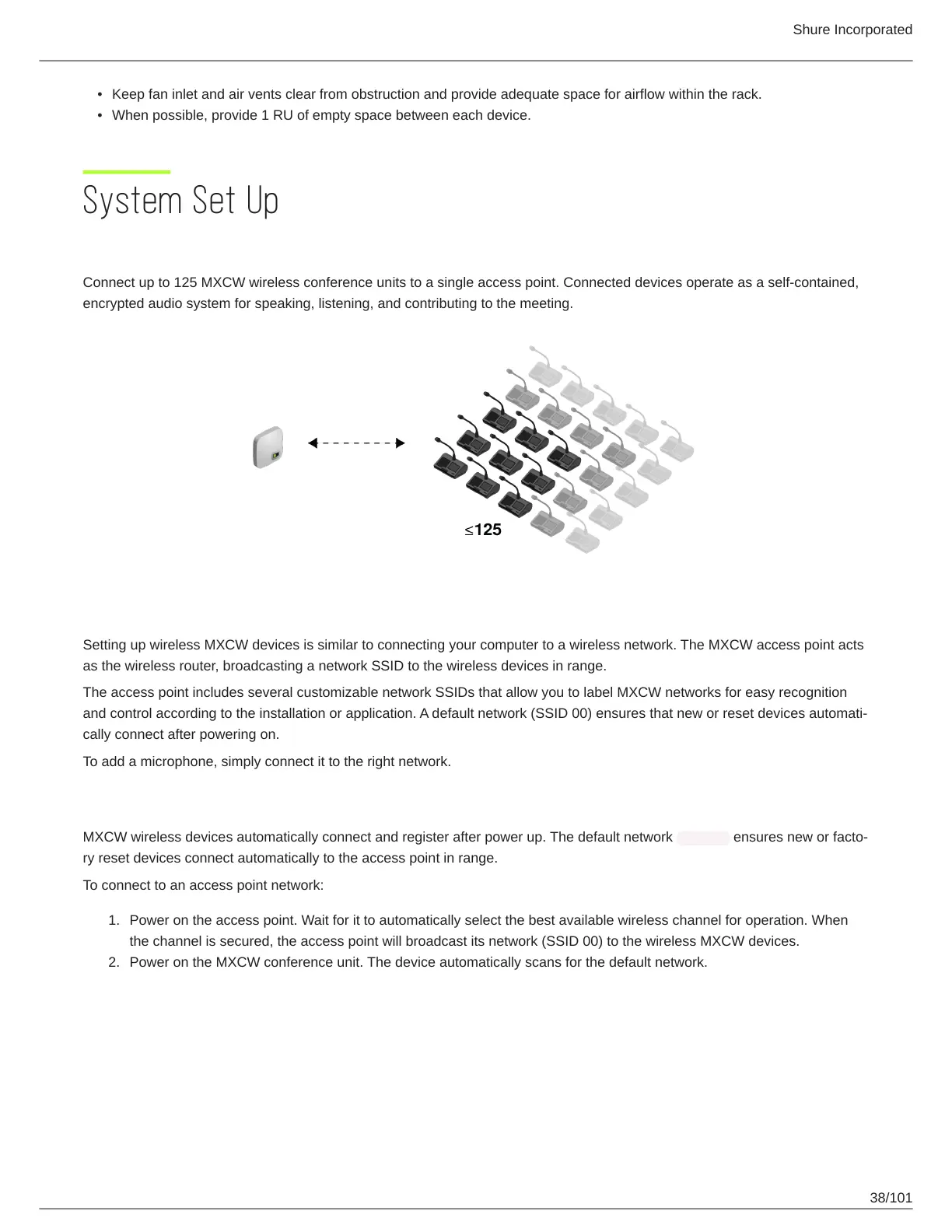
Connect up to 125 MXCW wireless conference units to a single access point. Connected devices operate as a self-contained,
encrypted audio system for speaking, listening, and contributing to the meeting.
Wireless Device Network
Setting up wireless MXCW devices is similar to connecting your computer to a wireless network. The MXCW access point acts
as the wireless router, broadcasting a network SSID to the wireless devices in range.
The access point includes several customizable network SSIDs that allow you to label MXCW networks for easy recognition
and control according to the installation or application. A default network (SSID 00) ensures that new or reset devices automati
cally connect after powering on.
To add a microphone, simply connect it to the right network.
Connecting Devices for the First Time
MXCW wireless devices automatically connect and register after power up. The default network SSID 00 ensures new or facto
ry reset devices connect automatically to the access point in range.
To connect to an access point network:
Power on the access point. Wait for it to automatically select the best available wireless channel for operation. When
the channel is secured, the access point will broadcast its network (SSID 00) to the wireless MXCW devices.
Power on the MXCW conference unit. The device automatically scans for the default network.



 To Next Page