Shure Incorporated
46/101
•
•
•
•
•
•
•
•
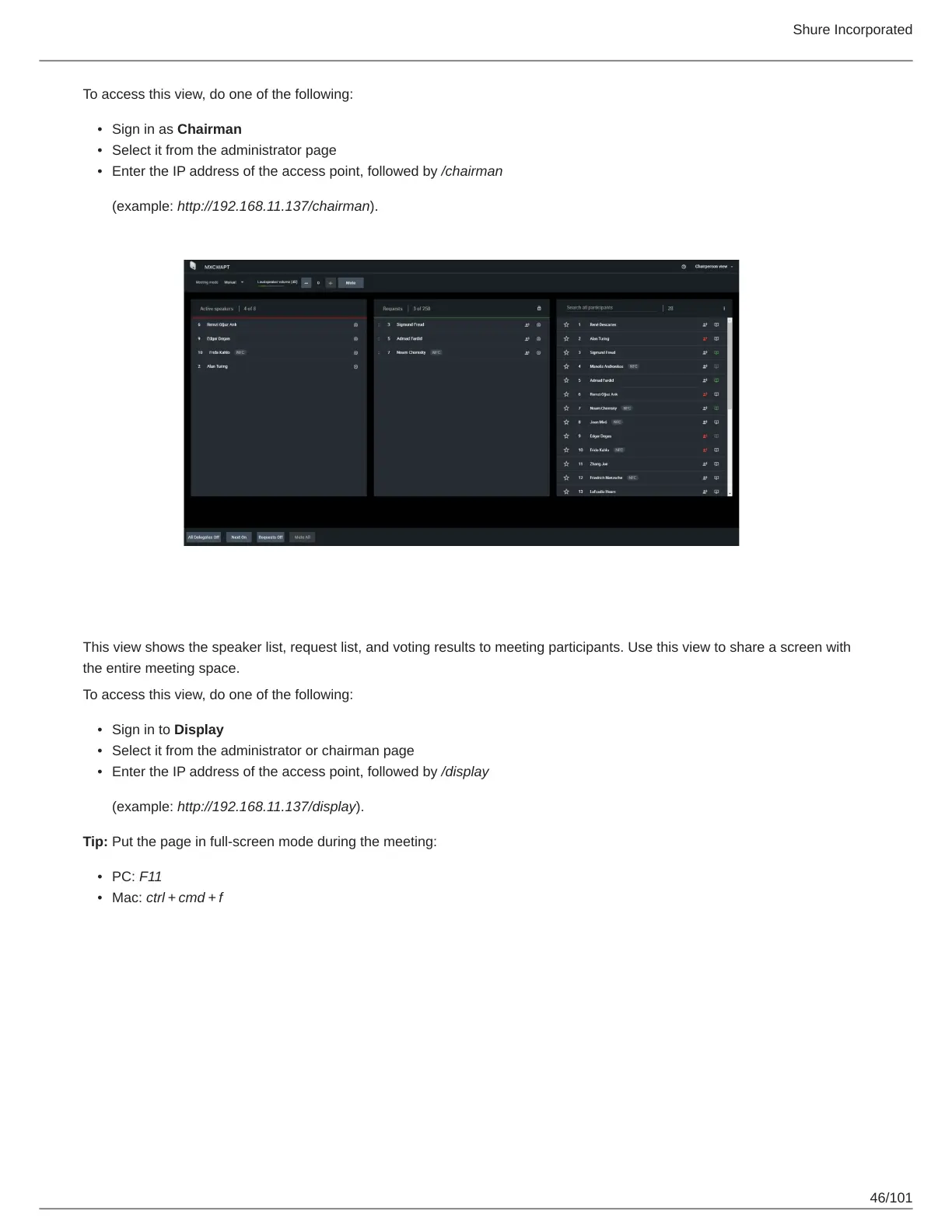
To access this view, do one of the following:
Sign in as Chairman
Select it from the administrator page
Enter the IP address of the access point, followed by /chairman
(example: http://192.168.11.137/chairman).
Display View
This view shows the speaker list, request list, and voting results to meeting participants. Use this view to share a screen with
the entire meeting space.
To access this view, do one of the following:
Sign in to Display
Select it from the administrator or chairman page
Enter the IP address of the access point, followed by /display
(example: http://192.168.11.137/display).
Tip: Put the page in full-screen mode during the meeting:
PC: F11
Mac: ctrl + cmd + f



 To Next Page