Shure Incorporated
16/43
Using Autofocus to Improve Coverage
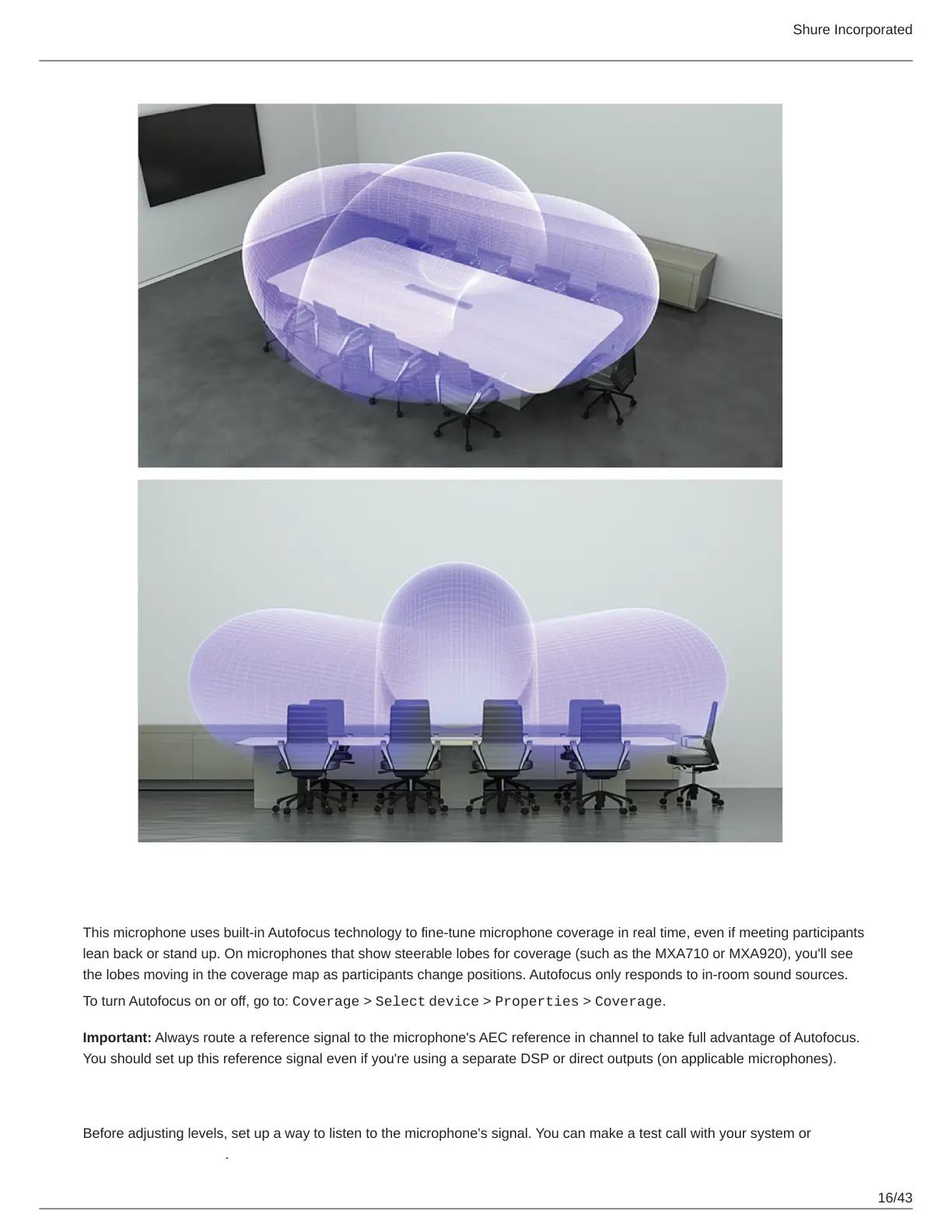
This microphone uses built-in Autofocus technology to fine-tune microphone coverage in real time, even if meeting participants
lean back or stand up. On microphones that show steerable lobes for coverage (such as the MXA710 or MXA920), you'll see
the lobes moving in the coverage map as participants change positions. Autofocus only responds to in-room sound sources.
To turn Autofocus on or off, go to: Coverage > Select device > Properties > Coverage.
Important: Always route a reference signal to the microphone's AEC reference in channel to take full advantage of Autofocus.
You should set up this reference signal even if you're using a separate DSP or direct outputs (on applicable microphones).
Adjust Levels
Before adjusting levels, set up a way to listen to the microphone's signal. You can make a test call with your system or use a
Dante headphone amp.














 To Next Page