Shure Incorporated
29/43
1.
2.
•
•
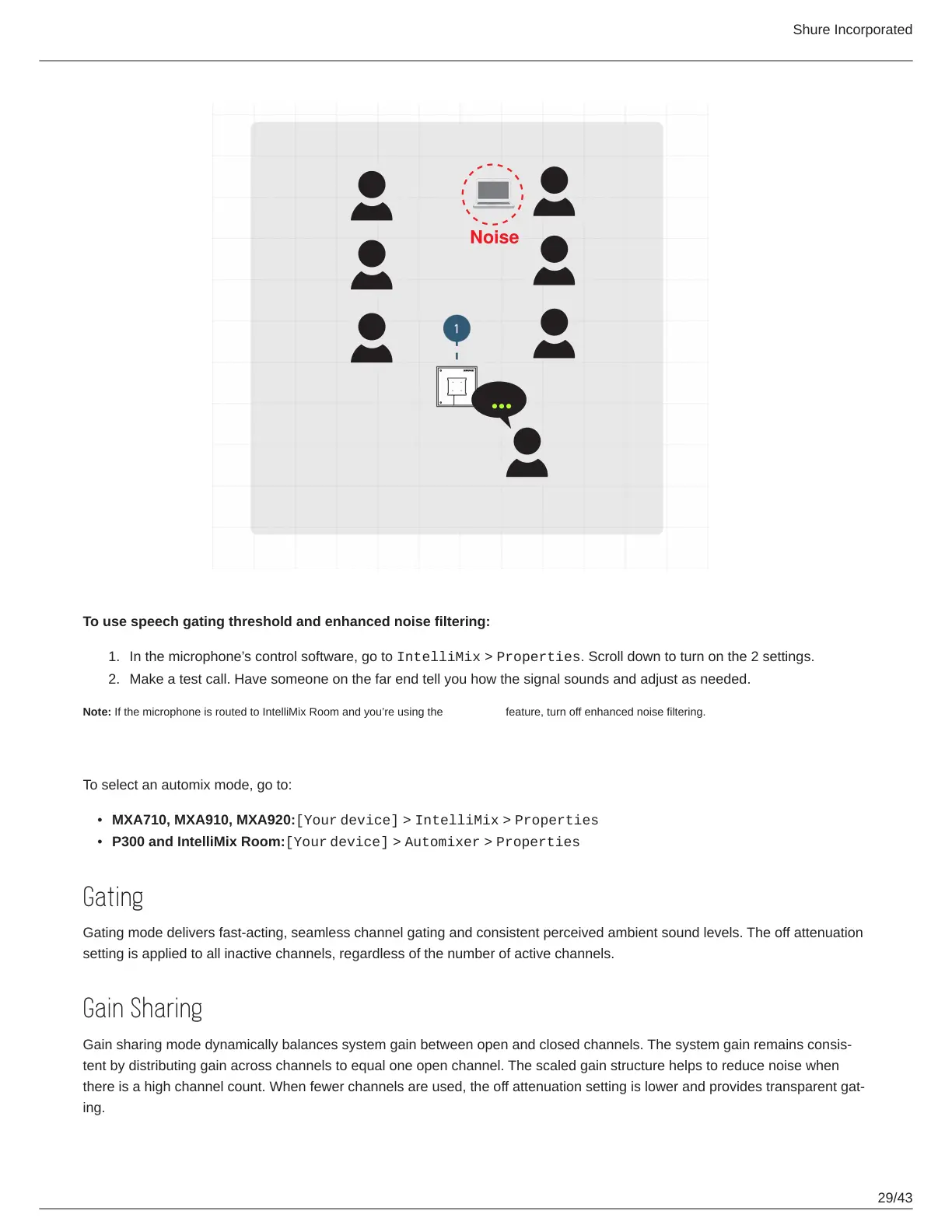
To use speech gating threshold and enhanced noise filtering:
In the microphone’s control software, go to IntelliMix > Properties. Scroll down to turn on the 2 settings.
Make a test call. Have someone on the far end tell you how the signal sounds and adjust as needed.
Note: If the microphone is routed to IntelliMix Room and you’re using the AI denoiser feature, turn off enhanced noise filtering.
Automix Modes
To select an automix mode, go to:
MXA710, MXA910, MXA920:[Your device] > IntelliMix > Properties
P300 and IntelliMix Room:[Your device] > Automixer > Properties
Gating
Gating mode delivers fast-acting, seamless channel gating and consistent perceived ambient sound levels. The off attenuation
setting is applied to all inactive channels, regardless of the number of active channels.
Gain Sharing
Gain sharing mode dynamically balances system gain between open and closed channels. The system gain remains consis
tent by distributing gain across channels to equal one open channel. The scaled gain structure helps to reduce noise when
there is a high channel count. When fewer channels are used, the off attenuation setting is lower and provides transparent gat
ing.














 To Next Page