Configuring with the WBM
6.3 The menu items of the WBM
SIMATIC RF360R
Configuration Manual, 03/2022, C79000-G8976-C629-02
57
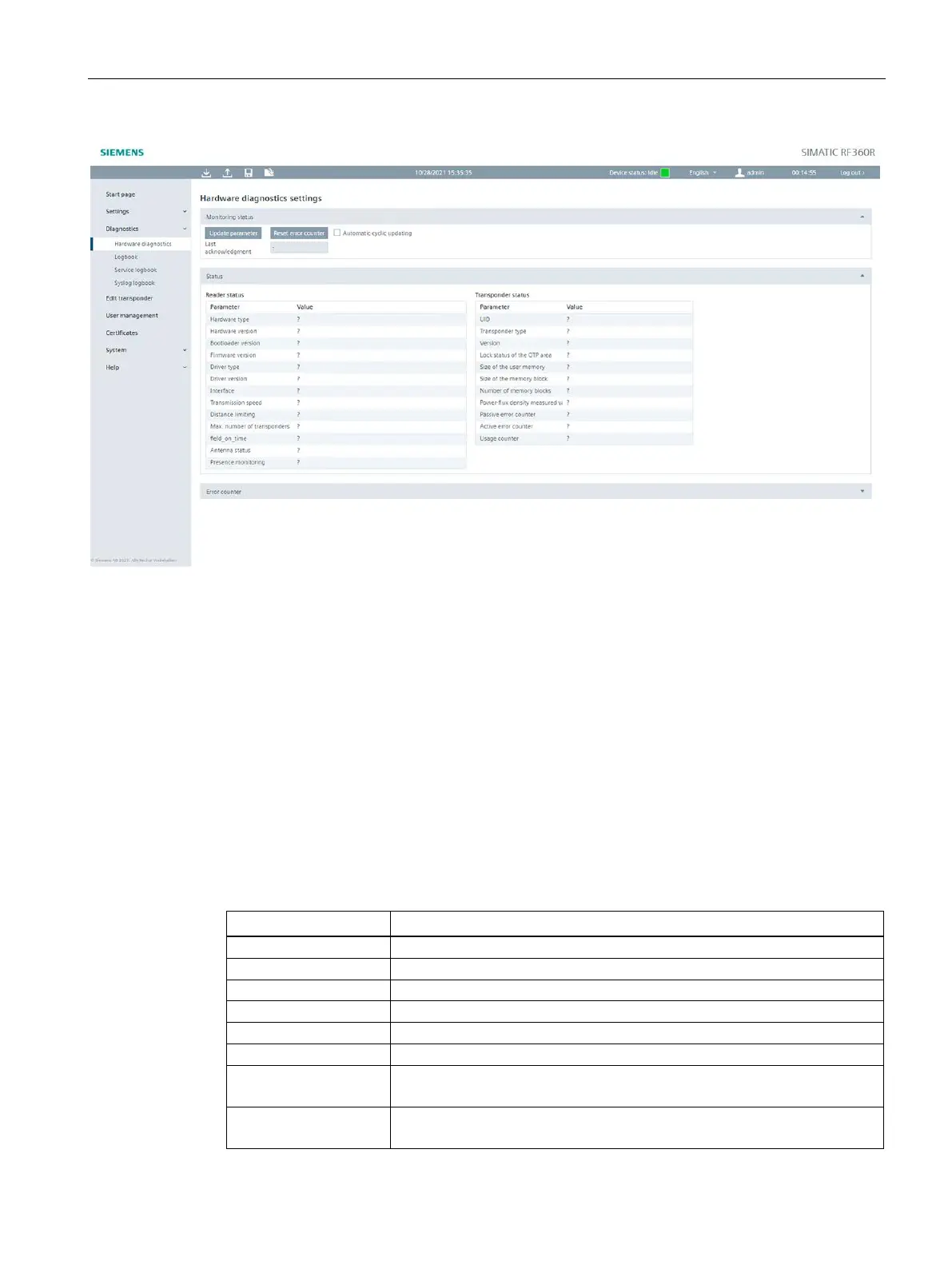
Figure 6-10 The menu command "Diagnostics - Hardware diagnostics"
Monitoring status
In this area you can update the reader and transponder parameters and reset error counters
of the reader.
Select the "Automatic cyclic update" check box to have the parameter values updated
automatically and cyclically.
The date and time of the last acknowledgment refers to the date and time of the connected
PC.
Status
The following parameters are read and displayed:
Table 6- 17 Displayed parameters of the "Reader status" area
Hardware type of the reader
Hardware version of the reader
Bootloader version of the reader
Firmware version of the reader
Driver type of the internal interface of the reader
Driver version of the internal interface of the reader
Used interface of the reader
This parameter has no relevance for RF360R (Fixed value: RS-422).
speed
Used transmission speed of the reader
This parameter has no relevance for RF360R (Fixed value: 921.6 kBd).











 To Next Page