Detailed descriptions
16.5 BIOS Setup
SIMATIC Rack PC 840 V2
Operating Instructions, Edition 05/2006, A5E00248055-04
16-45
16.5.11 Default BIOS Setup entries
Documenting your device configuration
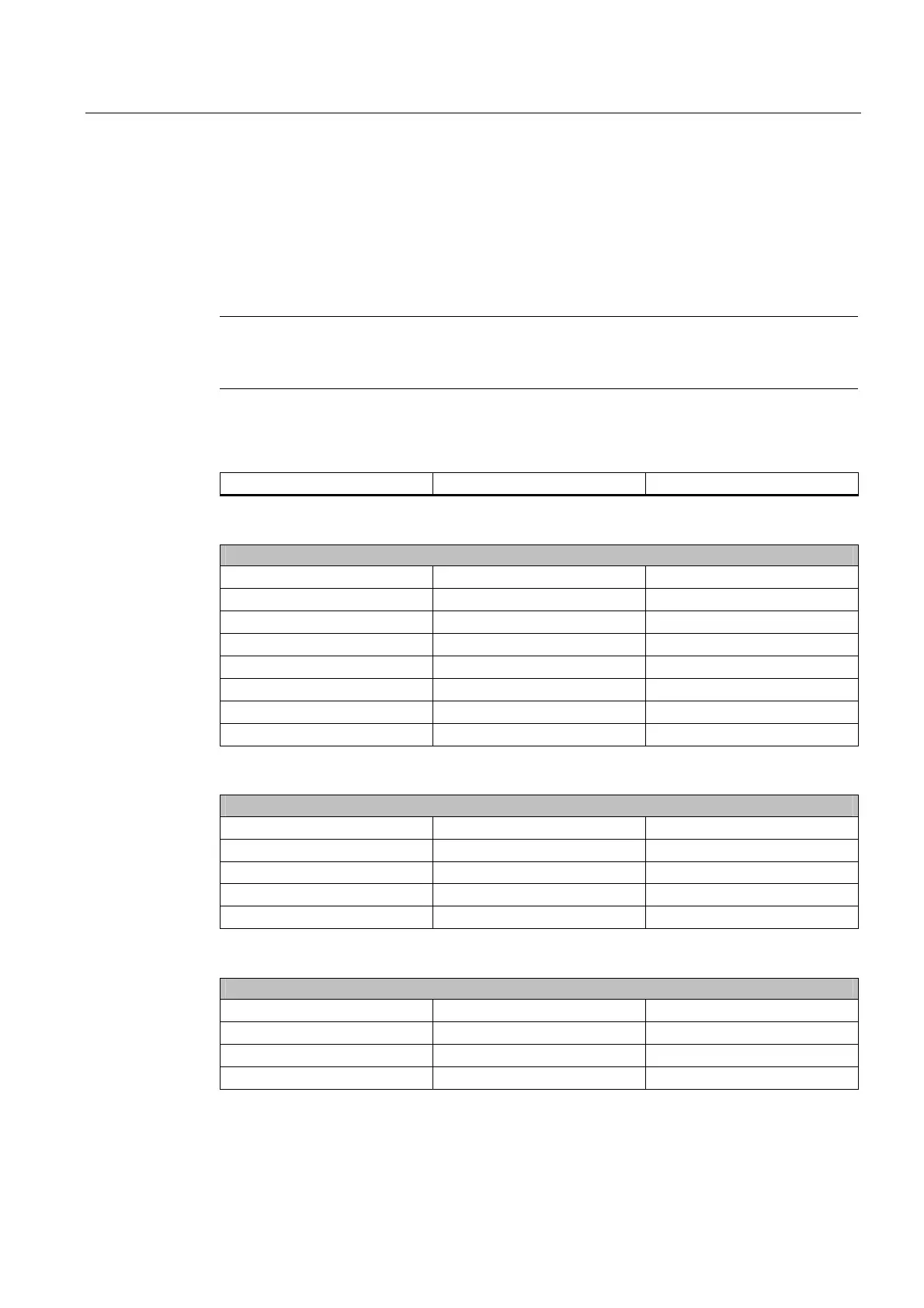
If you have changed any default settings in Setup, you can enter them in the following table.
You can then refer to these entries for any future hardware modifications.
Note
Print out the table below and keep the pages in a safe place once you have made your
entries.
BIOS setup default settings
System parameters Defaults Custom entries
Main
System Time hh:mm:ss
System Date MM/DD/YYYY
Floppy disk A 1.44 MB, 3½”
Primary Master HDS722580-VLAT20 (PM)
Primary Slave None
Secondary Master CDROM
Secondary slave None
Memory Cache Write Back
Boot options
Quick Boot Mode Enabled
SETUP prompt Enabled
POST errors Enabled
Floppy check Disabled
Summary screen Enabled
Keyboard Features
Num Lock On
Key Click Disabled
Keyboard auto–repeat rate 30/sec
Keyboard auto–repeat delay ½ sec














 To Next Page