Expansions and configuration
10.4 Installing disk drives
SIMATIC Rack PC 840 V2
10-8 Operating Instructions, Edition 05/2006, A5E00248055-04
10.4.3 Installation and removal of disk drives in the rear drive bay
Preparations
1. Unplug the device from mains and disconnect all cables.
2. Open the device.
Remove the the rear bay
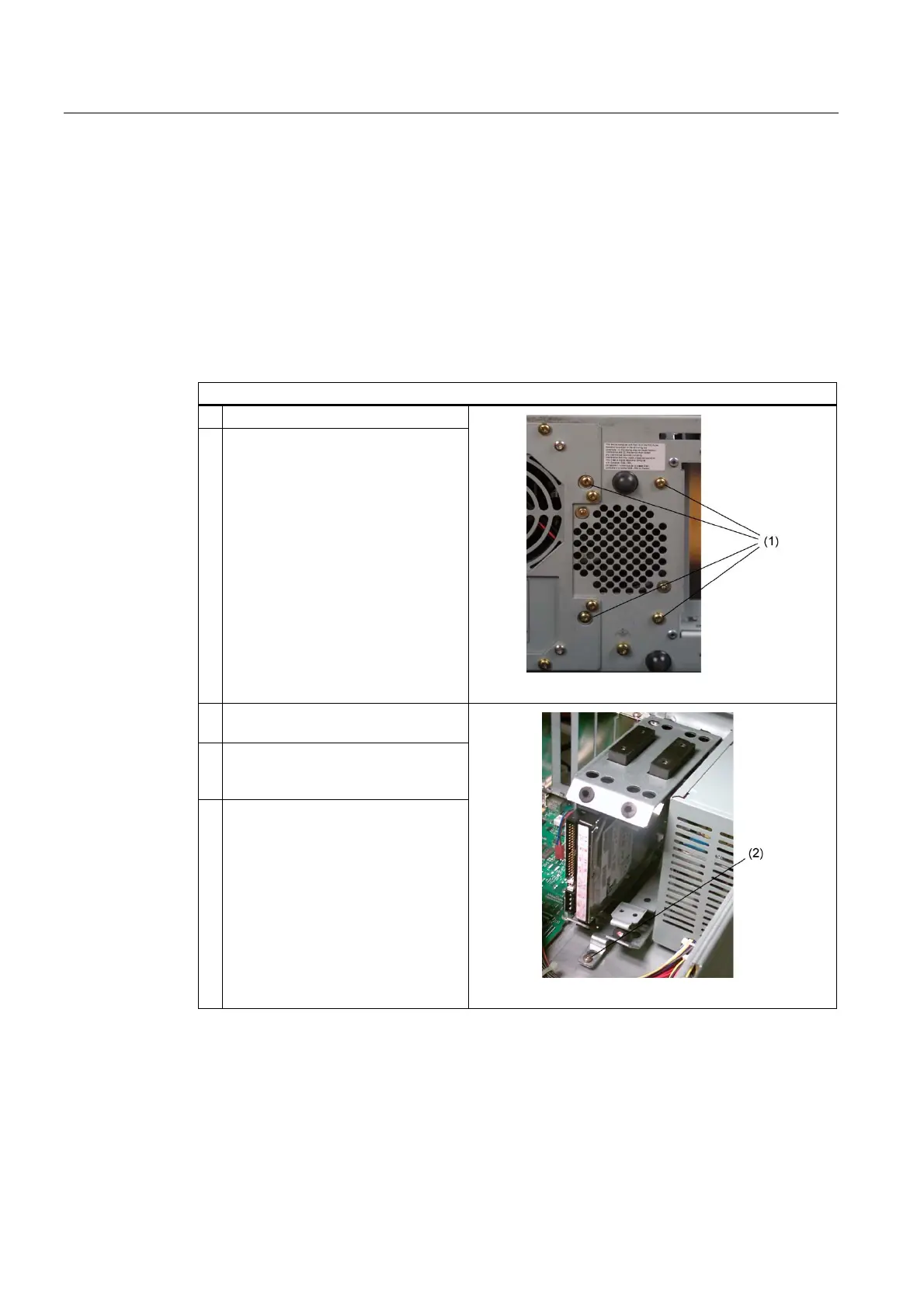
How to remove the rear drive bay
1 Remove the module bracket
2 Remove the four screws (1)
3 Remove the screw (2) in the interior
of the enclosure
4 Disconnect the power cable and the
data cable from the installed disk
drives
5 Remove the drive bay from the
cubicle














 To Next Page