Detailed descriptions
16.5 BIOS Setup
SIMATIC Rack PC 840 V2
16-24 Operating Instructions, Edition 05/2006, A5E00248055-04
Menu Meaning
Main System functions are set here
Advanced An extended system configuration can be set here
Security Security functions are set here, for example, a password.
Power Power-saving functions can be selected here.
Boot This is where the boot priority is specified.
Version Information about the programming device (for example, release status) can be found
here.
Exit Used for terminating and saving.
16.5.4 Main menu
3KRHQL[%,266HWXS8WLOLW\
,WHP6SHFLILF+HOS
(6& ([LW
6HOHFW,WHP
6HOHFW0HQX
6HOHFW
&KDQJH9DOXHV
6XE0HQX
)
)
6HWXS'HIDXOWV
6DYHDQG([LW
(QWHU
+HOS
)
6HFXULW\ %RRW 9HUVLRQ ([LW0DLQ $GYDQFHG 3RZHU
6\VWHP7LPH
6\VWHP'DWH
>@
>@
'LVNHWWH$
3ULPDU\0DVWHU
%RRW2SWLRQV
.H\ERDUG)HDWXUHV
+DUGZDUH2SWLRQV
6\VWHP0HPRU\ .%
([WHQGHG0HPRU\ .%
3ULPDU\6ODYH
0HPRU\&DFKH >:ULWH%DFN@
6HFRQGDU\0DVWHU
6HFRQGDU\6ODYH
>1RQH@
>&'520@
>1RQH@
>0%@
>0%ಯ@
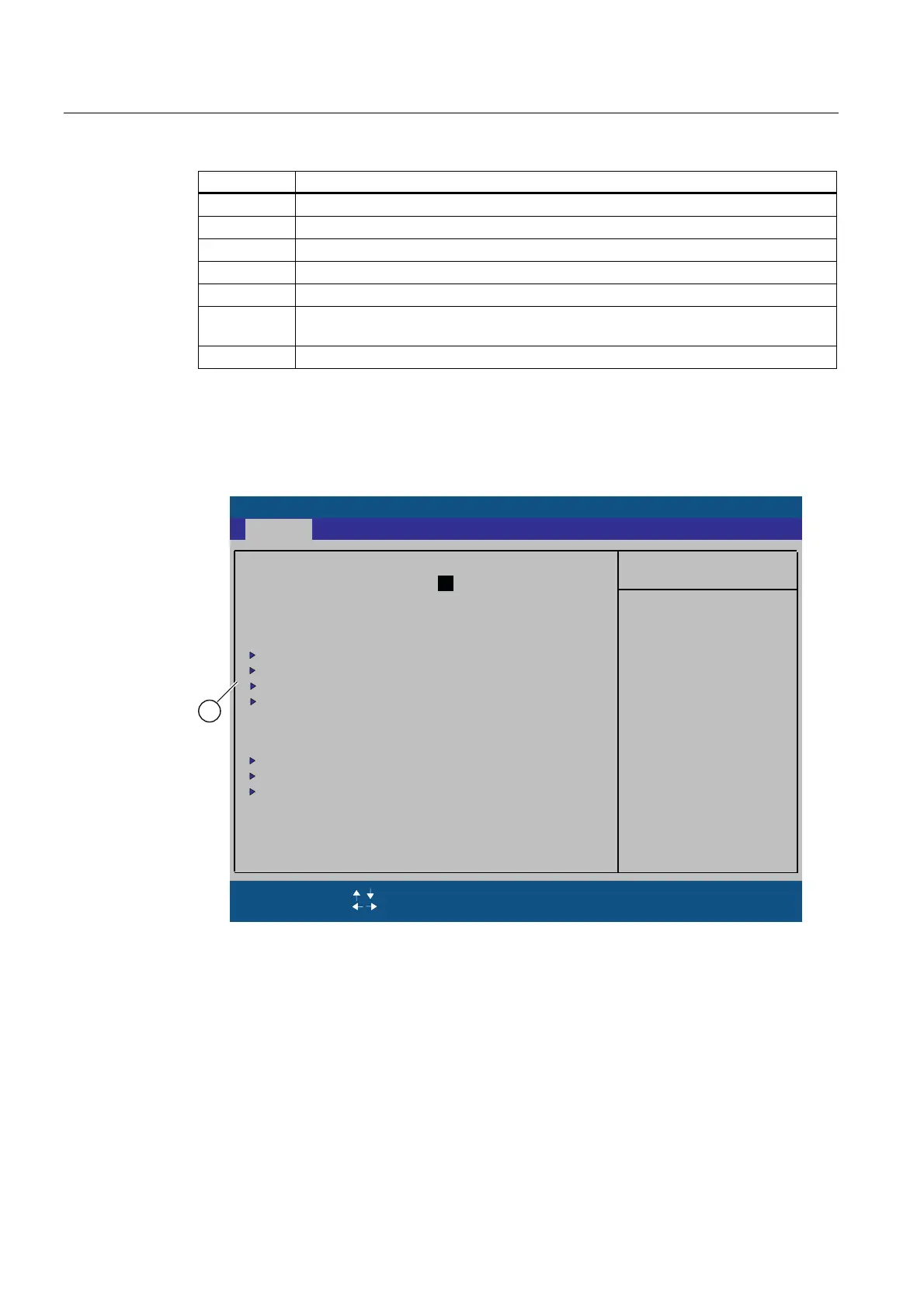
Figure 16-5 SETUP main menu (example)
(1) Selectable submenu














 To Next Page