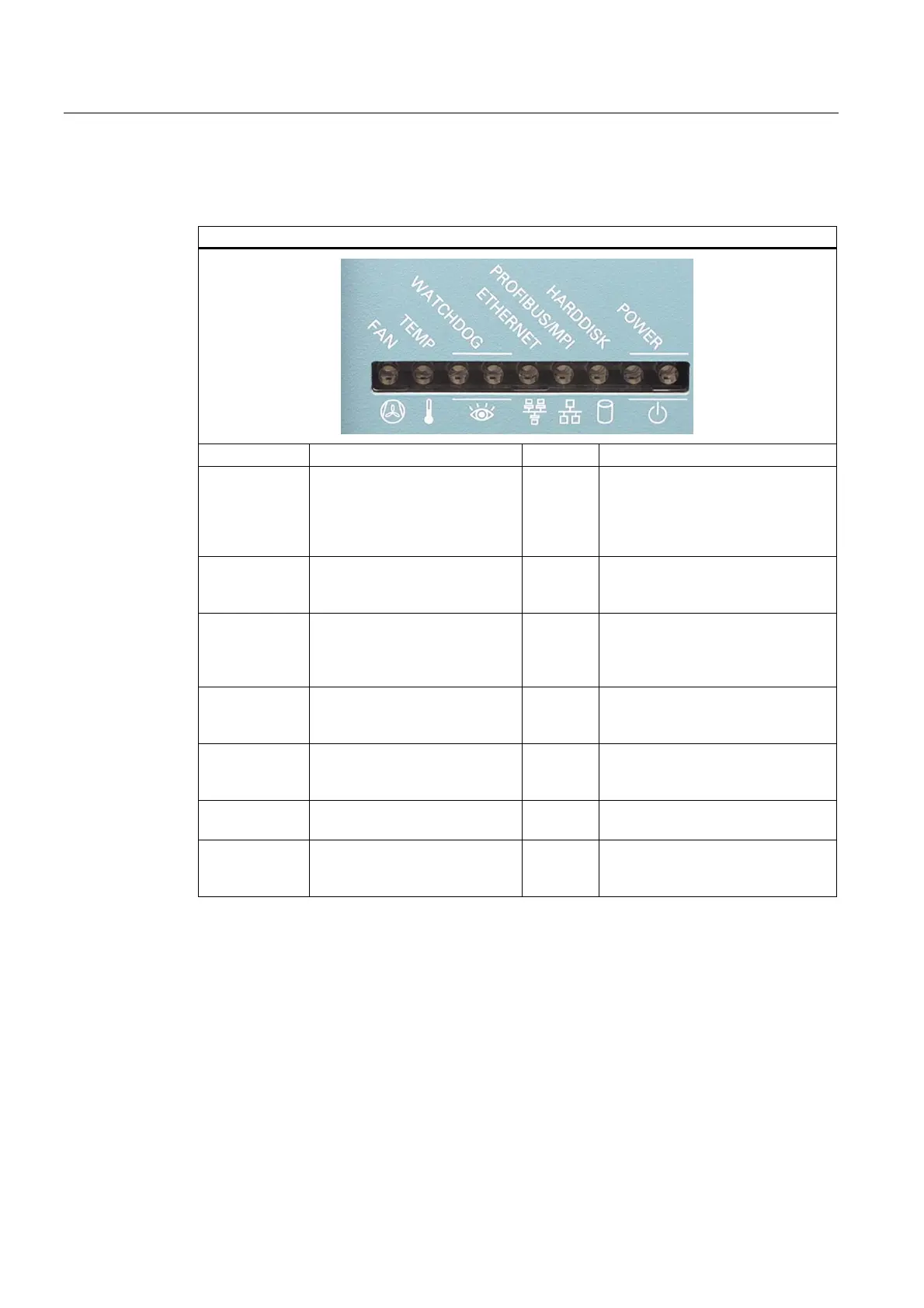
Description
3.6 Design
SIMATIC Rack PC 840 V2
3-10 Operating Instructions, Edition 05/2006, A5E00248055-04
3.6.4 Status displays
Status displays
Display Meaning LEDs Description
FAN CPU fan status (available only
with active SOM or DiagMonitor
software)
OFF
RED
- Fan speed OK
- CPU not started
(see error dialog)
- Fan speed too low
(see error dialog)
TEMP Internal temperature monitoring OFF
RED
- Internal temperature OK
- Internal temperature is critical
(see error dialog)
WATCHDOG WATCHDOG Status display OFF
GREEN
RED
- WATCHDOG disabled
- WATCHDOG monitoring enabled
- Time-out (see error dialog)
ETHERNET ETHERNET status display OFF
GREEN
- not connected
- no data transfer
- data transfer
PROFIBUS /
MPI
Display of the communication
status to the S7 or PROFIBUS
OFF
GREEN
- not connected
- no data transfer
- data transfer
HARDDISK Display for hard disk access OFF
GREEN
- No access
- Access
POWER PC status display OFF
YELLOW
GREEN
- Disconnected from mains
- Standby (hibernate)
- PC in operation














 To Next Page