Maintenance and service
11.1 Removing and installing hardware components
SIMATIC Rack PC 840 V2
Operating Instructions, Edition 05/2006, A5E00248055-04
11-11
11.1.7 Processor replacement
Caution
The processor replacement may only be carried out by authorized qualified personnel.
Preparation
1. Unplug the device from mains.
2. Open the device.
Removing the processor
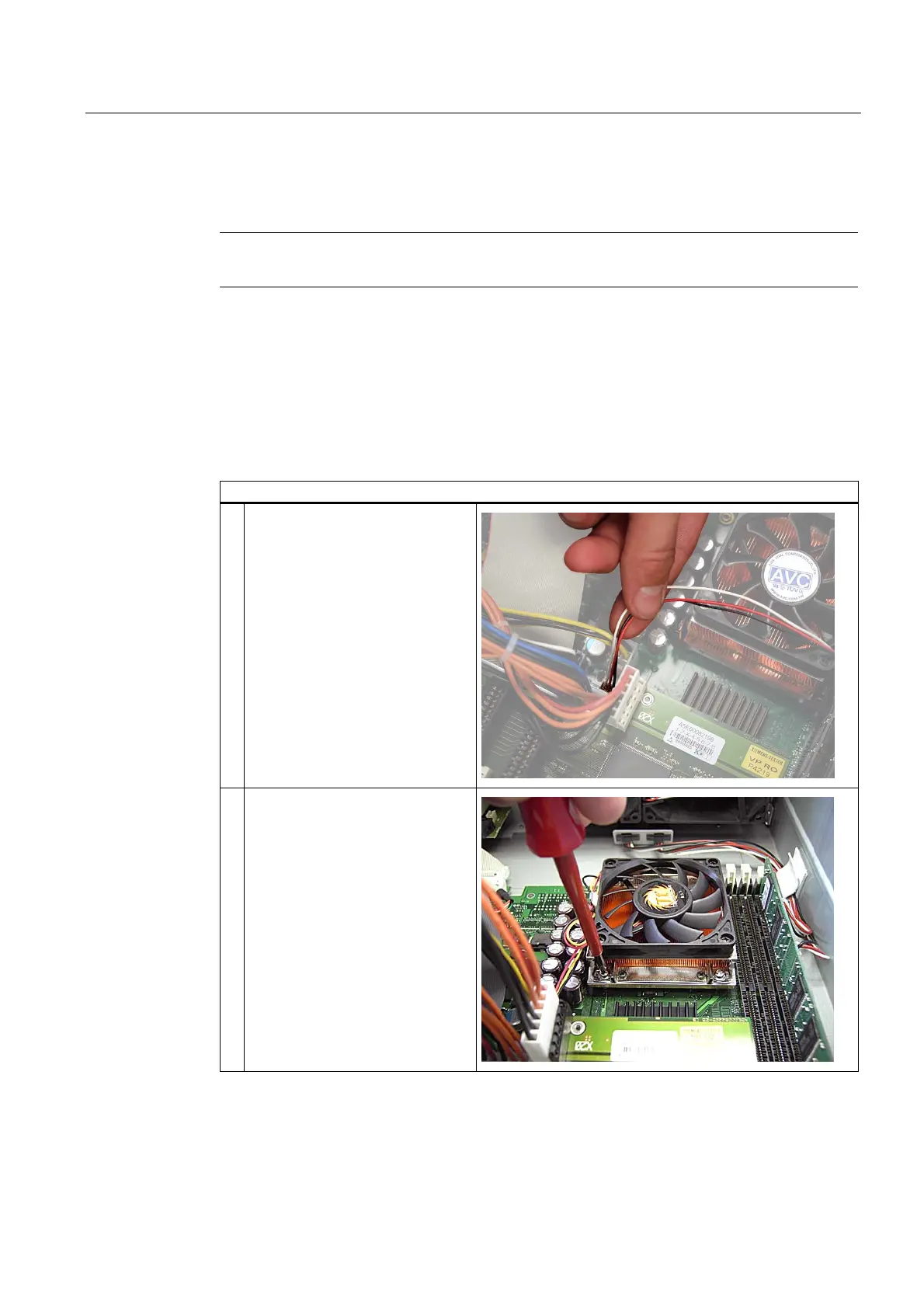
How to remove the processor
1. Disconnecting the processor fan
connector
2. Unscrew the four screws on the
processor heat sink and remove
heat sink














 To Next Page