Maintenance and service
11.1 Removing and installing hardware components
SIMATIC Rack PC 840 V2
11-10 Operating Instructions, Edition 05/2006, A5E00248055-04
Installing the fan
Notice
Always install a fan of the same type!
Caution
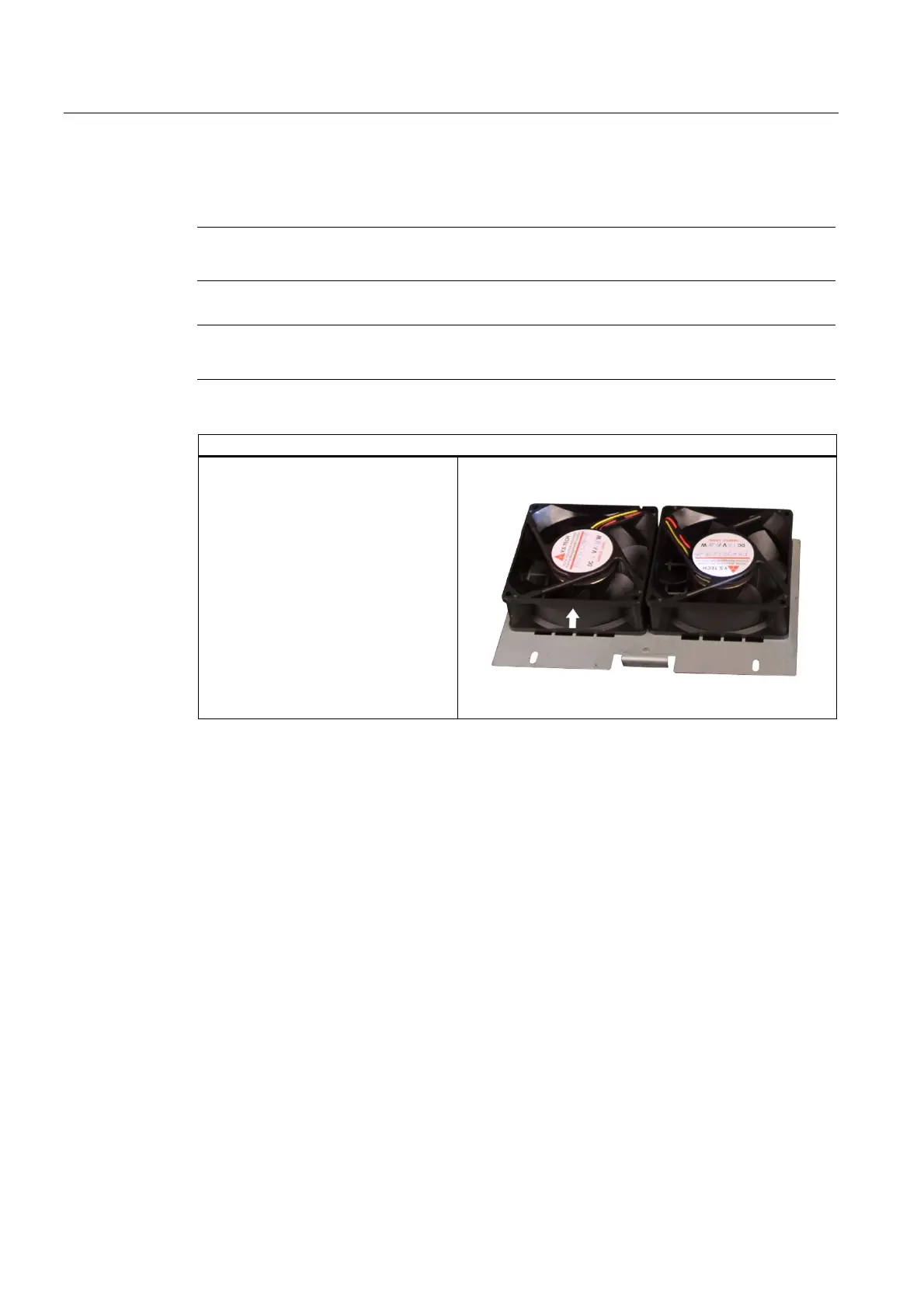
Ensure that the arrow on the fan points away from the fan bracket.
Fan mounting position
The figure shows the correct fan
mounting position. Note the direction of
the arrow!














 To Next Page