Connecting
6.3 Equipotential bonding
SIMATIC Rack PC 840 V2
6-4 Operating Instructions, Edition 05/2006, A5E00248055-04
Secure the power plug
You can secure the power plug in order to avoid unintentional disconnection of the power
cord.
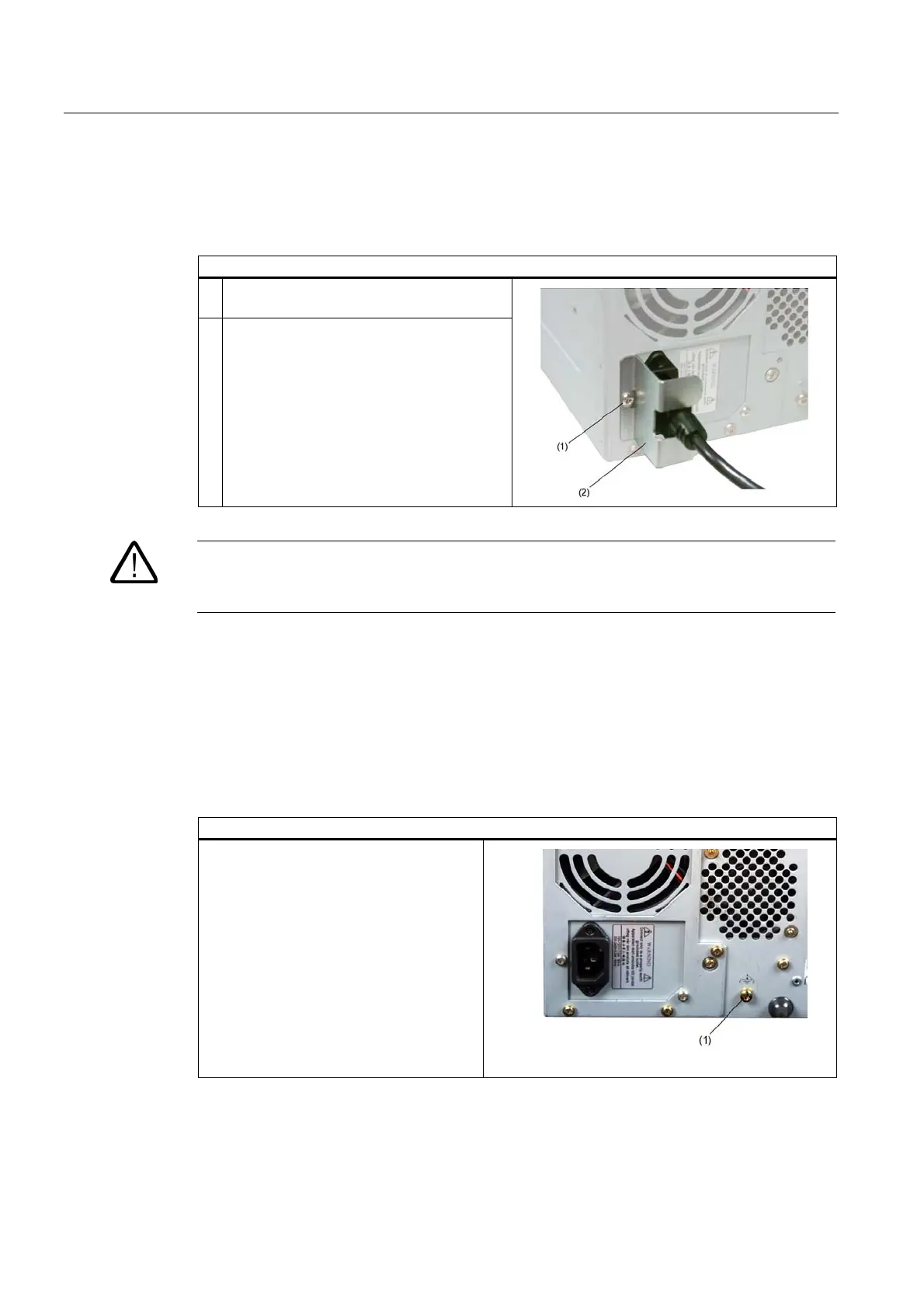
Steps for securing the power plug
1 Remove the lower left fastening screw (1) on
the power supply module.
2 Screw power plug clamp (2) to the power
supply module
Warning
If the power plug is secured with a clamp, the power outlet must be freely accessible to allow
the device to be easily removed from the mains.
6.3 6.3 Equipotential bonding
A low-impedance earth connection ensures that interference signals generated by external
power supply cables, signal cables or cables to the I/O modules are safely discharged to
earth.
Equipotential bonding terminal
The equipotential bonding terminal (1) on
the device (large surface, large-area
contact) must be connected with the central
grounding busbar of the cabinet or plant in
which the PC is to be installed. The
minimum conductor cross-section may not
be less than 5 mm
2
.














 To Next Page