Expansions and configuration
10.4 Installing disk drives
SIMATIC Rack PC 840 V2
Operating Instructions, Edition 05/2006, A5E00248055-04
10-9
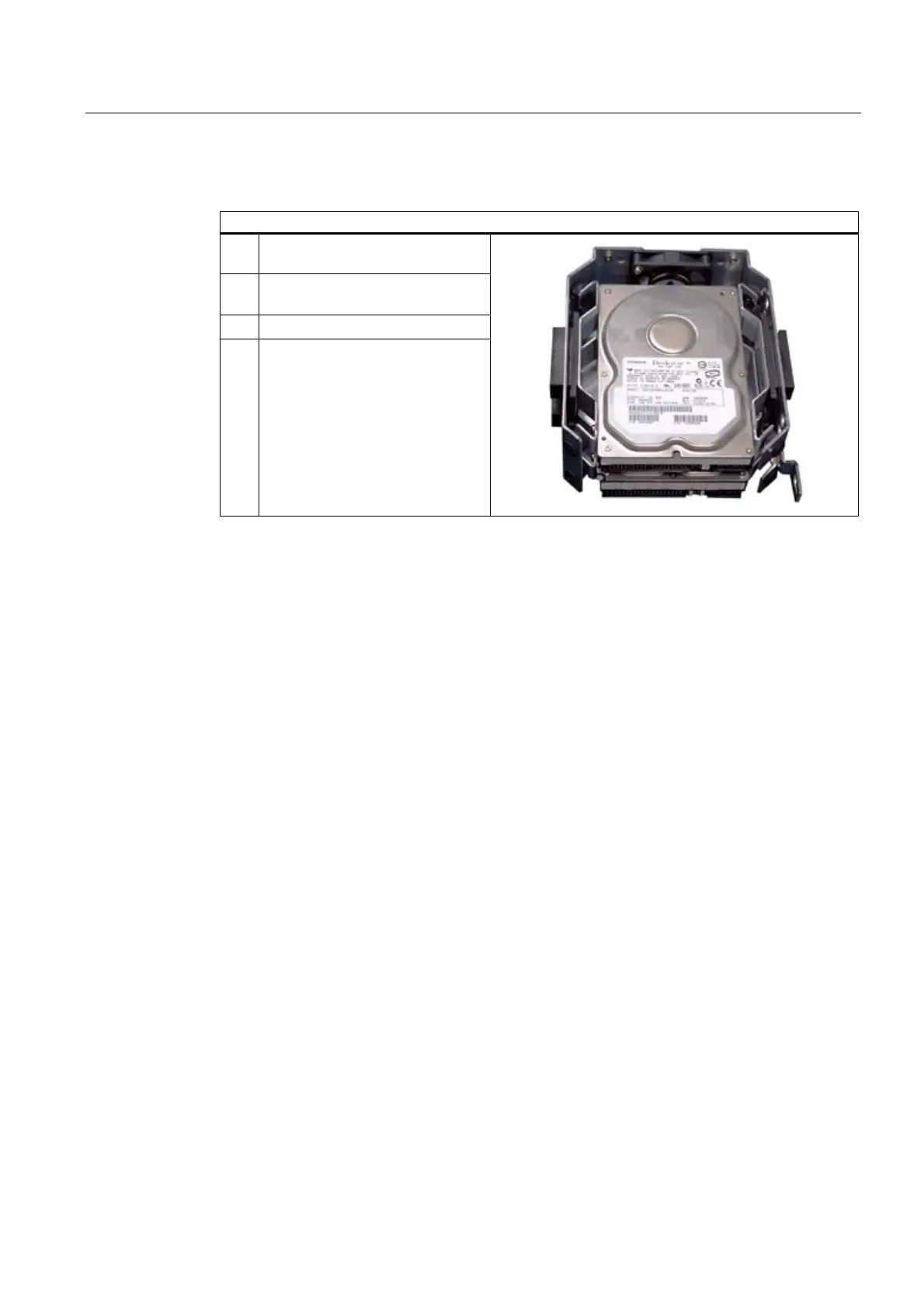
Installing a disk drive
Steps for installing a disk drive
1 Slide the disk drive into the bay
from the front
2 Mount the disk drive into the drive
bay using four screws
3 Reinstall the drive bay
4 Connect the power and data cables
to the disk drive.














 To Next Page