Application Planning
4.2 Unpacking and checking the delivery unit
SIMATIC Rack PC 840 V2
4-2 Operating Instructions, Edition 05/2006, A5E00248055-04
Noting the device identification data
The device can be identified uniquely with the help of these numbers in case of repairs or
theft.
Enter the following data in the table below:
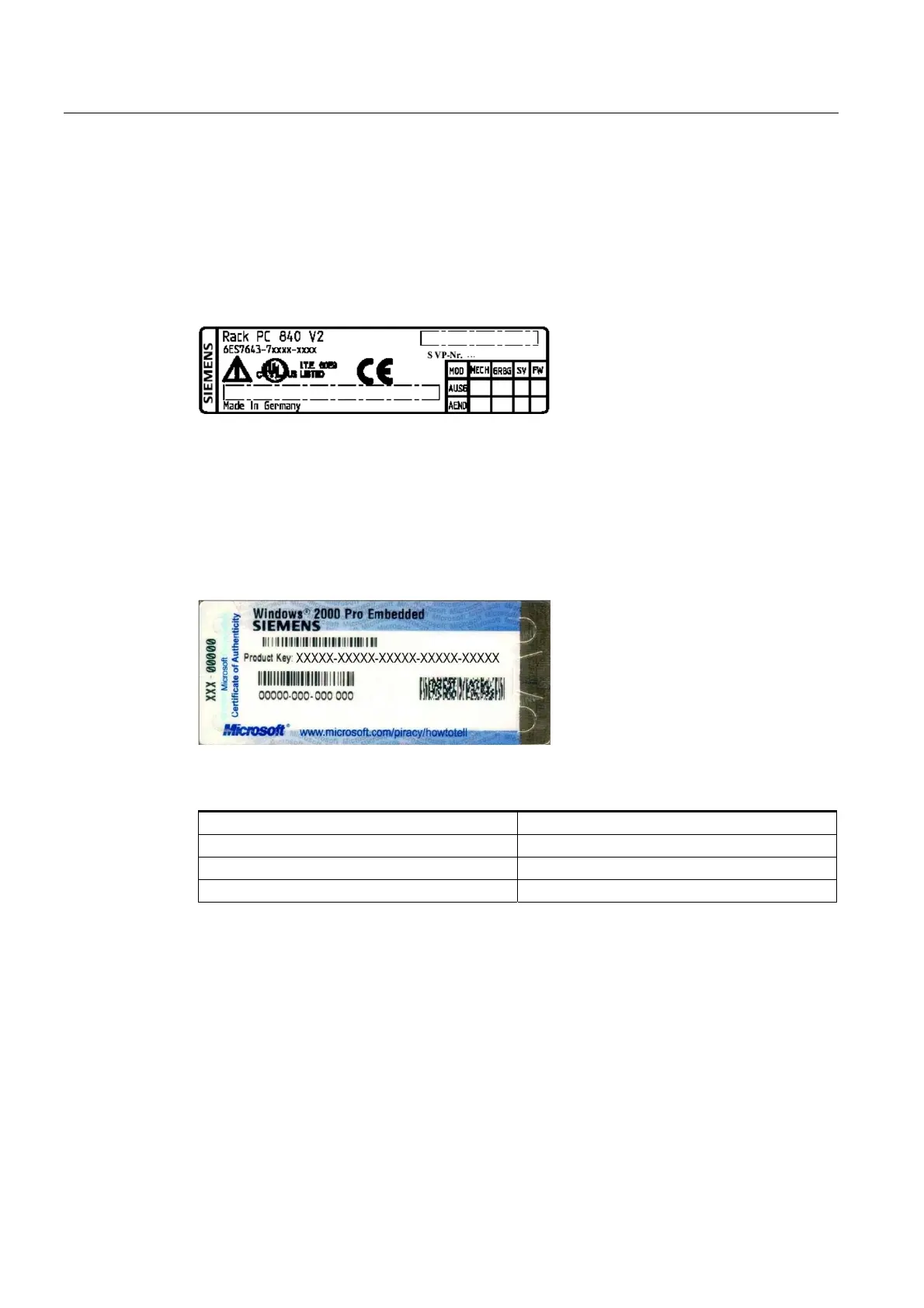
• Serial number: The serial number (S VP) is located on the type plate either on the rear
panel of the device or on the inside of the front door.
Figure 4-1 Type plate
• Order number of the device
• Ethernet address: You find the Ethernet address of the device in your BIOS Setup
(F2 function key) , under Info > (F1 function key) > LAN Address.
• Microsoft Windows "Product Key" from the "Certificate of Authenticity" (COA). The COA
label is found on the inside of the front door.
You may need the Product Key in case you reinstall the operating system.
Figure 4-2 COA label
Serial number S VP ...
Order No. 6ES ...
Microsoft Windows Product Key
Ethernet address














 To Next Page