Maintenance and service
11.1 Removing and installing hardware components
SIMATIC Rack PC 840 V2
Operating Instructions, Edition 05/2006, A5E00248055-04
11-3
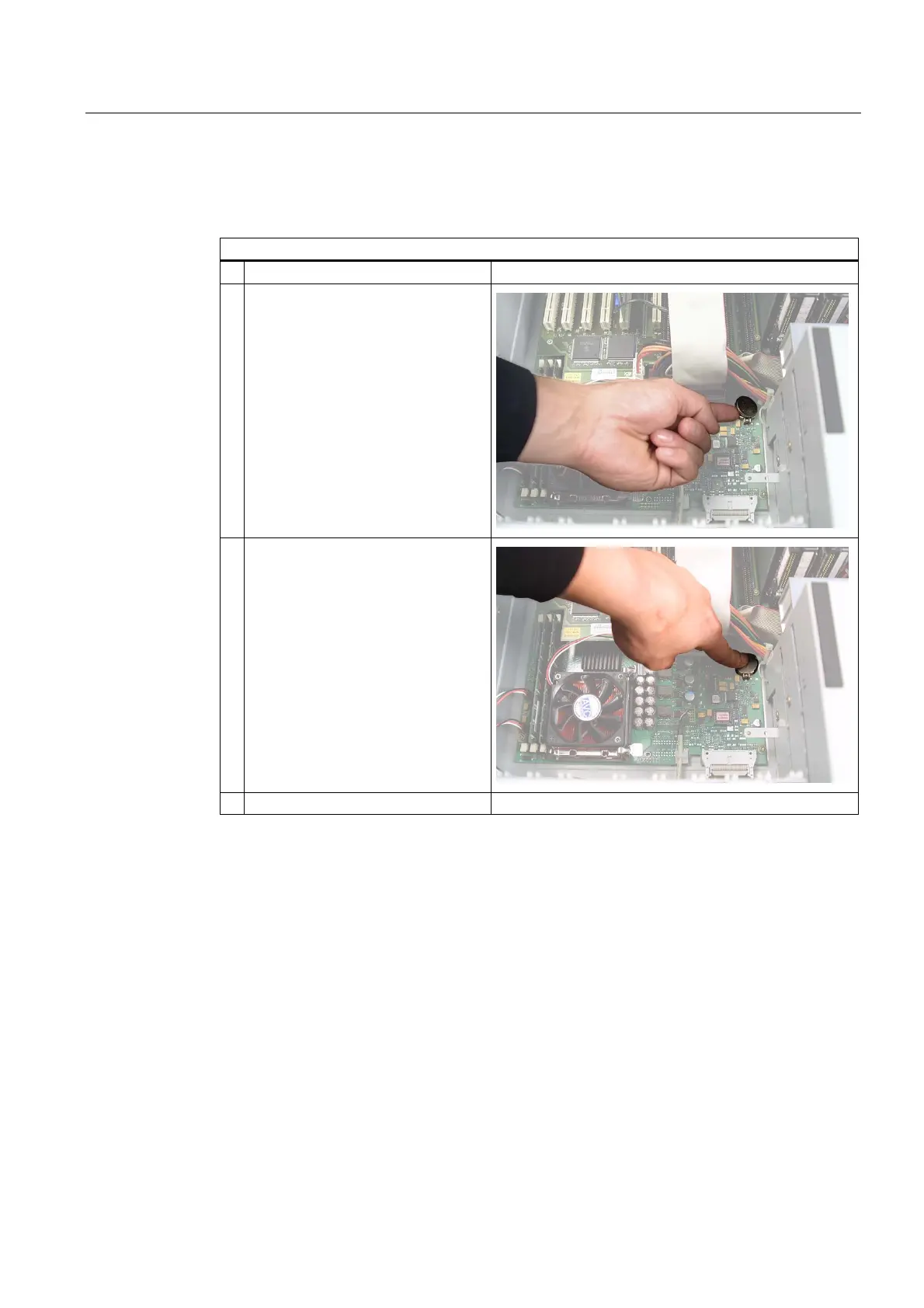
Replacing the battery
Proceed as follows:
Steps for replacing the battery
1. Open the device.
2. Pull the battery out of the socket
3. Push the battery into the socket under
slight pressure
4. Close the device.
Reconfiguring the BIOS Setup
When a battery is exchanged, the configuration data of the device is lost and must be
reentered in the BIOS setup.














 To Next Page