SPC3 PROFIBUS Interface Center
SPC3 Hardware Description V1.3 Page 17
Copyright (C) Siemens AG 2003 All rights reserved. 2003/04
5 ASIC Interface
The registers that determine both the hardware function of the ASIC as well as telegram processing are
described in the following.
5.1 Mode Register
Parameter bits that access the controller directly or which the controller directly sets are combined in two
mode registers (0 and 1) in the SPC3.
5.1.1 Mode Register 0
Setting parameters for Mode Register 0 takes place in the offline state only (for example, after
switching on). The SPC3 may not exit offline until Mode Register 0, all processor parameters, and
organizational parameters are loaded (START_SPC3 = 1, Mode-Register 1).
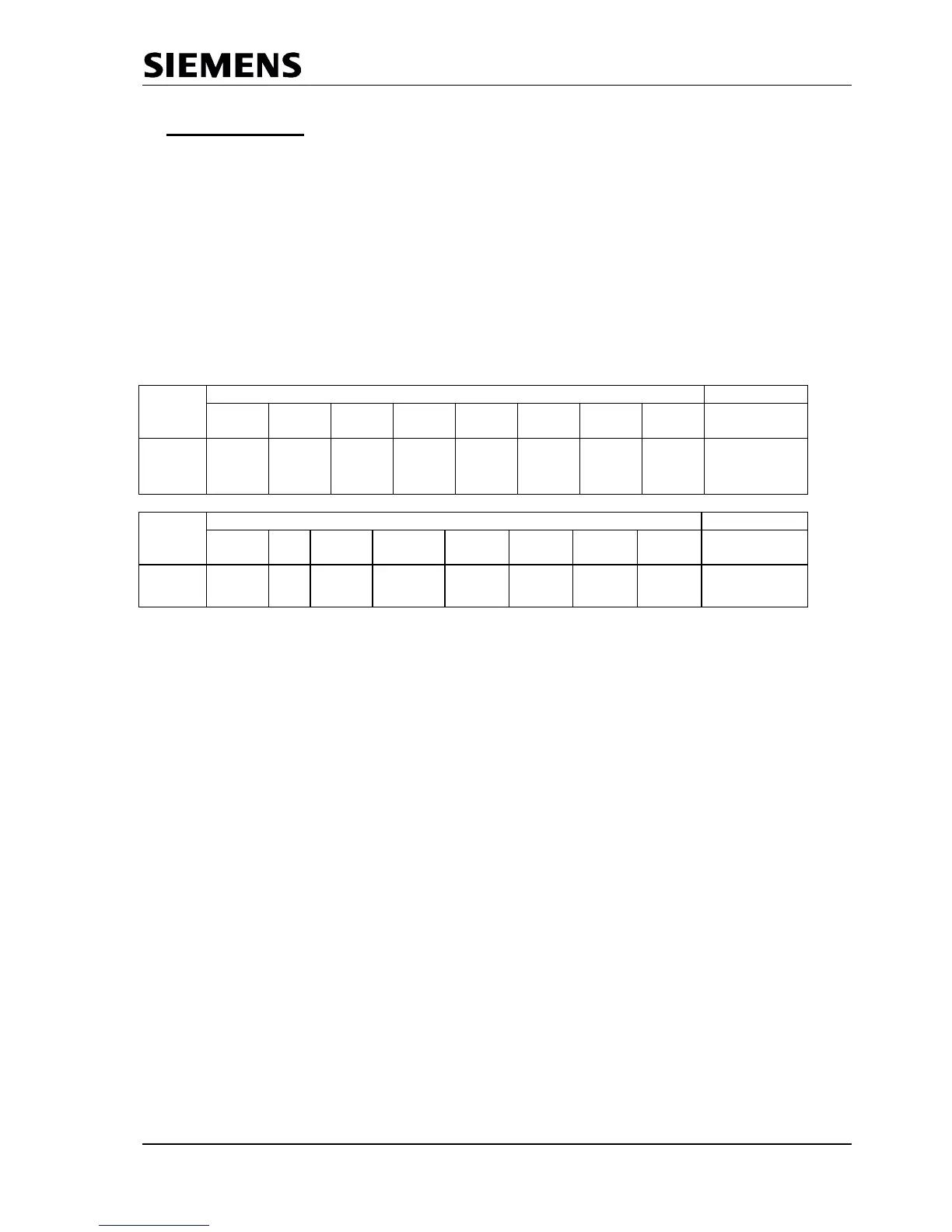
Address Bit Position Designation
Control
Register
15 14 13 12 11 10 9 8
07H
(Intel)
Spec_Cle
ar_Mode
*)
Spec_Prm_
Puf_Mode
**)
WD
Test
User
Time
base
EOI
Time
base
DP
Mode
Mode-Reg0
13 .. 8
*) When Spec_Clear_Mode (Fail Safe Mode ) = 1 the SPC3 will accept data telegramm with a data unit=0 in
the state Data Exchange. The reaction to the outputs can be parameterized f.e. in the parameterization
telegram ( only available from version Step C).
**) When using a big number of parameters to be transmitted from the PROFIBUS-Master to the slave the
Auxiliary buffer ½ has to have the same size like the Parameterization buffer. Sometimes this could reach
the limit of the available memory space in the SPC3. When Spec_Prm_Puf_Mode = 1 the parameterization
data are processed directly in this special buffer and the Auxiliary buffers can be held compact.



 To Next Page