SDS1000X-E&SDS1000X-U User Manual
84
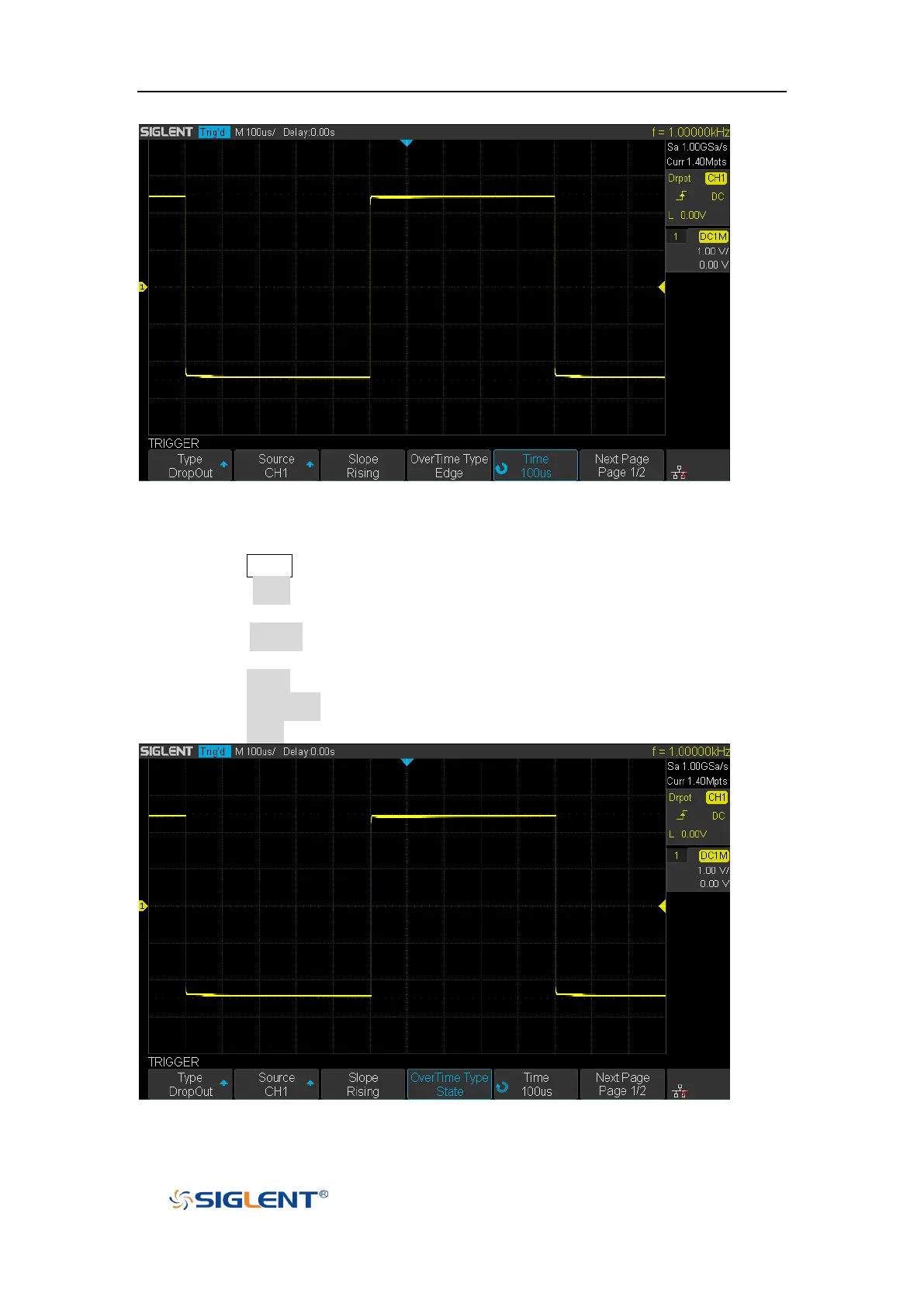
Figure 37 Edge Dropout Trigger
To set state Dropout trigger:
1. Press the Setup button to enter the TRIGGER system function menu.
2. Press the Type softkey; then turn the Universal Knob to select Dropout and
push down the knob to confirm.
3. Press the Source softkey; turn the Universal Knob to select CH1 or CH2 as the
trigger source.
4. Press the Slope softkey to select rising or falling edge.
5. Press the OverTime Type softkey to select State.
6. Press the Time softkey; turn the Universal Knob to select the desired value.
Figure 38 State Dropout Trigger










 To Next Page