SDS1000X-E&SDS1000X-U User Manual
214
Search
SDS1000X-E (4-channel)and SDS1000X-U provide search function. This function
can search for the events that users specify in the acquired data, the results are
displayed with white triangle symbol. In the YT mode or the Roll mode with the
acquisition in stop, the maximum search events number is 700.In the Roll mode
with acquisition in run, the maximum search events number is unlimited. The
waveform can be zoomed when search function is enabled.
Setting
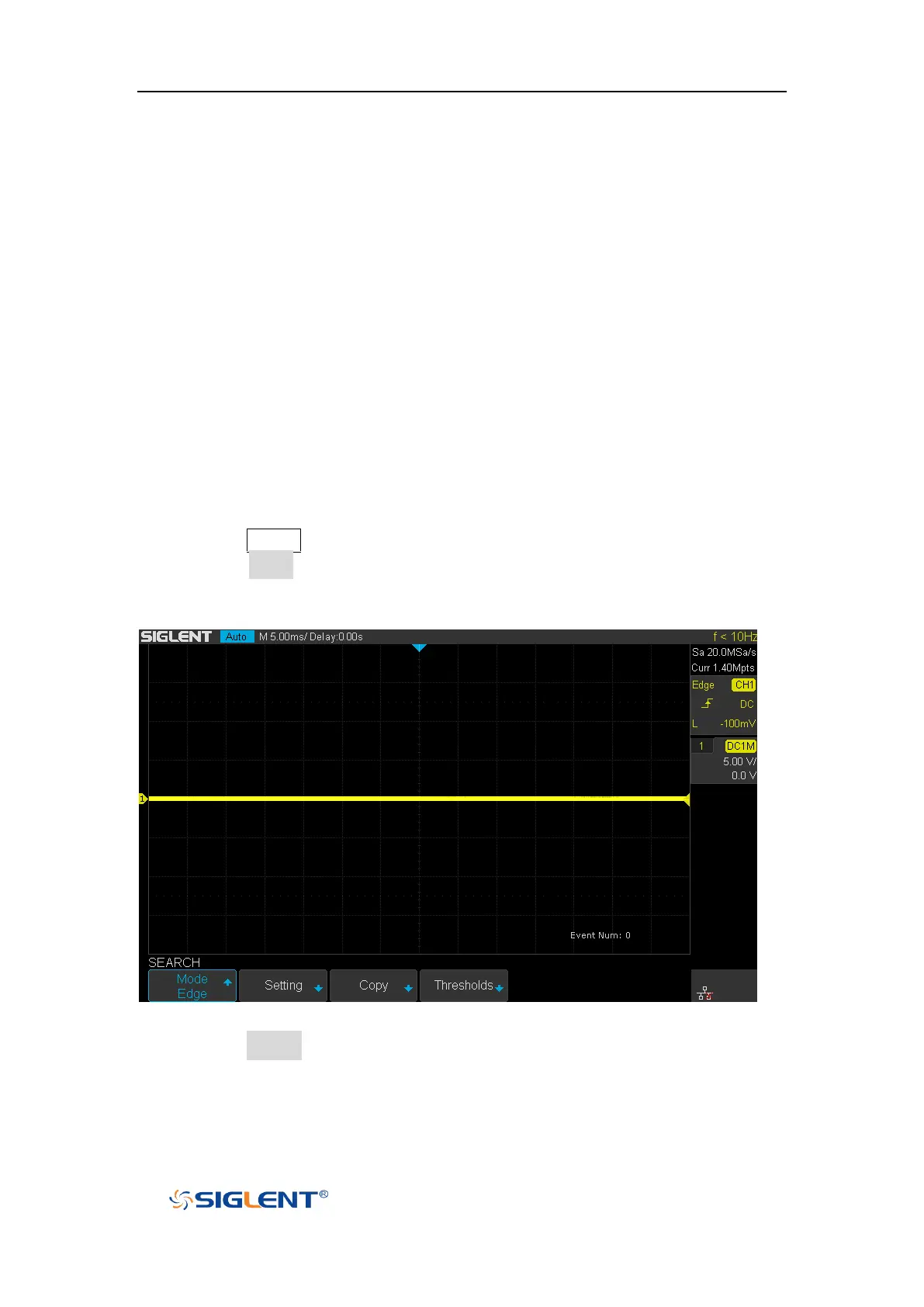
1. Press the Search button on the front panel to enter the SEARCH function menu.
2. Press the Mode softkey and then use the Universal Knob to select the desired
search type. SDS1000X-E and SDS1000X-U provide five search types: Edge,
Slope, Pulse, Interval, Runt.
Figure 146 Search Menu
3. Press the Setting softkey to enter the SETTING function menu. The setting menu
is different according to every search type. The details show as the following
table.










 To Next Page