SDS1000X-E&SDS1000X-U User Manual
177
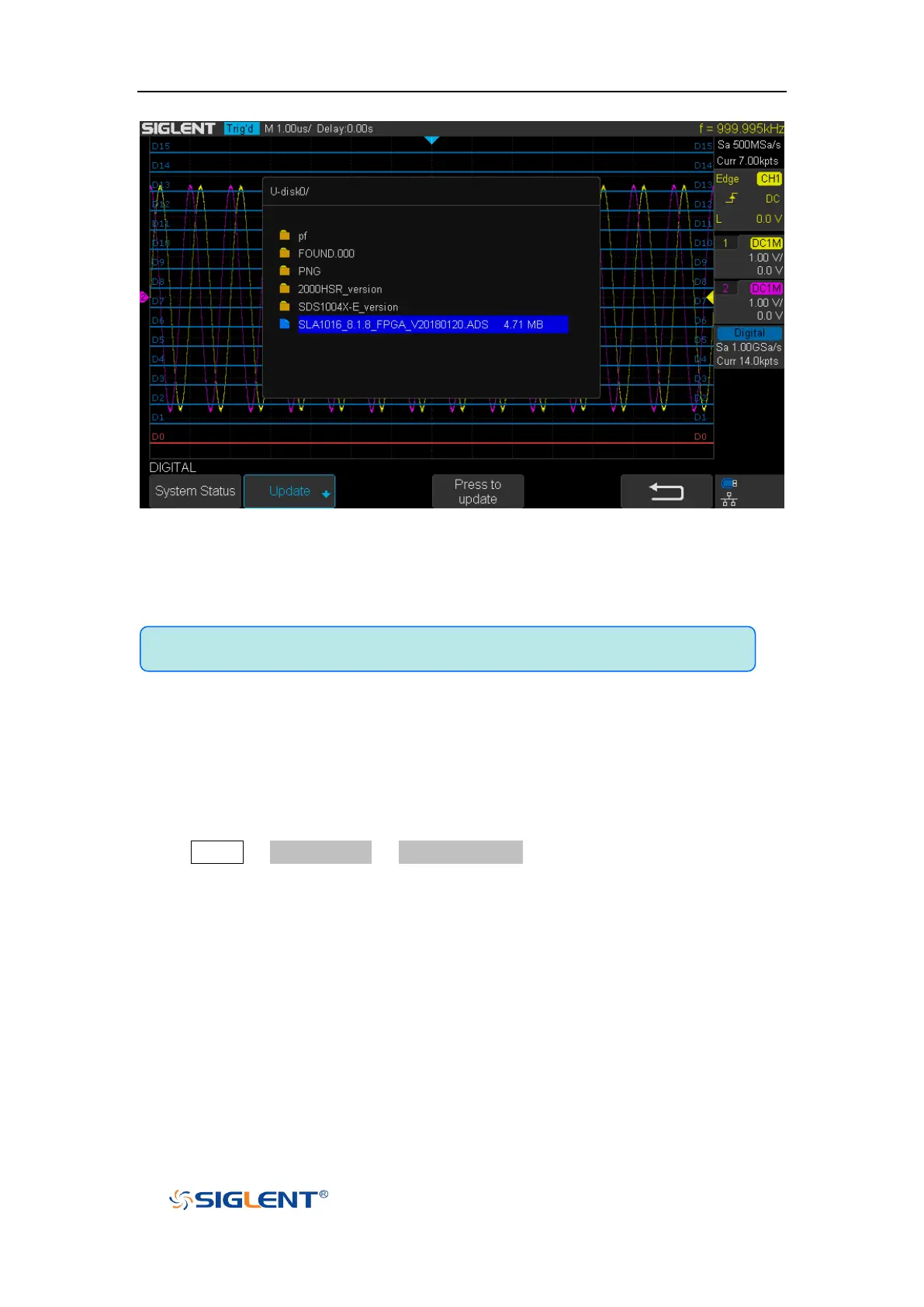
Figure 109 Digital Update Interface
4. After the updating is finished, the Digital device will automatically
disconnected and display a message “Update completed, please reconnect
Digital device!”
Remove Device
Press Digital→ NextPage2/2 →Remove Device and the oscilloscope interface
display "Digital device removed!", the device can be pulled.
Note:Don't cut off the power during the Digital device is being updated!










 To Next Page