SDS1000X-E&SDS1000X-U User Manual
15
Front Panel Function Overview
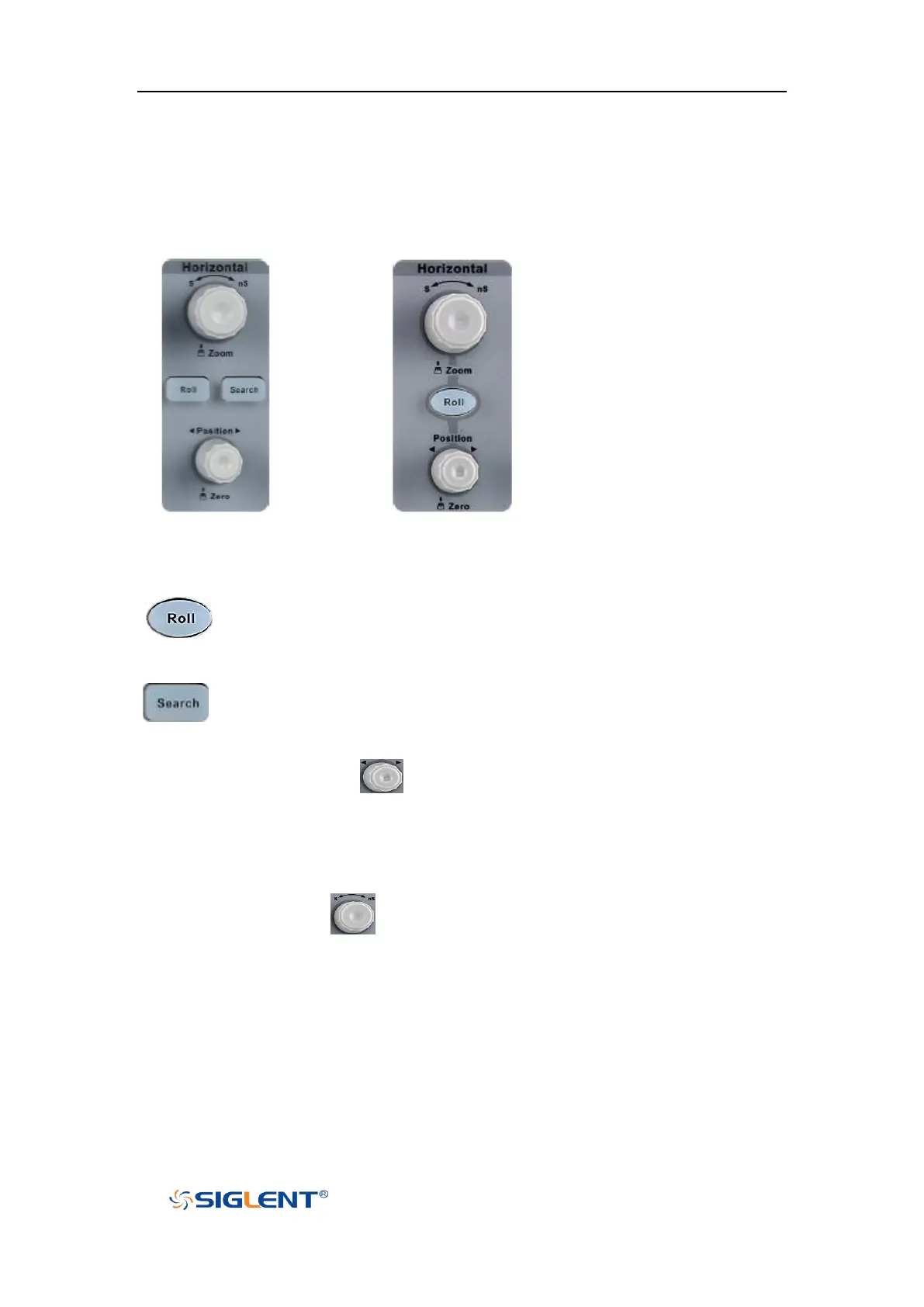
Horizontal
4-channel scope 2-channel scope
: Quickly enter the roll mode. The timebase range is from 50mS/div to
100S/div.
: Enable or disable search function. This function can search for the
events that users specify in the acquired data, the results are displayed
with white triangle symbol.
Horizontal Position Knob : adjust horizontal position. The trigger point
would move left or right relative to the center of the screen when you turn the knob.
During the modification, waveforms of all the channels would move left or right
and the trigger position message at the upper-right corner of the screen would
change accordingly. Press down this knob to quickly reset the trigger delay to Zero.
Horizontal Scale Knob : adjust the horizontal time base. Turn clockwise to
reduce the time base and turn counterclockwise to increase the time base. During
the modification, waveforms of all the channels will be displayed in expanded or
compressed mode and the time base message at the upper-left side of the screen
would change accordingly. Press down this knob to quickly turn on Zoom function.










 To Next Page