SDS1000X-E&SDS1000X-U User Manual
171
Acquire Digital Waveform
Press the Digital button on the front panel to open the digital channels and start
acquiring digital channel waveforms.
For digital channels, each time the oscilloscope takes a sample it compares the
input voltage to the logic threshold. If the voltage is above the threshold, the
oscilloscope stores a 1 in the sample memory; otherwise, it stores a 0.
Digital Channels Height
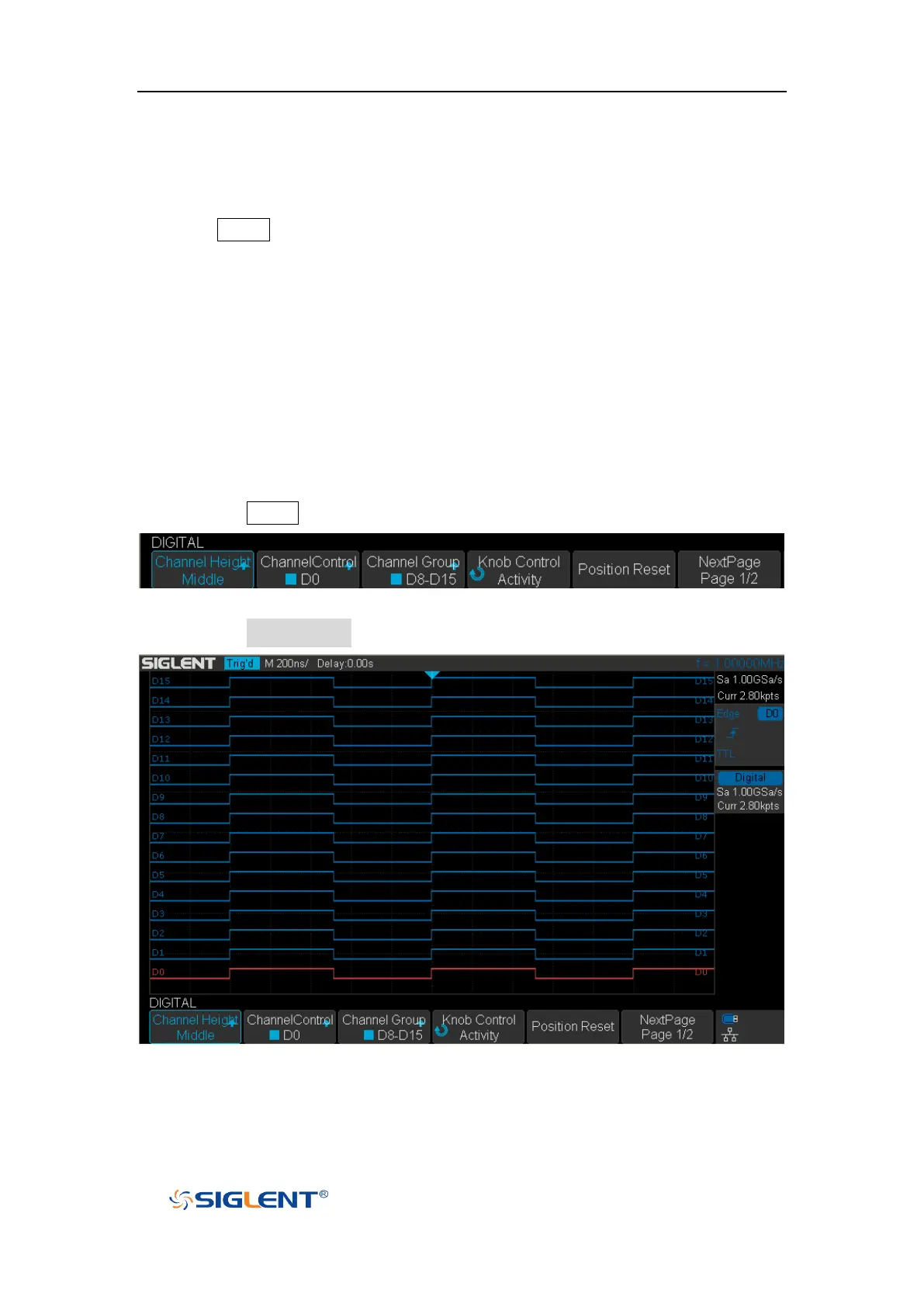
1. Press the Digital button on the front panel to open the DIGITAL function menu.
Figure 102 Digital Function Menu
2. Press the Channel High softkey to select Low, Middle, High display type.
Figure 103 Middle Display Type










 To Next Page