SDS1000X-E&SDS1000X-U User Manual
63
Trigger Level
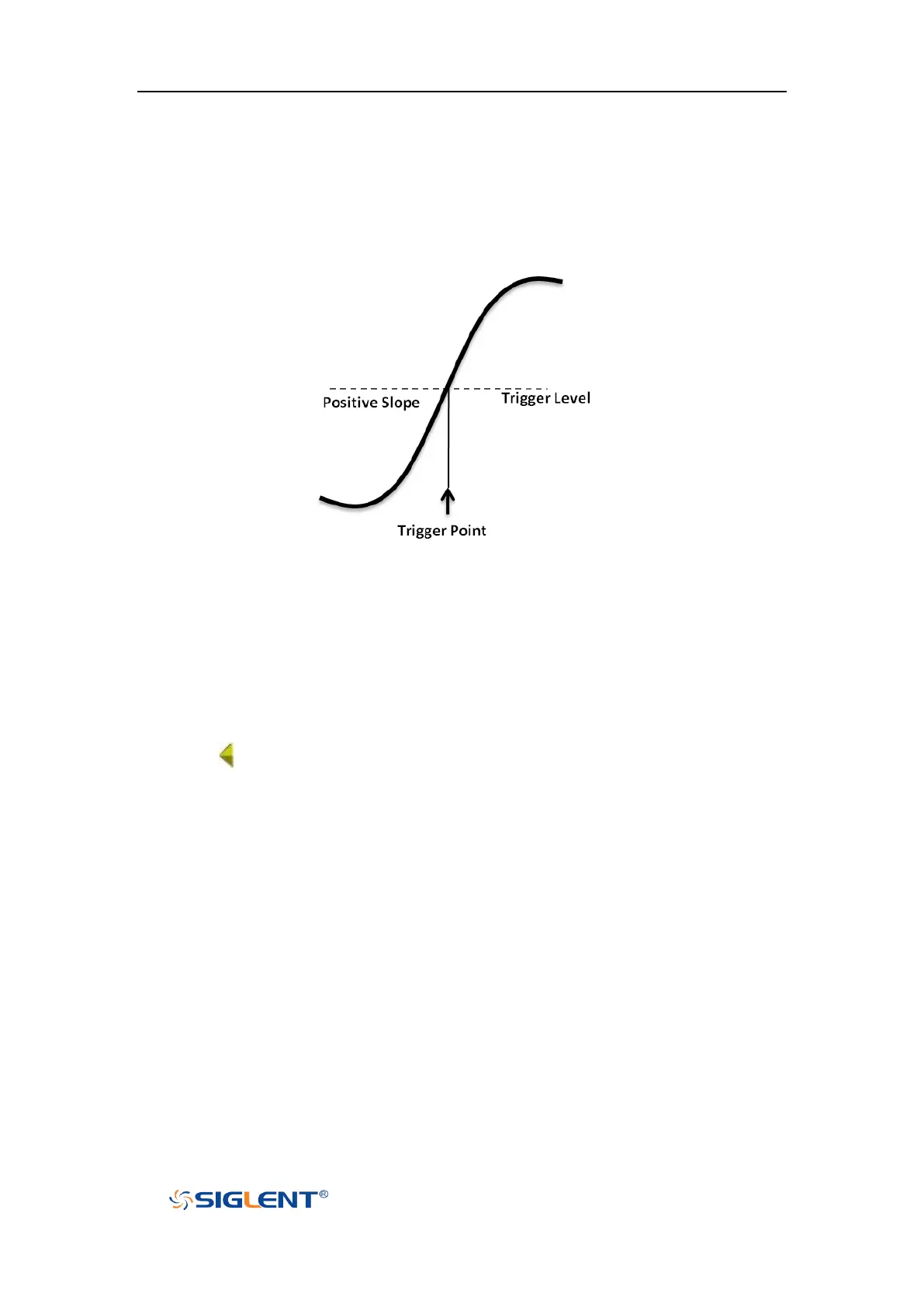
Trigger level and slope define the trigger point,
You can adjust the trigger level for a selected analog channel by turning the
Trigger Level Knob.
You can push the Trigger Level Knob to set the level to the waveform's 50% value
immediately. If AC coupling is used, pushing the Trigger Level knob sets the trigger
level to about 0 V.
The position of the trigger level for the analog channel is indicated by the trigger
level icon (if the analog channel is on) at the left side of the display. The value of
the analog channel trigger level is displayed in the upper- right corner of the
display.










 To Next Page