SDS1000X-E&SDS1000X-U User Manual
205
Bode Plot II
The bode plot application for the SDS1000X-E (4-channel) control an external
arbitrary waveform generator(only Siglent’s arbitrary waveform generator can be
supported) to sweep a sine wave across a range of frequencies while measuring
the input to and output from a device under test (DUT). At each frequency point,
gain and phase are measured and displayed on the Bode plot.
Perform Bode Plot
The following steps briefly describe how to perform the Bode Plot:
1. Press the Utility button on the front panel to enter the UTILITY function menu,
and then press the Next Page softkey to enter the second page.
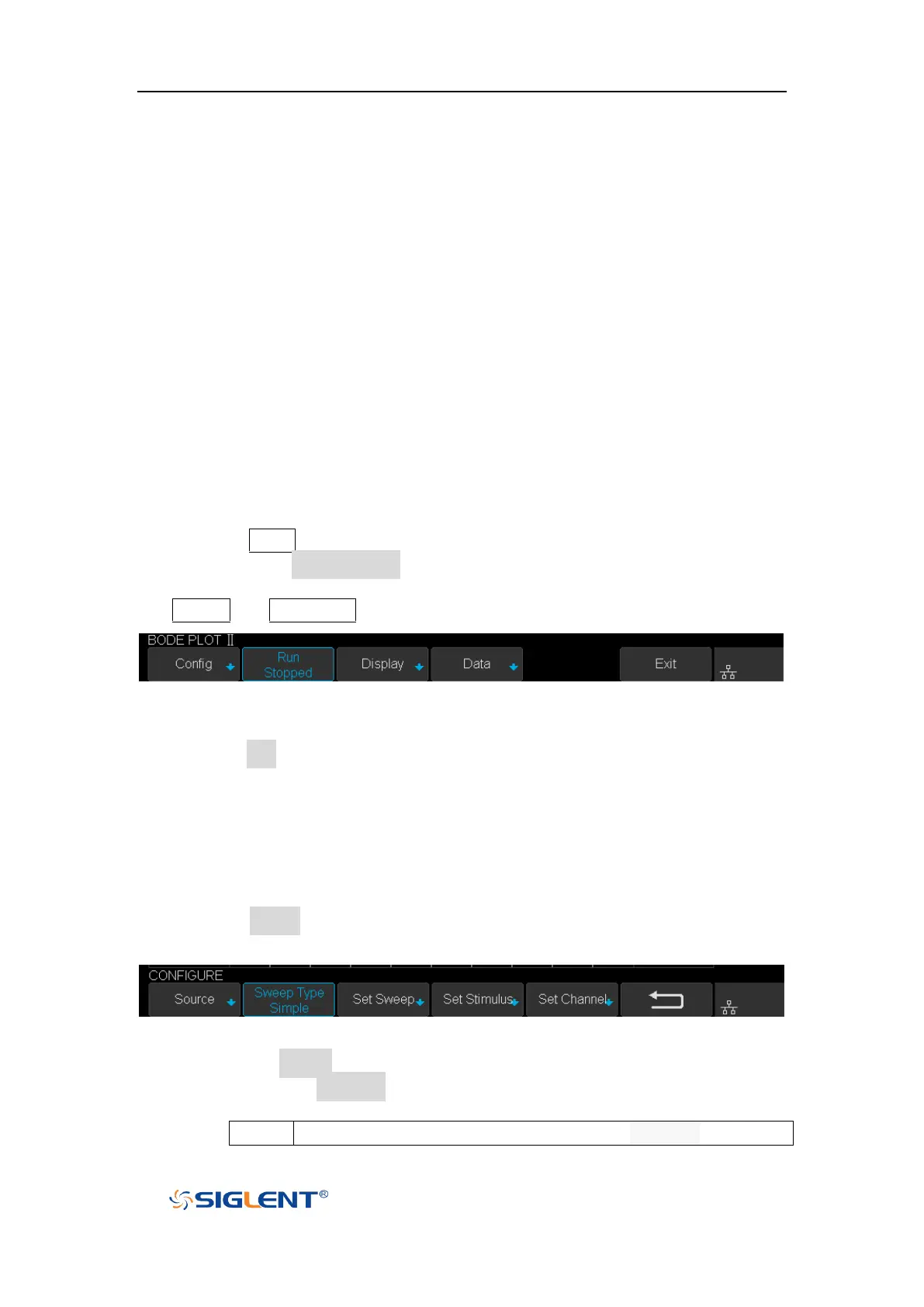
2. Press Bode Plot II softkey to enter the BODE PLOT II menu. At this time, only the
Default and Auto Setup button which on the front panel are available.
Figure 129 BODE PLOT II Menu
3. Configure the parameters (see the section “Setting” for details).
4. Press the Run softkey to perform the test.
Setting
1. Press the Config softkey to enter the CONFIGURE menu. All the parameters in
this menu are used to configure the external AWG.
Figure 130 CONFIGURE Menu
1) Press the Source softkey to enter SOURCE menu.
Press the Interface softkey and turn the Universal Knob to select the
connection mode of AWG.
Connect the oscilloscope USB host to the external AWG’s USB










 To Next Page