SDS1000X-E&SDS1000X-U User Manual
89
5. Press the Logic softkey and then turn the Universal Knob to select the desired
logic combination AND, OR, NAND or NOR.
6. Press the Time softkey; then turn the Universal Knob to select the desired time
value.
7. Press the Holdoff Close softkey to turn on the Holdoff function; then turn the
Universal Knob to select the desired value.
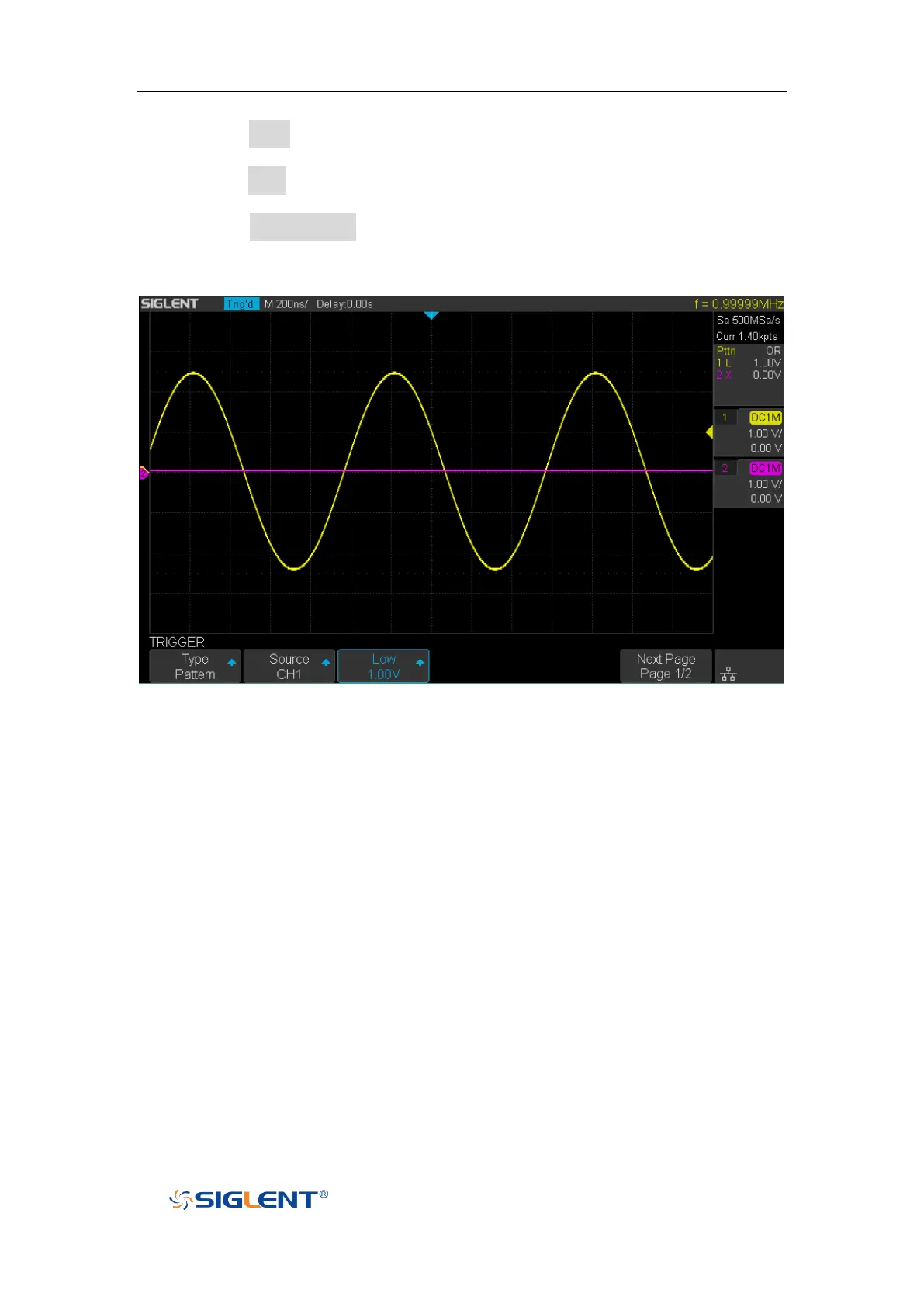
Figure 40 Pattern Trigger
Holdoff can be set in pattern trigger, see the sections "Trigger Holdoff" for details.










 To Next Page