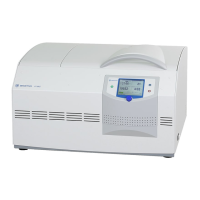
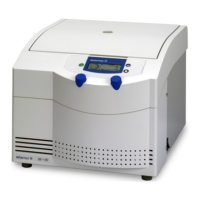
Laboratory Centrifuge Sigma 6-16S
Version 07/2012, Rev. 1.22 of 08/05/2020 • sb
Translation of the original operating manual, part no. 0702002
→
6.3 Control system "Spincontrol S"
→
6.3.1 User interface
The centrifuge is operated via three buttons with integrated light-emitting
diodes and one function knob. The display is divided into several different
fields. The various functions of the system can be called up by pressing
and turning the function knob.
1 Start key
2 Display
3 Function knob
4 Stop key
5 Lid key
Fig. 12: User interface of the Spincontrol S control system
Display
The centrifuge display has the following fields:
1 Menu bar
2 Speed field
3 RCF field
4 Rotor field
5 Program field
6 Status bar
7 Runtime field
8 Acceleration curve
9 Deceleration curve
Fig. 13: Display of the Spincontrol S control system



 To Next Page