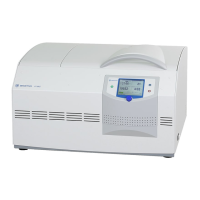
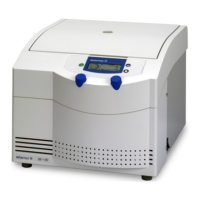
Laboratory Centrifuge Sigma 6-16S
Version 07/2012, Rev. 1.22 of 08/05/2020 • sb
Translation of the original operating manual, part no. 0702002
→
6.3.2 Manual mode
→
6.3.2.1 Starting a centrifugation run
The centrifuge is ready for operation when the start key is illuminated.
• Press the start key in order to start a centrifugation run.
→
6.3.2.2 Interrupting a centrifugation run
• Press the stop key in order to interrupt a centrifugation run. The
centrifugation run will be terminated prematurely.
Quick stop
• Press the stop key for more than three seconds.
The centrifuge decelerates with the maximum deceleration curve.
After a quick stop, the centrifuge lid must be opened before a new
centrifugation run can be started.
A quick stop can also be triggered during a normal deceleration, e.g. in
order to speed up the deceleration.
When a quick stop is triggered, “Quick stop” will be displayed in the speed
field.
A quick stop can be performed even if the centrifuge is blocked against
unauthorised use.
→
6.3.2.3 Interrupting a deceleration process
• Press the start key during a deceleration process in order to interrupt it
and to restart the centrifuge.
→
6.3.2.4 Selection, display, and modification of data
The "Standard" menu is displayed.
• Turn the function knob in order to select a field. The selected field is
inverted.
• Press the function knob. The display starts to flash and the modification
mode is active.
• Turn the function knob in order to modify the set value of the selected
field.
• Press the function knob again to confirm the entry and to quit the
modification mode.



 To Next Page