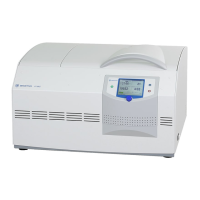
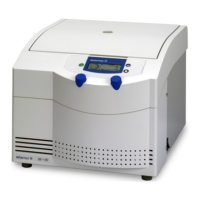
Fig. 27: Loading a program
→
6.3.3.3 Executing a program
• Select the option "Progr" from the "Standard" menu and confirm the
selection by pressing the function knob. The program list will be
displayed.
• Select the desired program from the list and confirm the selection by
pressing the function knob.
• Press the start button.
Or:
• Open the process library , select the desired program, and press the
start button.
The program will be executed and the "Standard" menu will be displayed.
→
6.3.3.4 Deleting a program
• Select the option "Progr" in the "Standard" menu and confirm the
selection. The program list will be displayed.
• Select the program that is to be deleted.
• Select the option "Delete" and confirm it.
The program will be deleted and the "Standard" menu will be displayed.



 To Next Page