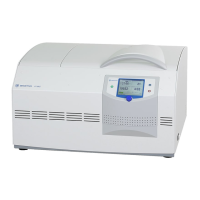
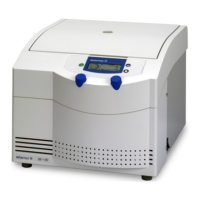
Laboratory Centrifuge Sigma 6-16S
Version 07/2012, Rev. 1.22 of 08/05/2020 • sb
Translation of the original operating manual, part no. 0702002
→
6.3.3.1 Saving a program
• Enter the parameters that are to be included in the program.
• Select the option "Progr" in the "Standard" menu and confirm the
selection. The program list will be displayed.
• Select a storage location from the program list.
• Save the program under the desired name. The letters and characters
can be entered when the cursor flashes in the text field.
– Turn the function knob in order to select a letter and press it to
confirm the selection. Then, the next character can be selected.
– Pressing the arrow button will delete the last character.
• When the program name is complete, select "OK" and confirm it.
The program will be saved and the "Standard" menu will be displayed.
Fig. 26: Assignment of a program name prior to saving the program
→
6.3.3.2 Loading a program
• Select the option "Progr" from the "Standard" menu and confirm the
selection by pressing the function knob. The program list will be
displayed.
• Select the desired program from the list and confirm the selection by
pressing the function knob.
Or:
• Open the process library , select the desired program, and confirm
the selection by pressing the function knob.
The program will be loaded and the "Standard" menu will be displayed.



 To Next Page