44
BASIC OPERATION
SELECTING THE EXPOSURE
MODE
The features and the operation methods of the four different
exposure modes of the camera are explained below.
WARNING !!
x In this section, the instruction is written on the assumption that
[Key arrangement] of [ Shooting Menu] (P.28) is in the initial
setting. If the actual proceeding is different with the instruction
manual, see P.112 for instruction of [KEY ARRANGEMENT].
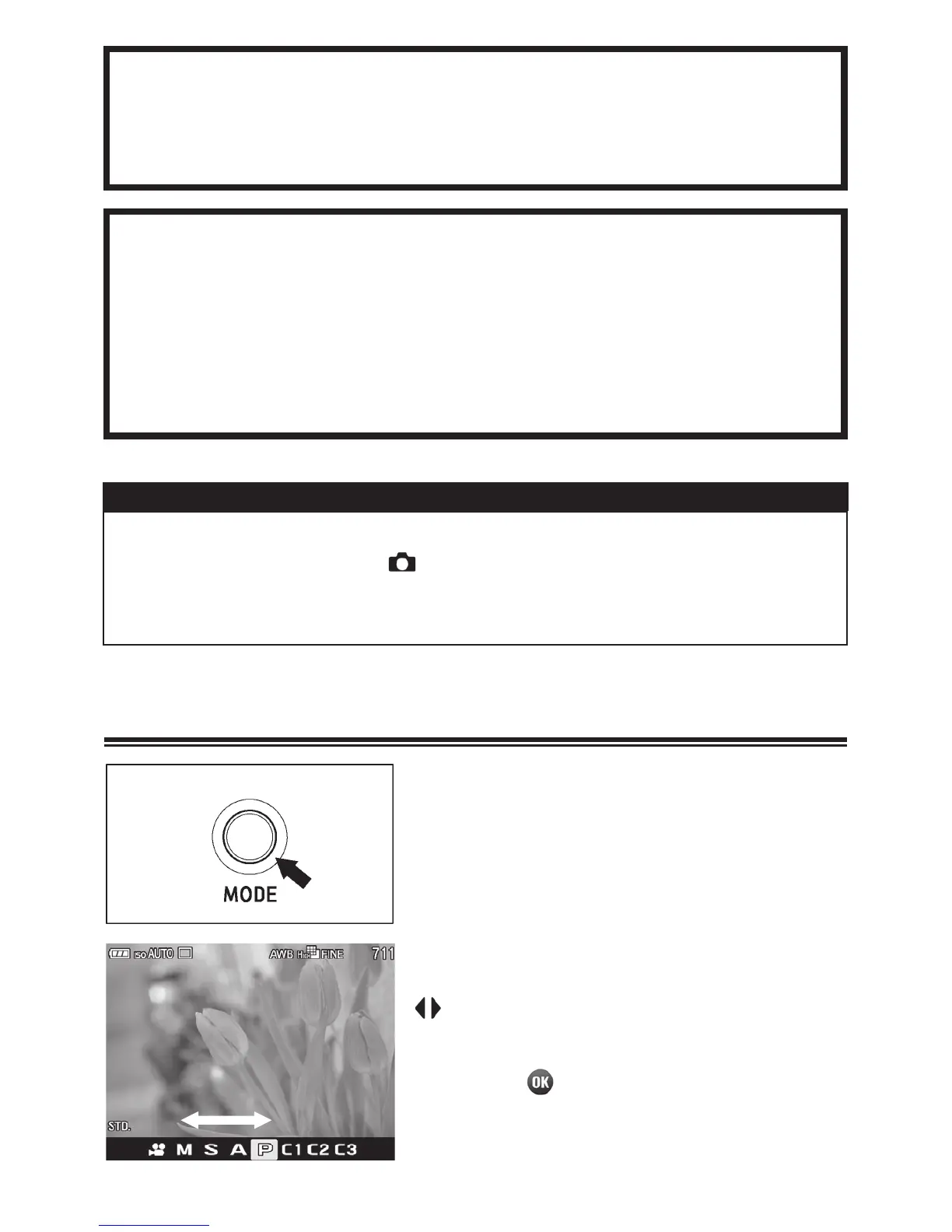
SELECTING THE EXPOSURE MODE
1
Press the Mode button (The mode
selection will be displayed on the bottom
of the LCD monitor.)
2
Select the desired exposure mode by
using the Command Dial or press the
buttons.
3
Press the button to return to shooting
mode.



 To Next Page
 Loading...










