51
FOCUS LOCK
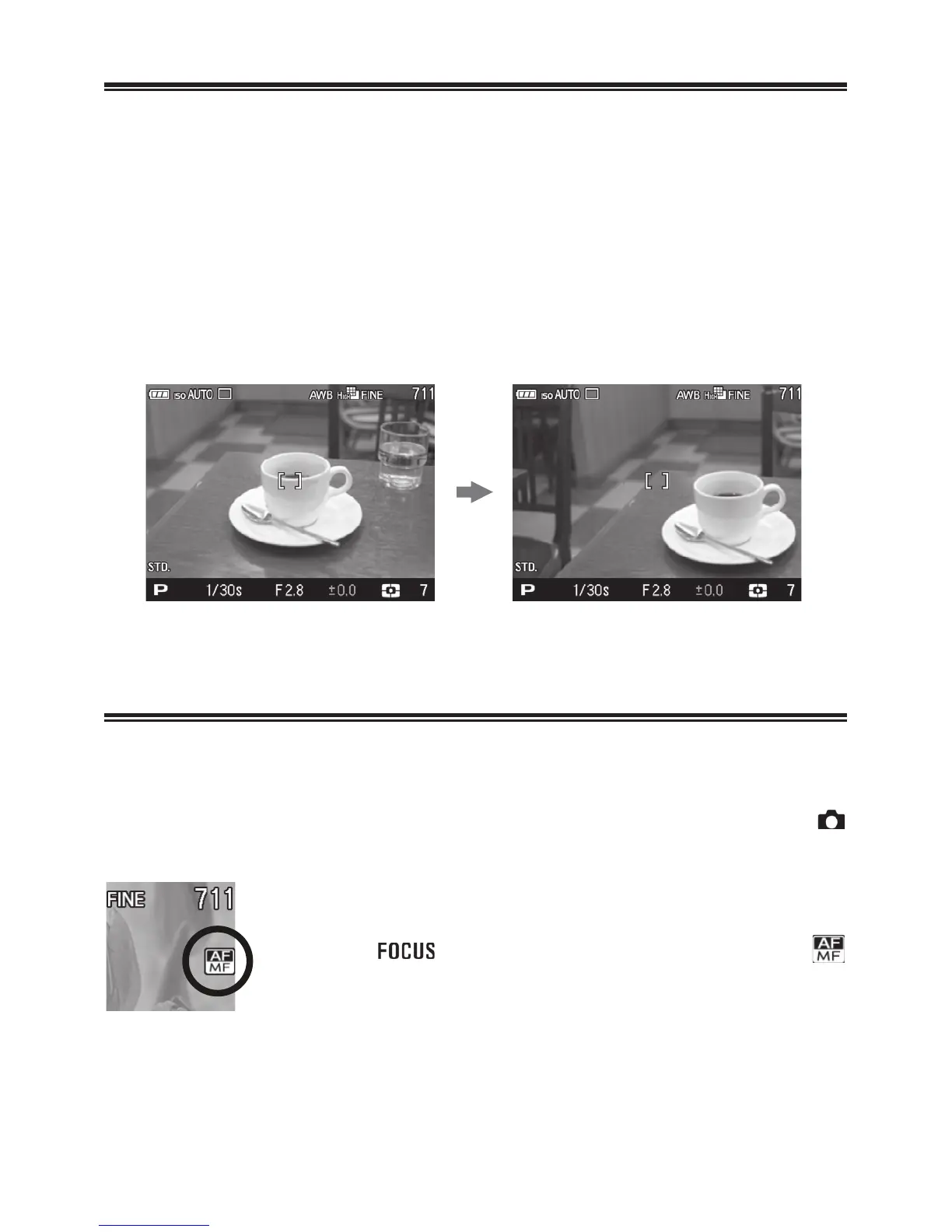
This photographic method is useful if the subject is not positioned
within the selected focusing point.
1
Position the photographic subject into the selected focusing point, and
focus by pressing the shutter button “half-way”.
2
When the subject is in focus, the selected focusing point will be
illuminated in green. Press the shutter button to take the picture.
AF+MF MODE
It is possible to manually adjust the focus after verifying the AF.
1
Normal AF mode can be switched to AF+MF mode by selecting [
Capture Settings] (P.2 8 ) ă [AF+MF] ă [On].
2
Press the button and select AF+MF mode (
icon).
3
Press the shutter button halfway to verify focus.



 To Next Page
 Loading...










