98
TIP
x Select [Unmark All] from the Mark Menu to unmark all marked
images on the card.
x [Mark All] and [Unmark All] can be applied when the images are
not displayed.
WARNING !!
x When [Mark All] or [Unmark All] is done, it may take much time to
finish them depending on the number of files in the card.
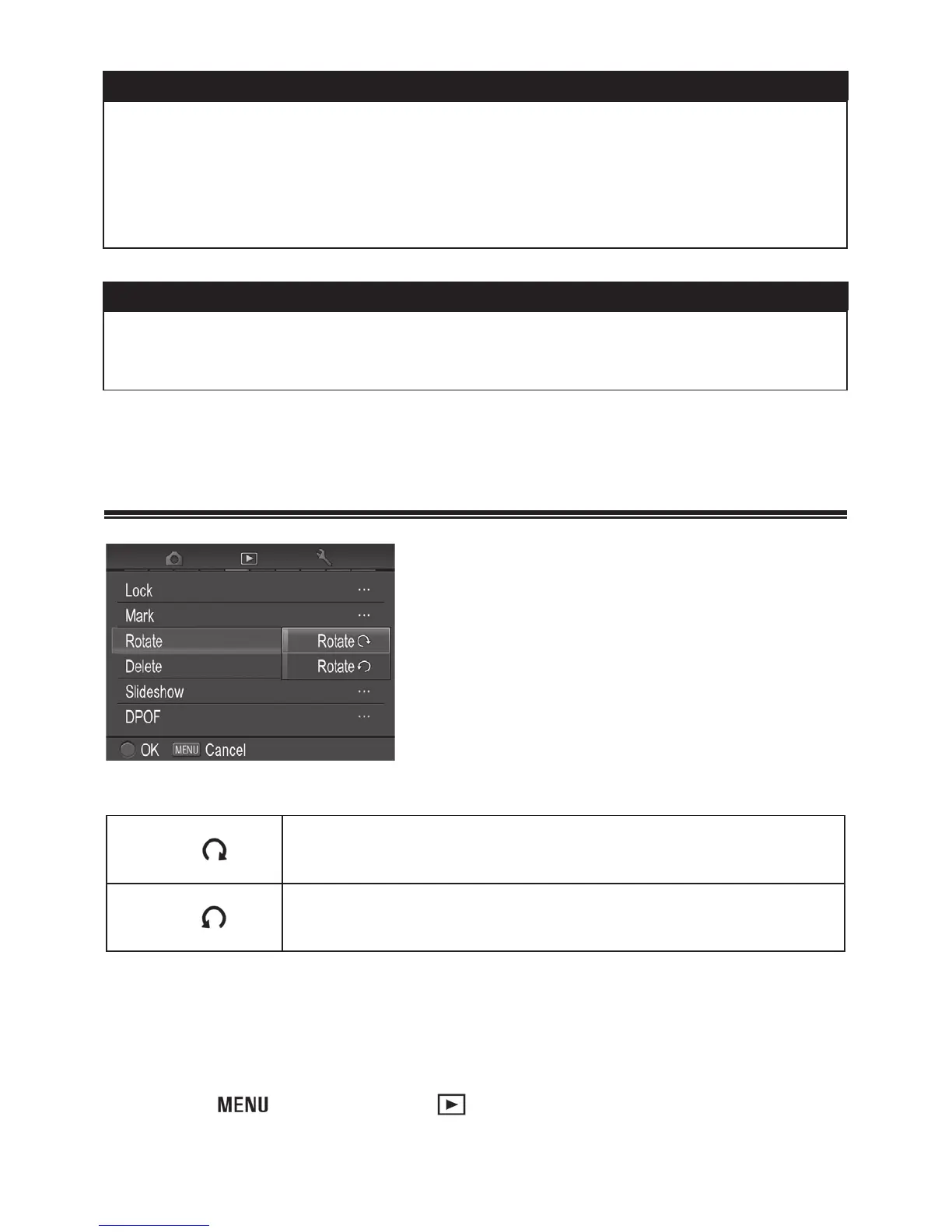
ROTATING IMAGES
It is possible to rotate the displayed
image.
ROTATE MENU
Rotate
Rotate the currently selected image 90 degrees to
the right (clockwise).
Rotate
Rotate the currently selected image 90 degrees to
the left (counterclockwise).
1
Display the image that you wish to rotate.
2
Press the button to open [ Playback Menu] (P. 2 8 ), and select
[Rotate].



 To Next Page
 Loading...










