76
CUSTOM MODE
It is possible to customize the Custom Mode Setting. (Up to three
patterns can be stored.)
The following settings are available.
z All items in [ Capture Settings] (Blue Tab) (P.2 8 )
z Exposure mode (
M
,
S
,
A
,
P
) (P. 4 4 )
z Setting the focus frame (P. 50 )
z Exposure compensation (P. 7 1 )
WARNING !!
x It is not possible to store the Movie mode.
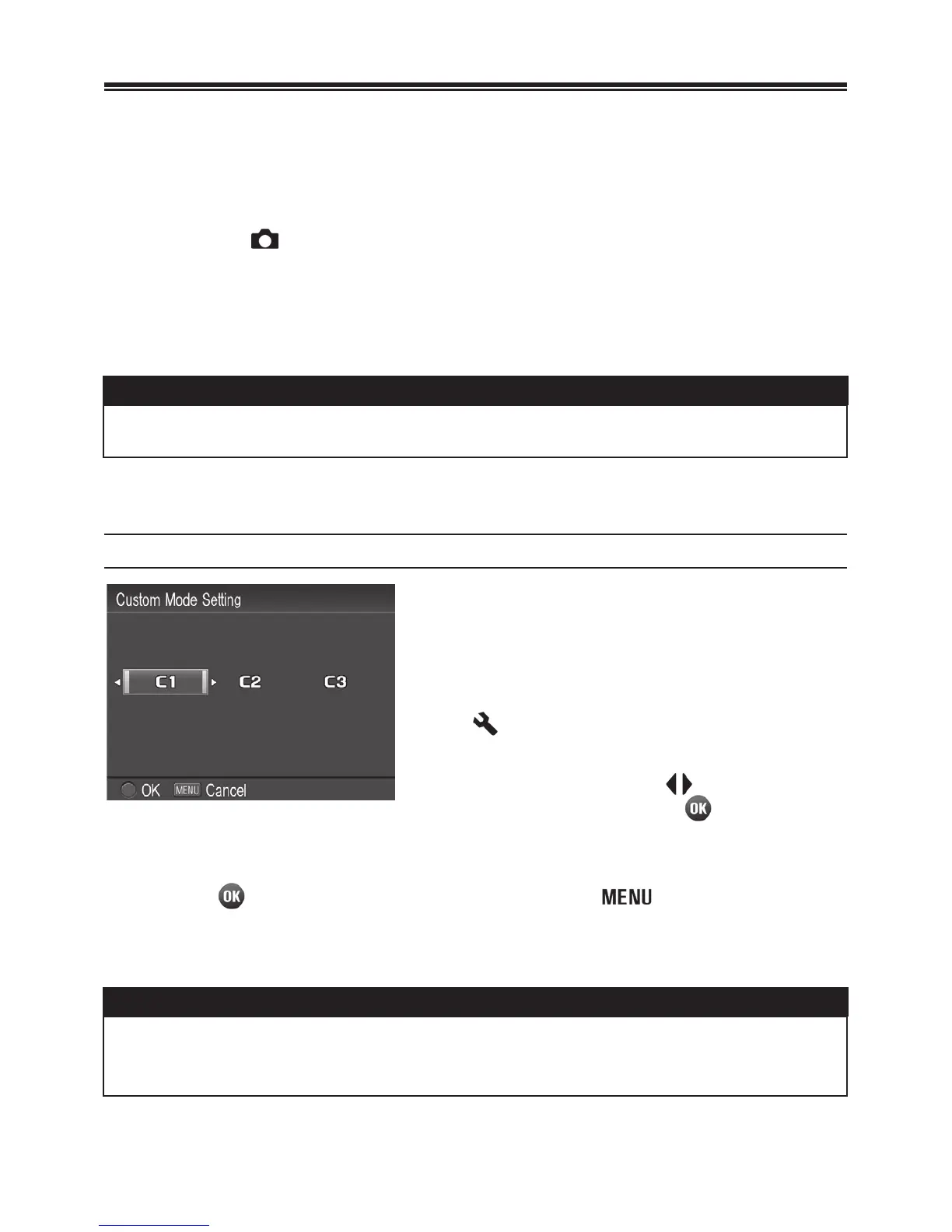
SAVE THE CUSTOM MODE SETTING
1
Set the above settings to your desired
combination.
2
In
[
Camera
Settings]
(P. 2 8 )
ă
[Custom Mode Setting], select from
C1
,
C2
or
C3
by using buttons. After
selecting, press the
button. A
confirmation dialog will appear.
3
Press the button to apply the setting or the button to return to
the set-up menu without making any changes.
WARNING !!
x When the new setting is saved, the previous stored setting will be
overwritten.



 To Next Page
 Loading...










