57
SELF TIMER
When you want to include yourself in the picture or avoid camera
shake, please use the self-timer.
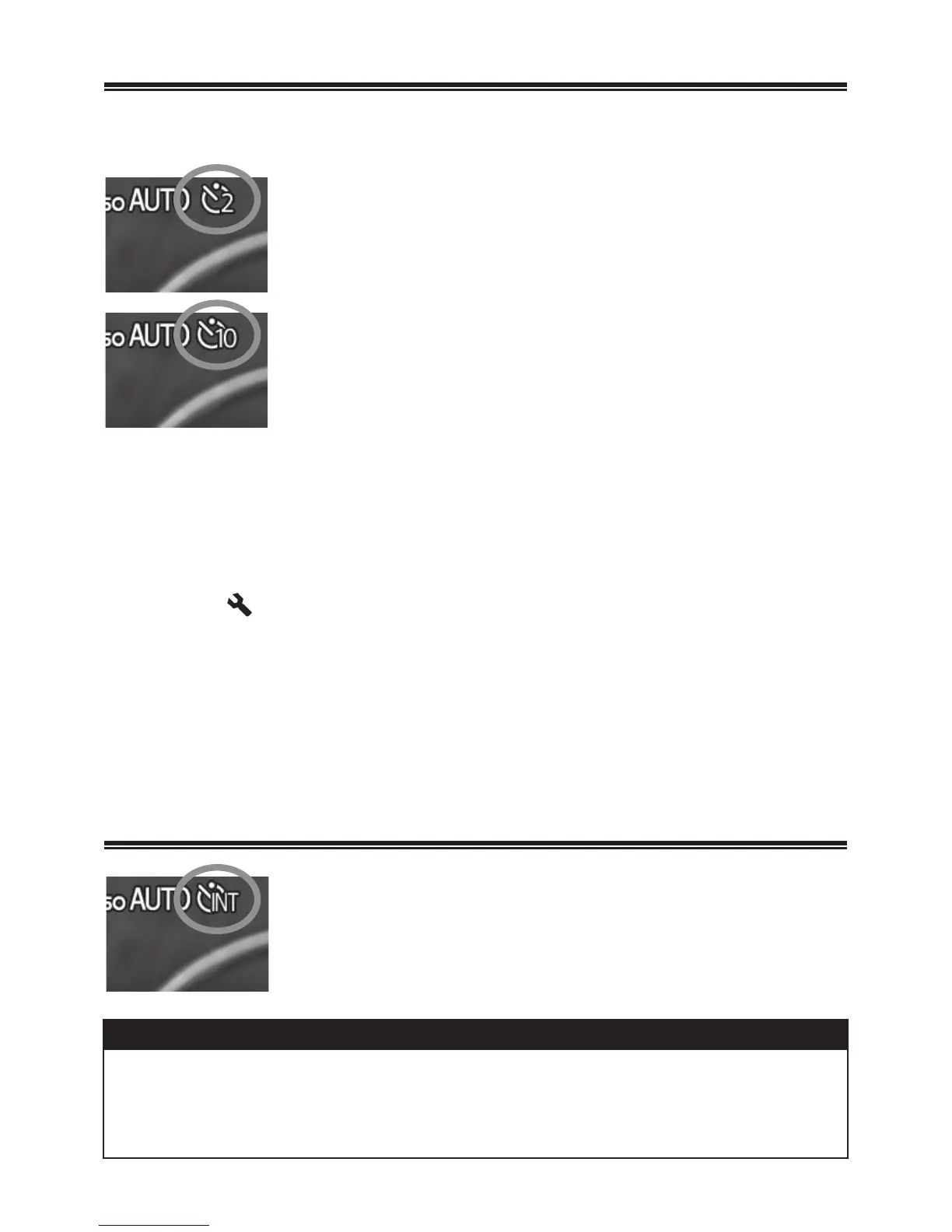
[Self Timer 2 sec]
The shutter will be released 2 seconds after the
shutter button is fully depressed.
[Self Timer 10 sec]
The shutter will be released 10 seconds after the
shutter button is fully depressed.
After composing the picture, press the shutter button “half-way” and
adjust the focusing. Then, press the shutter button the rest of the way
and the self–timer will activate. During the self-timer operation you will
hear an electronic beeping sound. The beeping sound will be much faster
during the last two seconds, before the shutter is released.
ŠWhen [ Camera Settings] (P. 2 8)
ă
[Sound Settings]
ă
[Operation Sound] menu is set to [Off], the electronic sound will not
beep even if the self-timer is operated.
ŠIf you want to cancel the self-timer operation, please turn off the
camera.
INTERVAL TIMER
[Interval timer]
It is possible to take pictures automatically at
selected intervals.
WARNING !!
x The interval timer shooting will be terminated automatically if the
battery is empty. We recommend using the AC adapter “SAC-5”
(sold separetely).



 To Next Page
 Loading...










