91
DELETING FILES
This section describes how to delete the files recorded on a
card.
WARNING !!
x In this chapter, "file" refers to still image and movie.
DELETE
A
FILE
WITH
THE
DELETE
BUTTON
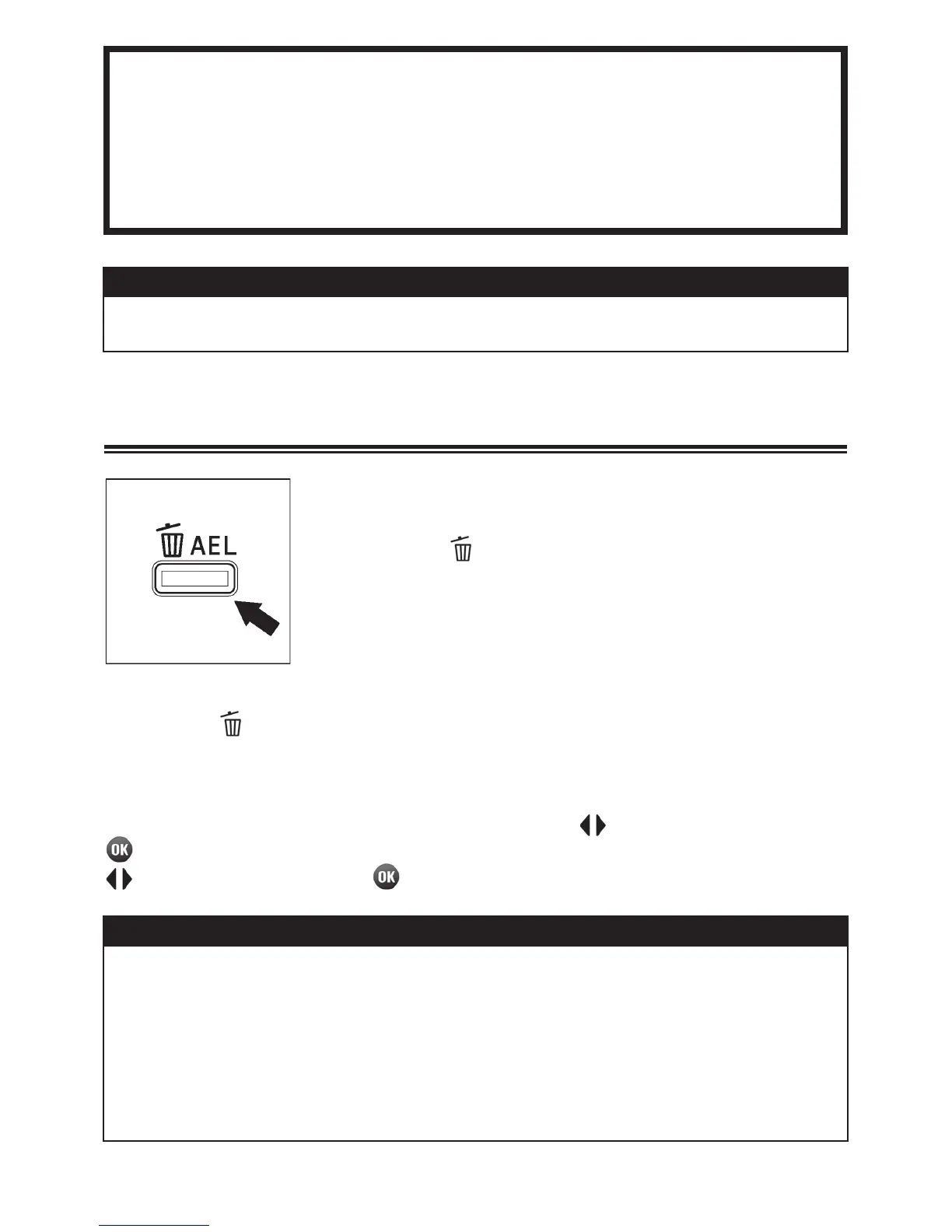
A single file that is displaying can be deleted by
pressing the
button.
1
Select the file that you wish to delete.
2
Press the and a confirmation dialog [Delete current file?] will be
displayed.
3
To delete the file, select [Yes] by using the buttons and press the
button. If you don’t delete the file, select [No] by using the
buttons and press the
button.
WARNING !!
x If the file is locked, a confirmation dialog [This file is locked.] will come
up and protect from deletion. If you wish to delete the file, it is
necessary to unlock it first. (See P.93-95 for information on locking and
unlocking files.)
x Images stored as RAW+JPG, both the RAW and JPEG files will be
deleted.



 To Next Page
 Loading...










