63
The ISO Sensitivity can be set in Quick Set Menu (P. 3 5 ) or [
Capture
Settings] (P. 2 8 ) ă [ISO Sensitivity].
ISO Auto (ISO AUTO) (Default) ISO 800
ISO 100 ISO 1600
ISO 200 ISO 3200
ISO 400 ISO 6400
CAUTION !!
x When Exposure Mode is set to
M
mode, it is not possible to select
[ISO Auto]. When AUTO is selected in
S
,
A
,
P
mode and then
change to M mode, ISO200 will be applied.
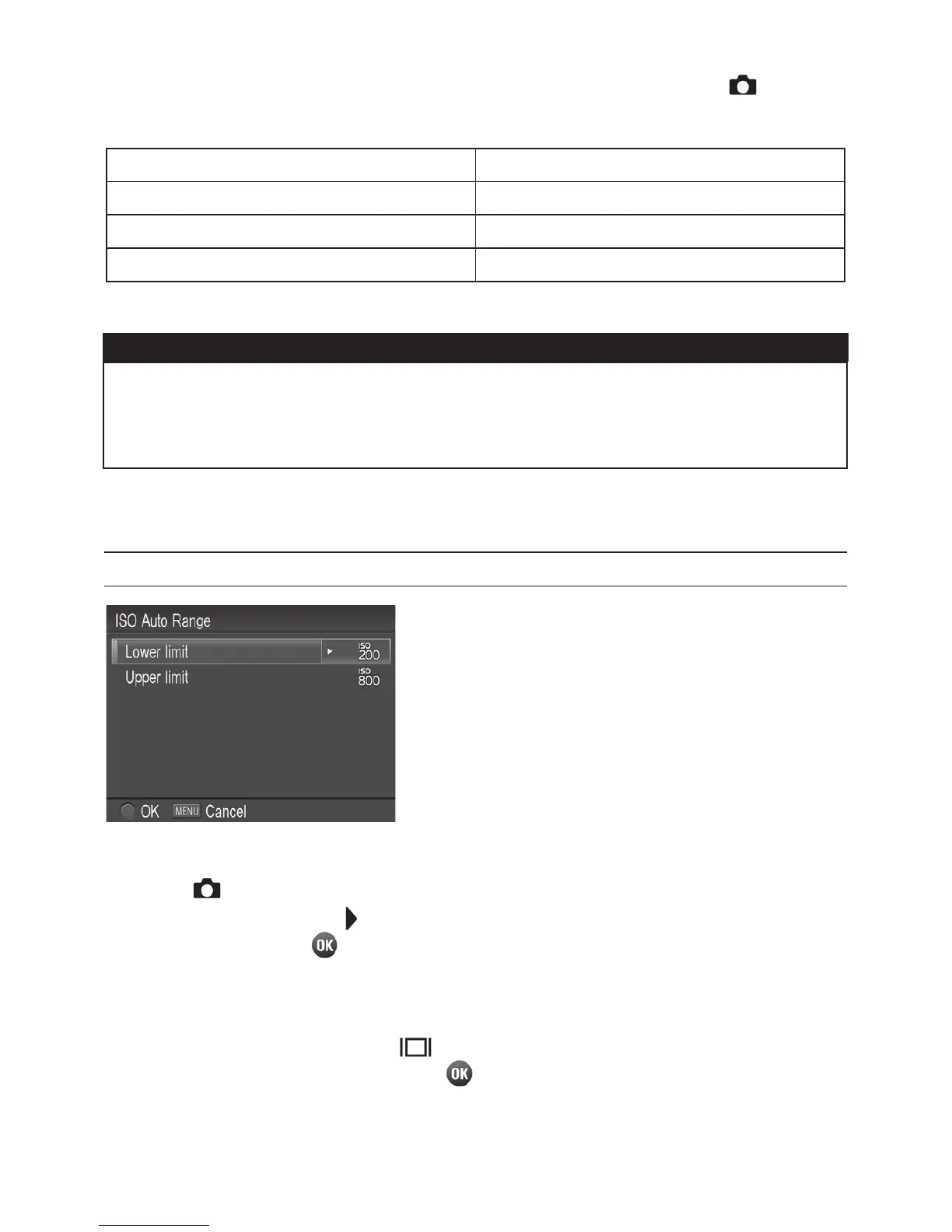
ISO AUTO RANGE
It is possible to set the Lower limit and
Upper limit of the ISO Sensitivity in ISO
Auto mode.
1
Select [ Capture Settings] (P.2 8 ) ă [ISO Sensitivity] ă [ISO
Auto], and press the
button to move the ISO Auto Range setting
screen. (When the
button is pressed after selecting [ISO Auto], the
current setting will be applied).
When the ISO Auto Range is set in the Quick Set menu (P. 3 5 ), select
[ISO AUTO] and press the
button to display the ISO Auto Range
setting screen. (By pressing the
button or the shutter botton halfway
after selecting [ISO AUTO], the current setting will be applied.)



 To Next Page
 Loading...










