96
MARKING IMAGES
Images can be marked for various
reasons, such as to identify favorites, to
select images for a Slideshow, or to
select images to be deleted with the “All
marked” menu item in the Delete Menu
(P. 9 6 - 9 8 ).
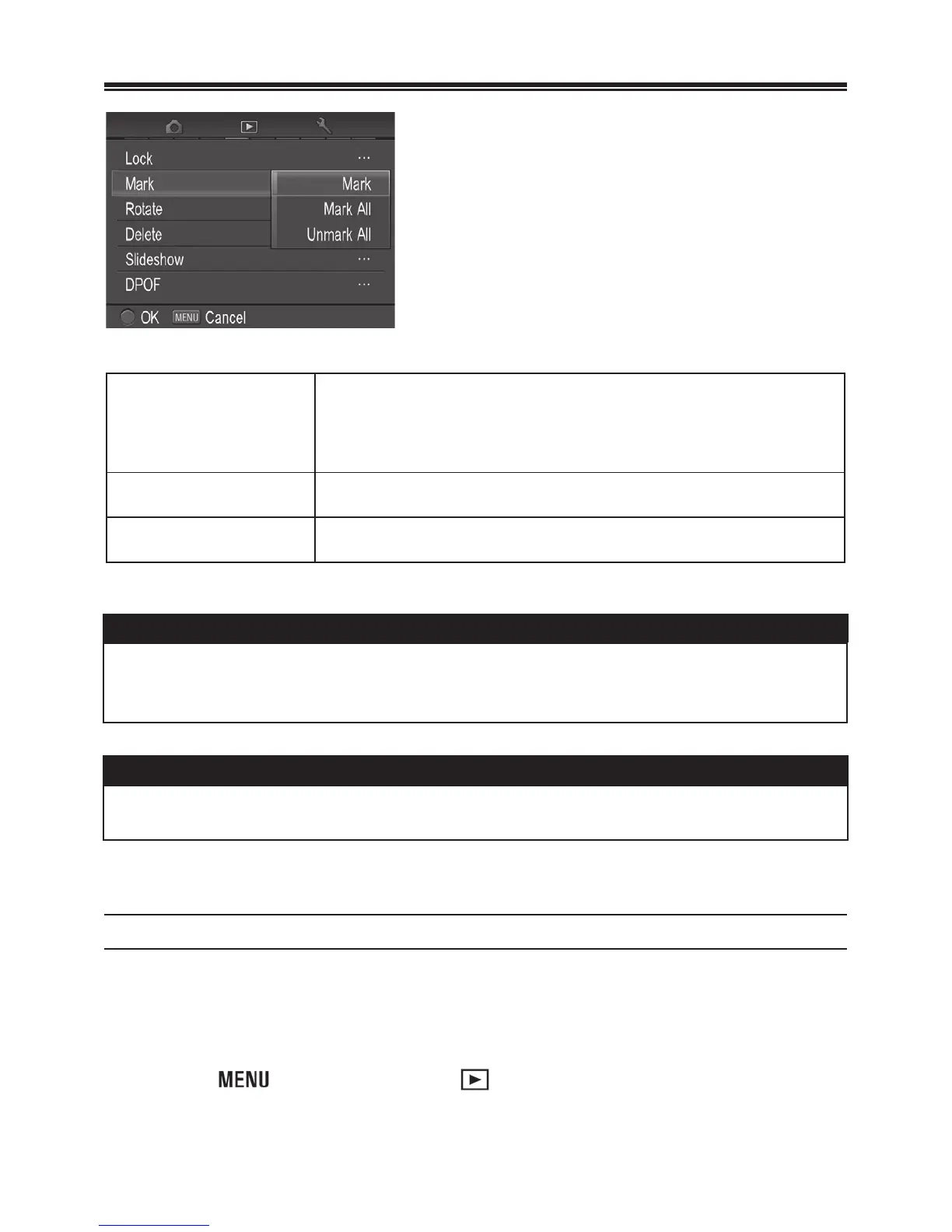
MARK MENU
Mark/Unmark
Mark the currently selected image only. If the
image is already marked, the menu item changes
to “Unmark”.
Mark
ll Mark all images on the card.
Unmark
ll Unmark all marked images on the card.
TIP
x Images marked on the camera will retain their marked status when
viewed in SIGMA Photo Pro.
WARNING !!
x It is not possible to mark movie files.
TO MARK A SINGLE IMAGE
1
Display the image that you wish to mark.
2
Press the button and open [ Playback Menu] (P. 2 8 ) to select
[Mark]. ([Mark] in the sub-menu is already selected.)



 To Next Page
 Loading...










